C9 GROUP
Telco
Internet
Voice
Networks
Managed Telco
Resources
Contact
Support1800 000 299
  1. Home
  2. Telco
  3. Voice
  4. Voip Phone

Everything Your Business Relies On.Managed As One.

Managed IT, communications, security, Remote Workforce support, AI and Digital Signages delivered under one accountable C9 team.

Book ConsultationTalk To C9

CAPABILITIES

  • Managed Services
  • Communications
  • Security
  • Remote Workforce
  • AI & AutomationNew
  • Digital Signages

CORE SOLUTIONS

  • Managed IT
  • Business nbn™
  • Fast Fibre
  • Teams Calling
  • Phone Systems
  • Essential 8
  • AI Voice AgentsNew
  • Digital Signages

INDUSTRIES

  • Retail
  • Healthcare
  • Professional Services
  • Logistics
  • Education
  • Multi-Site Organisations

COMPANY

  • About C9
  • Why C9
  • Partners & Certifications
  • Careers
  • Contact Us

RESOURCES

  • Resource Centre
  • Blog
  • Help Centre
  • Industry Guides

QUICK LINKS

  • Book Consultation
  • Get Assessment
  • Call Sales
  • Partner Enquiries

Headquarters

Level 3, 480 Collins Street
Melbourne VIC 3000

Direct Contact

1800 000 299

Email

Sales@c9group.com.au
© 2026 C9 GROUP. All rights reserved.
Privacy PolicyTerms of UseDirect Debit Service AgreementCookie PolicyTrust CenterSitemap
Managed IT • Communications • Security • Remote Workforce • AI • Digital Signages

We acknowledge the original communicators, connectors, and carers of the land and waters across Australia, the Aboriginal and Torres Strait Islander peoples. We pay our respects to Elders past, present, and emerging.

C9 GROUP · MANAGED VOIP PHONE

The business phone system that does more than ring.

VoIP Phone brings VoIP, Teams Calling, Yealink hardware and managed support together, so your team can answer faster, route smarter and stay connected anywhere.

  • VoIP, Teams Calling and mobile apps in one managed system.
  • Smarter call routing, queues, voicemail and after-hours flow.
  • Number porting, Yealink hardware and support handled by C9.
Get a VoIP Assessment

VoIP Phone · Yealink hardware · Microsoft Teams Calling · Number porting · Call queues · Managed support

OFFICE OR REMOTE USERPHONELAPTOPMOBILETABLETVoIP Phone or3rd Party NetworkVoIP Phone TelephonyIVRHUNT GROUPSVOICEMAILPublic Telephony(PSTN)Call DestinationVoIP Phone NetworkPSTNLive call flowCloud-hosted zoneIP endpoint
Businesses That Trust Us
CEVA Logistics
XWise Group
Forty Winks
Clarks
DCO
Novo
Chobani
Spendless Shoes
Ray White
Wild Rhino
Retail Care
The Entourage
Above Zero
CEVA Logistics
XWise Group
Forty Winks
Clarks
DCO
Novo
Chobani
Spendless Shoes
Ray White
Wild Rhino
Retail Care
The Entourage
Above Zero

Managed by an Australian MSP

C9 owns the assessment, design, migration, support and improvement path after go-live.

Yealink hardware supplied

Desk phones, DECT handsets, conference phones and role-based device planning handled together.

Microsoft Teams integrated

Teams Calling can become the calling interface while C9 manages the voice operating model behind it.

Internet and voice aligned

C9 reviews network readiness, failover, QoS and support ownership before business calls depend on it.

VOIP PHONE CAPABILITY

A compact phone system page, with enough depth to make the buying decision easier.

Like the best modern VoIP pages, this experience keeps the surface simple while giving buyers the practical detail they need: users, devices, Teams, routing, network readiness and support.

Call Anywhere

Business calling that follows the team, not the desk.

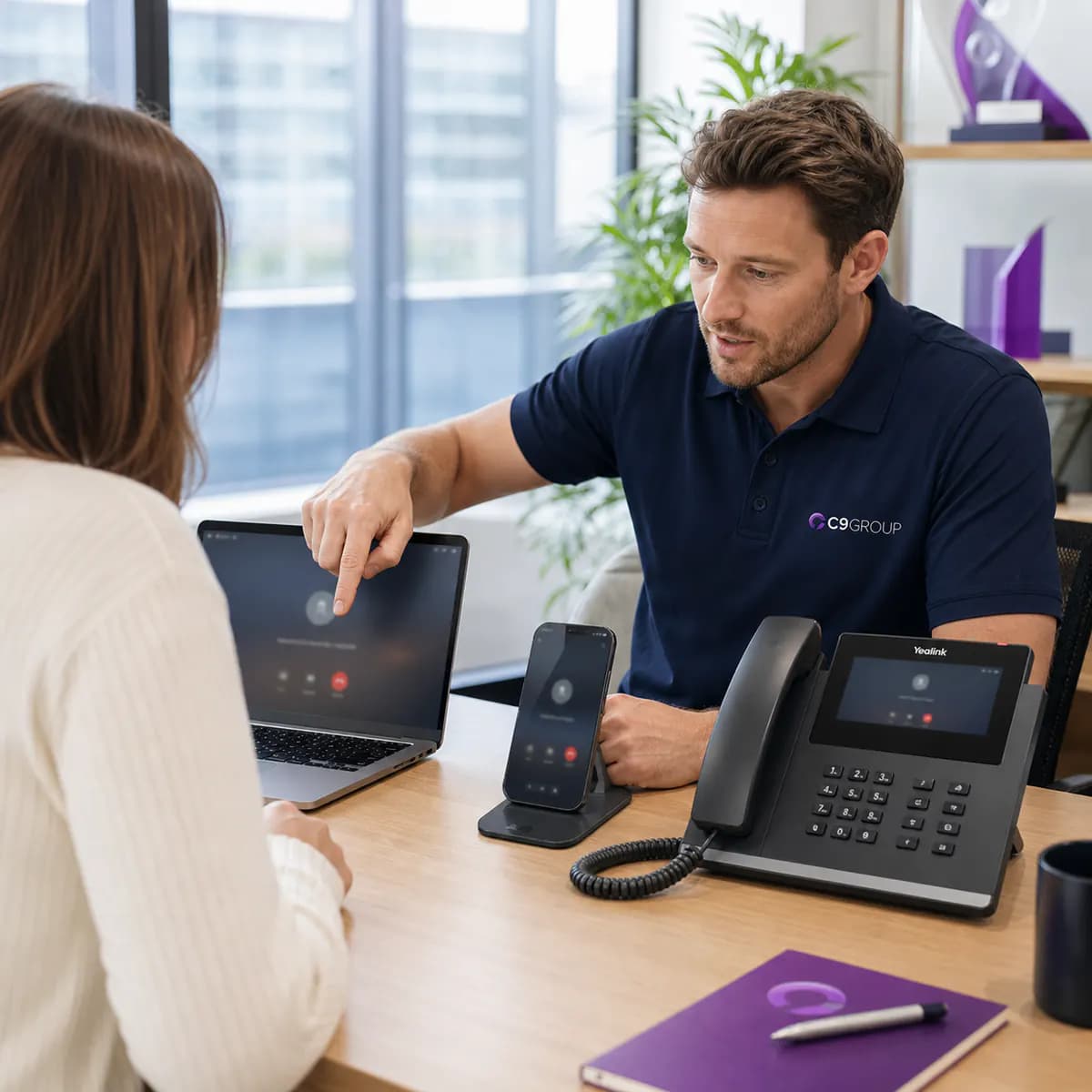
Give staff a consistent business number and call experience across Yealink desk phones, desktop softphones, mobile apps and hybrid work.
Review This Path
Business calling that follows the team, not the desk.
WHAT C9 MANAGES

More than phones. C9 manages the business communication layer.

C9 brings the feature depth buyers expect from a serious VoIP provider into a managed-service model: call flow, numbers, devices, Teams, internet readiness and support all connected.

Number porting

Review number ownership, provider records, port timing and cutover risk before migration.

  • Current number audit
  • Provider record review
  • Cutover timing and risk planning

Auto attendant and IVR

Create caller paths for reception, sales, support, bookings, after-hours and overflow.

  • Welcome greetings and menu paths
  • Department and team routing
  • After-hours and overflow options

Call queues and ring groups

Distribute calls across the right users, sites or departments without manual patching.

  • Queue and ring-group design
  • User availability planning
  • Overflow and escalation paths

Voicemail and missed calls

Plan voicemail to email, missed-call follow-up and recovery paths for busy periods.

  • Voicemail-to-email pathways
  • Missed-call recovery process
  • Busy-period follow-up rules

Call recording options

Add recording pathways where suitable for training, compliance or service quality.

  • Training and quality review
  • Compliance-fit recording options
  • Storage and access considerations

CRM and workflow readiness

Map click-to-call, caller context and workflow integration needs before deployment.

  • Click-to-call planning
  • Caller context and workflow mapping
  • Integration readiness review

Network voice quality

Check internet, LAN, Wi-Fi, router and failover readiness for reliable calling.

  • Bandwidth and latency checks
  • Router, LAN and Wi-Fi review
  • Failover and QoS planning

Ongoing voice administration

Keep users, devices, policies, queues, numbers and support changes manageable.

  • Moves, adds and changes
  • Device, queue and policy updates
  • Support and provider escalation
C9 COMPLETE COMMUNICATIONS ASSESSMENT

Ask C9 to assess the whole communication layer before you buy anything.

The best VoIP decision is rarely just a phone decision. C9 reviews internet, voice, Teams, numbers, devices, call flows, support ownership and business continuity, then recommends the right operating model.

Request Complete Assessment
Current phone bill, provider, numbers and contract timing
Existing PBX, Microsoft 365, Teams and user calling habits
Yealink phone, headset, DECT and meeting-room device needs
Internet, router, Wi-Fi, failover and voice-quality readiness
Reception, queues, after-hours, voicemail and missed-call risks
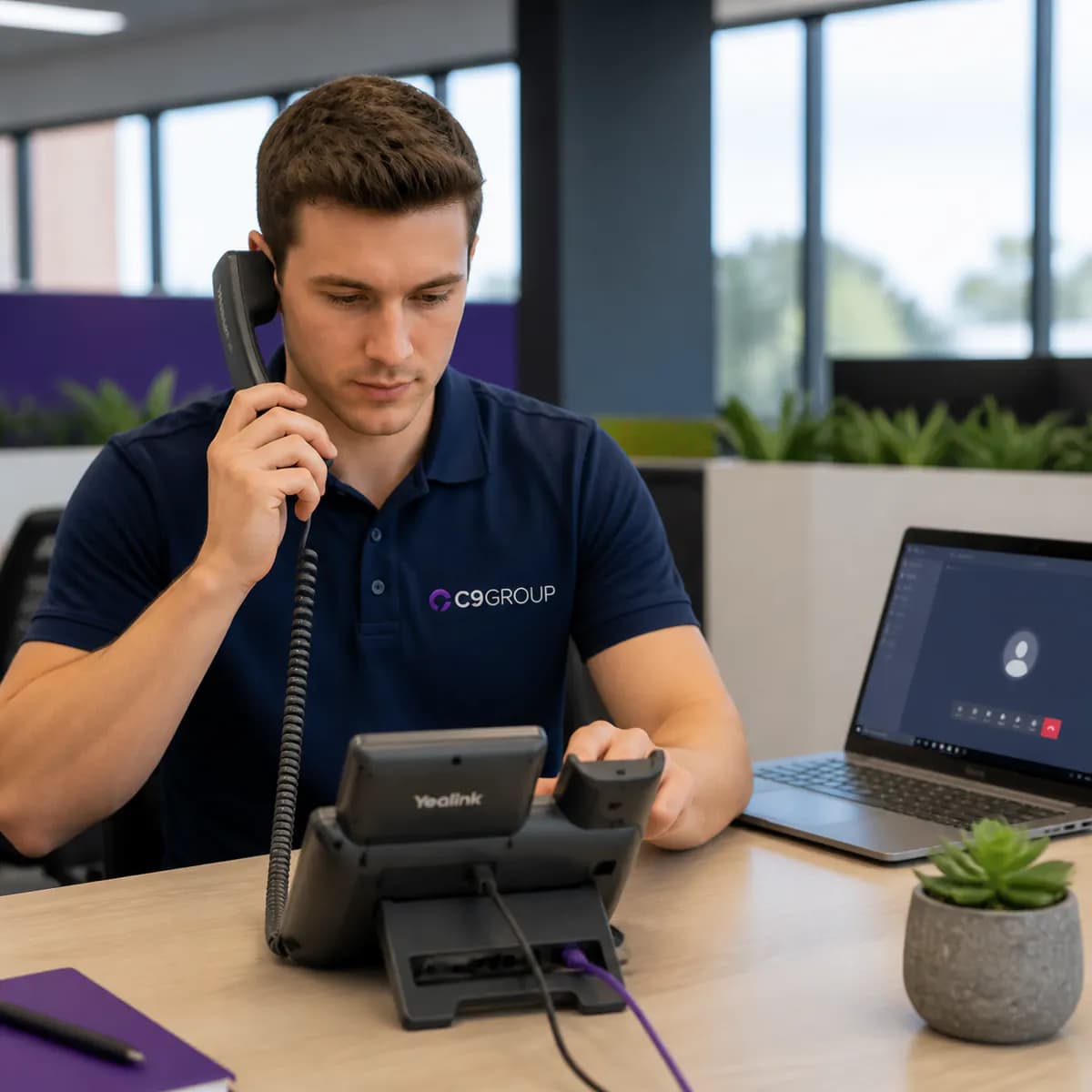
C9 GROUP staff member wearing a navy C9 polo while using a Yealink VoIP phone beside a Microsoft Teams calling screen
YEALINK HARDWARE · MICROSOFT TEAMS

Keep the physical phones and the collaboration platform working as one system.

C9 can provide Yealink desk phones and Teams-ready hardware where staff need tactile calling, shared-area devices, reception visibility or meeting-room audio.

For Microsoft 365 teams, C9 also manages the Teams Calling pathway, so users, numbers, policies, devices, call queues and support do not become separate projects.

Yealink phone selection and provisioningTeams Calling user and policy planningReception and shared-area device setupSupport for future device and user changes
Plan Phones and Teams
VOIP BY INDUSTRY

Different teams need different calling decisions.

C9 shapes VoIP, Teams Calling, Yealink hardware, call routing and support around how each team answers customers, coordinates staff and keeps calls moving.

IT operations team reviewing managed voice, users, devices and calling policies

IT & Operations

User onboarding, number changes, device policies, call queues and voice support kept under one managed model.
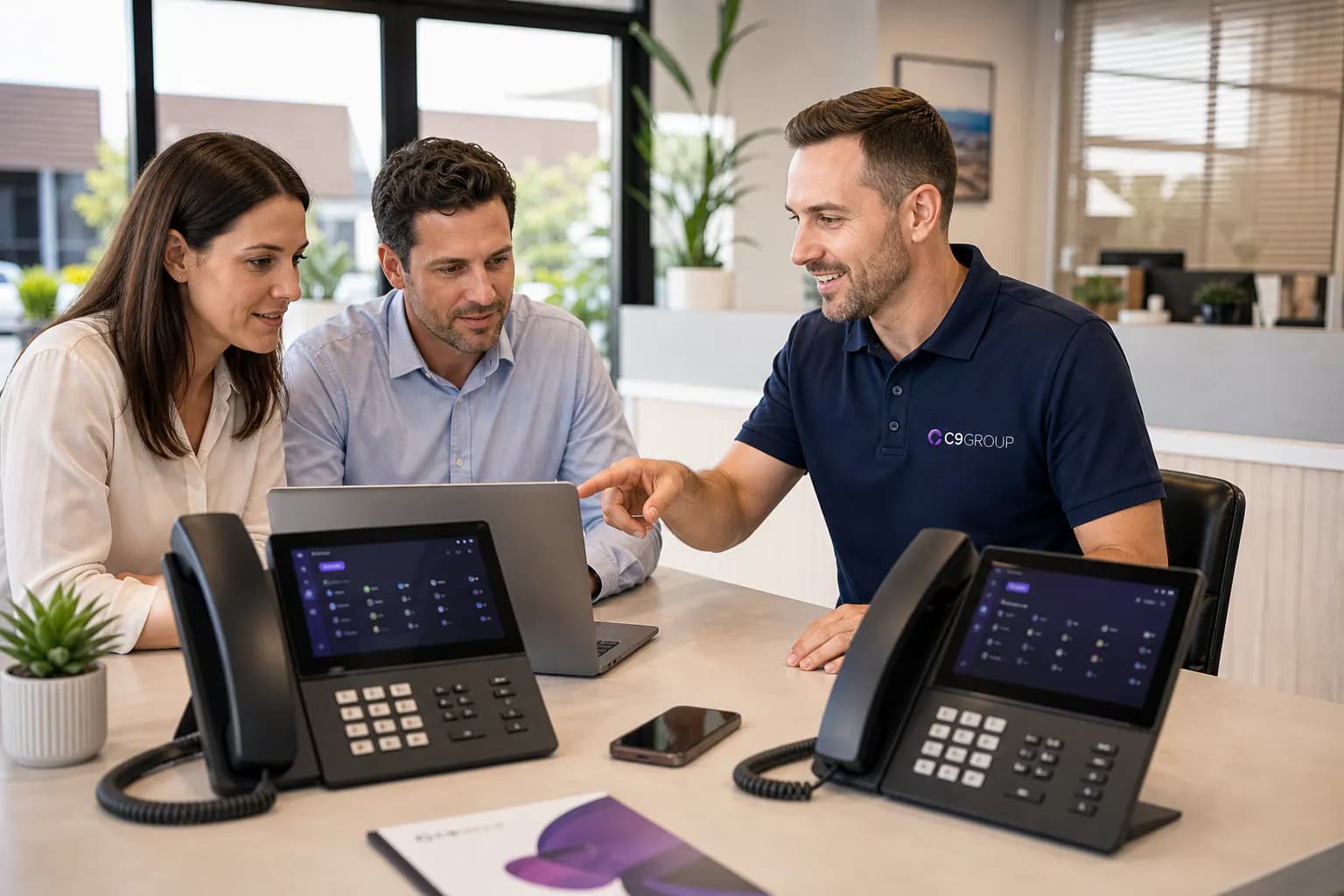
Sales team using managed VoIP calling, softphones and call routing

Sales Teams

Professional caller ID, mobile softphones, missed-call recovery and cleaner handoffs from first enquiry to follow-up.
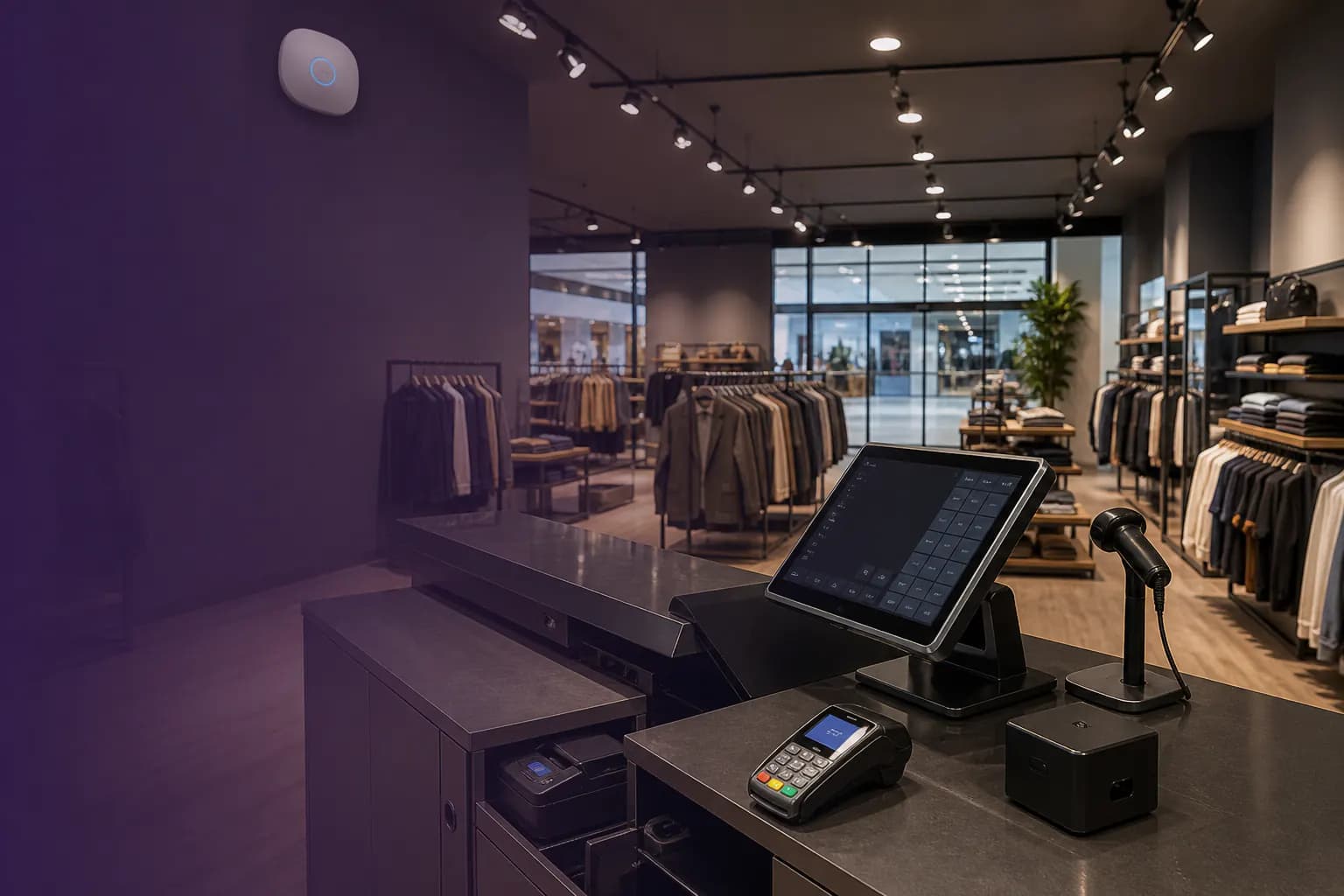
Retail store with managed VoIP phones for customer enquiries and store operations

Retail

Store phones, shared devices, mobile overflow, supplier calls and customer enquiries routed around trading hours.

Warehouse team using managed VoIP and cordless handsets for dispatch and site communication

Warehousing & Manufacturing

DECT handsets, noisy-site calling, dispatch coordination and escalation paths for floor teams and admin staff.
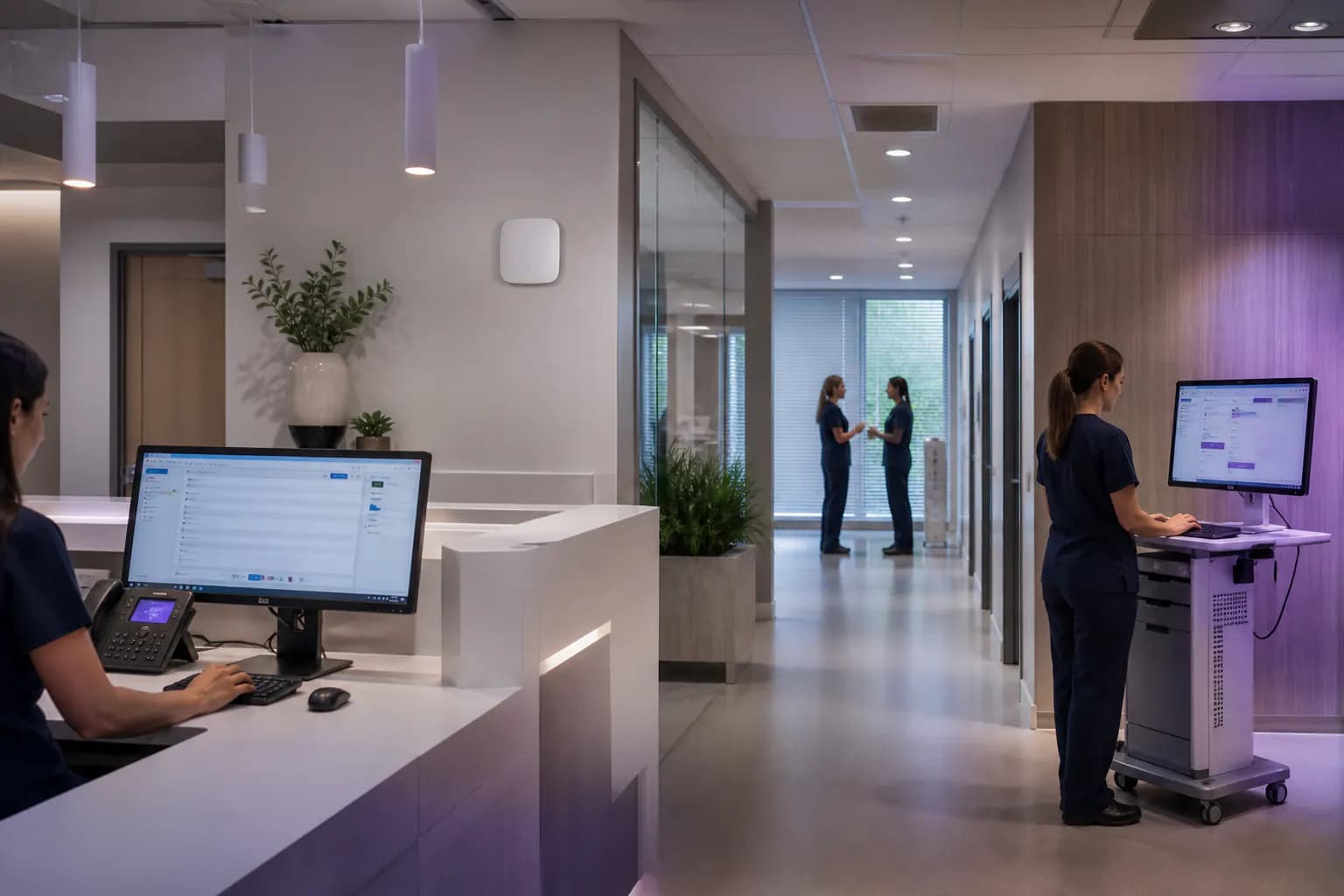
Healthcare reception using managed VoIP calling for appointments and patient enquiries

Healthcare

Reception queues, appointment calls, after-hours messages, practitioner rooms and continuity for patient-facing teams.
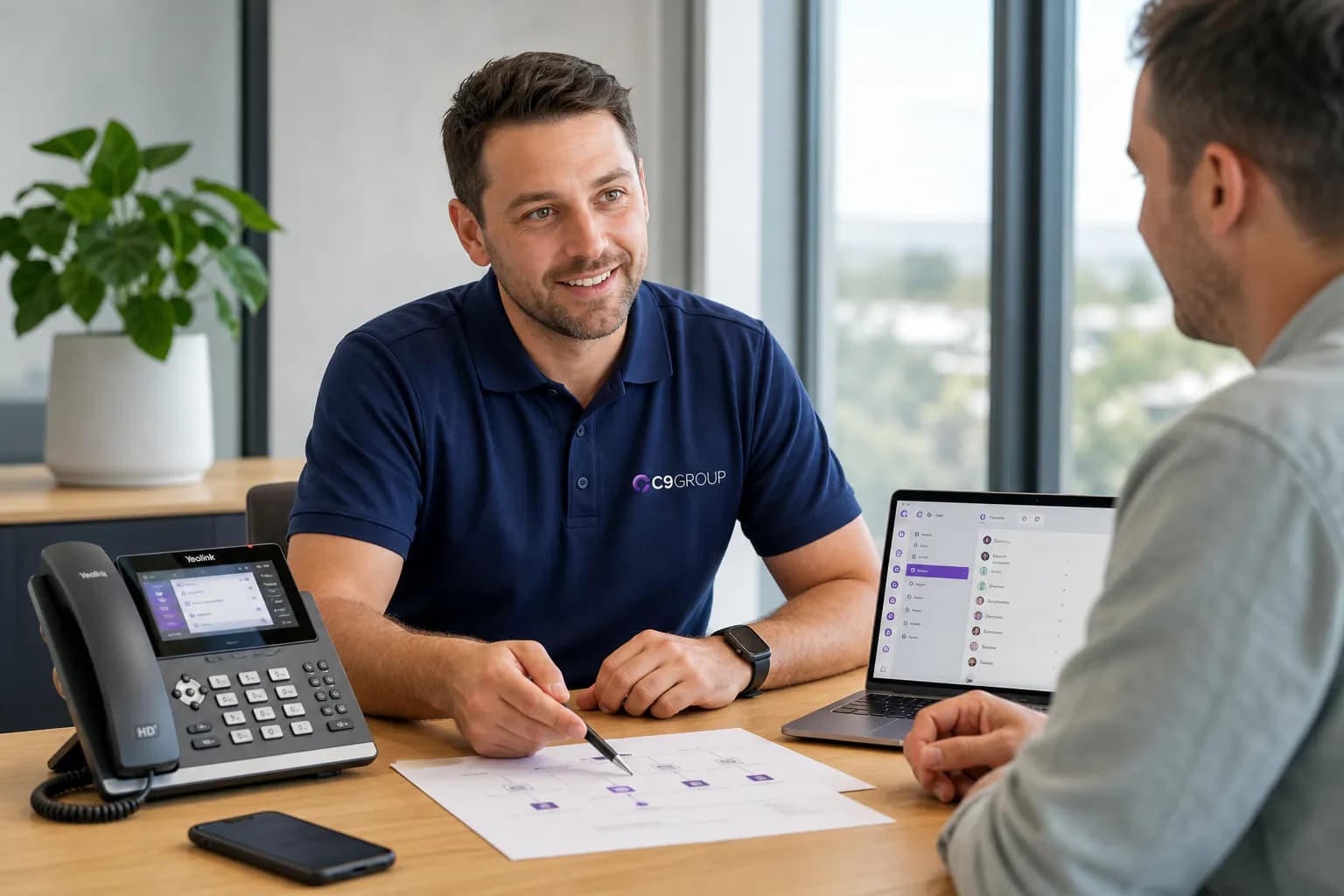
Customer experience team using managed VoIP queues, voicemail and call handling

Customer Experience

Support queues, voicemail-to-email, call recording options, queue visibility and faster routing to the right person.

MANAGED DELIVERY MODEL

Assess, design, deploy, manage and improve business voice through one C9 model.

VoIP projects work best when the platform, internet, numbers, devices and support path are designed together. C9 keeps that ownership connected.

01

Assess

Review the current phone setup, bills, numbers, users, sites, Teams environment and internet readiness.

02

Design

Recommend the right mix of VoIP phones, Teams Calling, Yealink devices, call routing and continuity.

03

Deploy

Configure the platform, provision devices, coordinate number porting, test call flows and prepare users.

04

Manage

Support changes, queues, devices, reports, number requests and provider escalation after go-live.

05

Improve

Review missed calls, routing patterns, growth needs and service incidents so the voice system keeps improving.
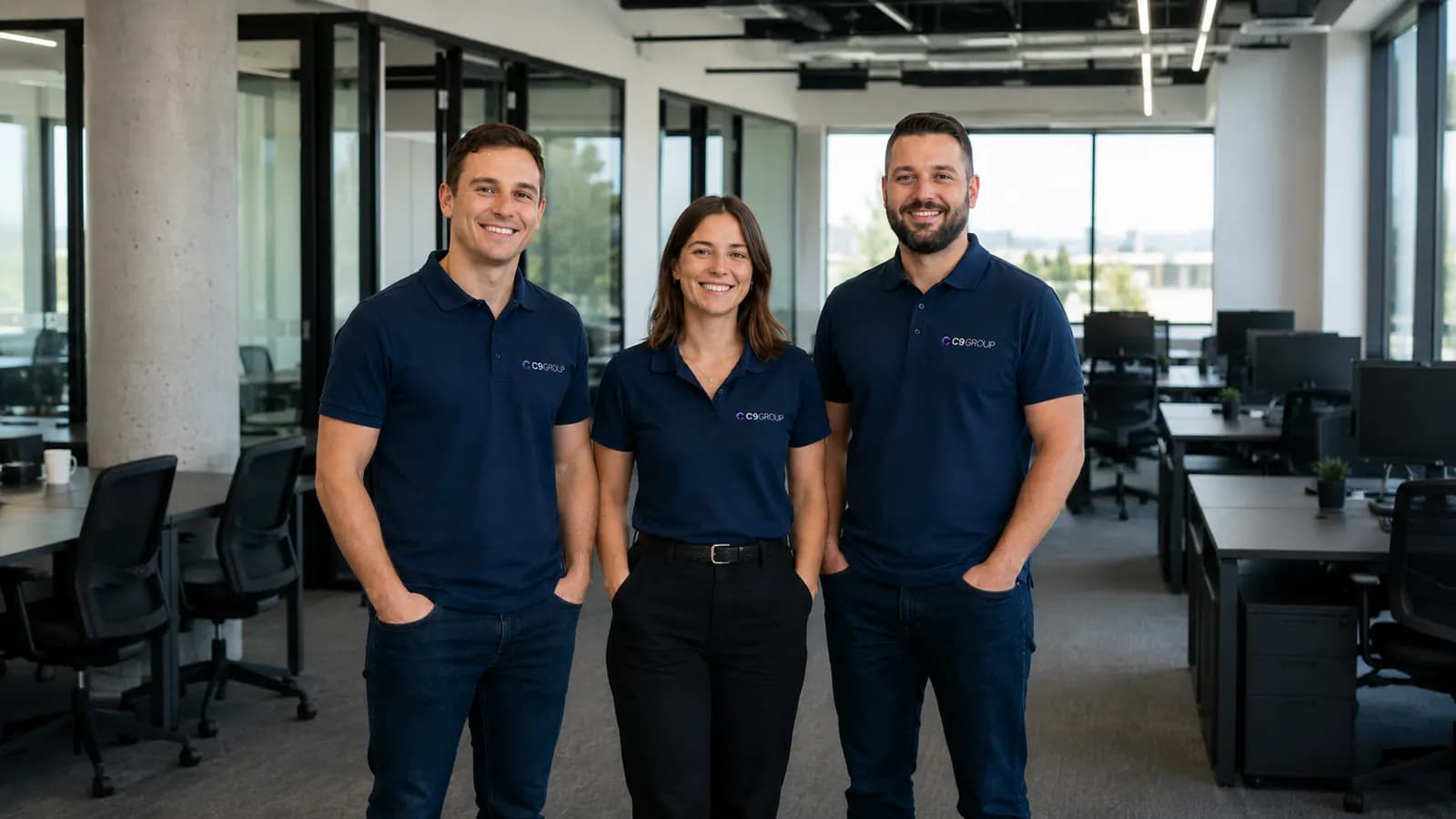
C9 GROUP communications team planning business voice services
RESOURCES · DOWNLOADS · NEXT STEPS

Make the next phone decision with more confidence.

Useful starting points for owners, operations leaders, IT managers and customer-facing teams comparing VoIP, Teams Calling, Yealink phones and managed support.

VOIP BASICS

What is VoIP phone?

A simple guide to how VoIP carries business calls over internet connectivity, and where hosted PBX, Teams Calling and devices fit.

Ask C9 to Explain VoIP
MULTI-LINE PHONES

Modernize your multi-line phone system

Move from legacy lines into managed users, extensions, queues, voicemail, Teams options and Yealink phones.

Modernize Phone Lines
VOIP OPTIONS

Fixed and non-fixed VoIP options

Understand when fixed-location numbers, mobile users, softphones and hybrid calling models make sense for your business.

Review VoIP Options
VOIP REVIEW

VoIP Readiness Assessment

Check if the current phone system, network and users are ready for managed VoIP.

Get a VoIP Assessment
BILL REVIEW

Upload Phone Bill Review

Let C9 review numbers, provider details, plan structure and migration risk before you switch.

Upload Phone Bill
DEVICE PLAN

Yealink Device Recommendation

Match desk phones, DECT, headsets and meeting room devices to real user roles.

Plan Devices
CALL FLOWS

Reception and Queue Mapping

Map IVR, queues, ring groups, overflow, voicemail and after-hours paths before go-live.

Map Call Flow
CONTINUITY

Voice Failover Check

Plan backup internet, diversion, alternate routing and escalation before callers notice an outage.

Check Continuity
Useful C9 tip

Internet requirements and hardware compatibility

VoIP Phone runs over the network your business already depends on, so call quality is shaped by more than the phone plan. Internet stability, bandwidth, router setup, Wi-Fi, failover and supported hardware all matter.

Before C9 GROUP recommends a managed VoIP path, we check the practical requirements that can affect voice quality on day one and after go-live.

Check Voice Readiness

VoIP call quality depends on stable upload and download bandwidth, low latency, low jitter and minimal packet loss. C9 checks whether your internet, router, LAN and Wi-Fi can keep calls clear before numbers are moved.

Target stable bandwidth for each active callReview ping, jitter and packet-loss riskConfirm QoS, router and Wi-Fi readiness

Questions about managed VoIP Phone

VoIP is the calling technology that carries voice over an internet connection. Hosted PBX is the cloud phone system that manages users, extensions, queues, voicemail and routing. C9 helps you plan both together.

Guided consultation

Tell us what you need. We'll route it to the right C9 team.

C9 brings managed IT, communications, cybersecurity, Remote Workforce, AI and digital solutions into one accountable group.

Managed ITTelcoSecurityRemote Workforce + AI

Start with the outcome

Choose the closest service area. If you’re unsure, we’ll help route the enquiry.

No pressure. No generic sales script. Just the right next step.

Start with a few quick details.

Get a Managed VoIP Phone Review

Tell us about your users, sites, current provider, phone numbers, call flows, Yealink hardware needs, Teams Calling requirements and internet readiness. C9 will route your enquiry to the right communications specialist.

Step 1 of 3

What do you need help with?

What do you need help with?

Choose the area closest to what you need. You can select ‘Not Sure’ if you want guidance.