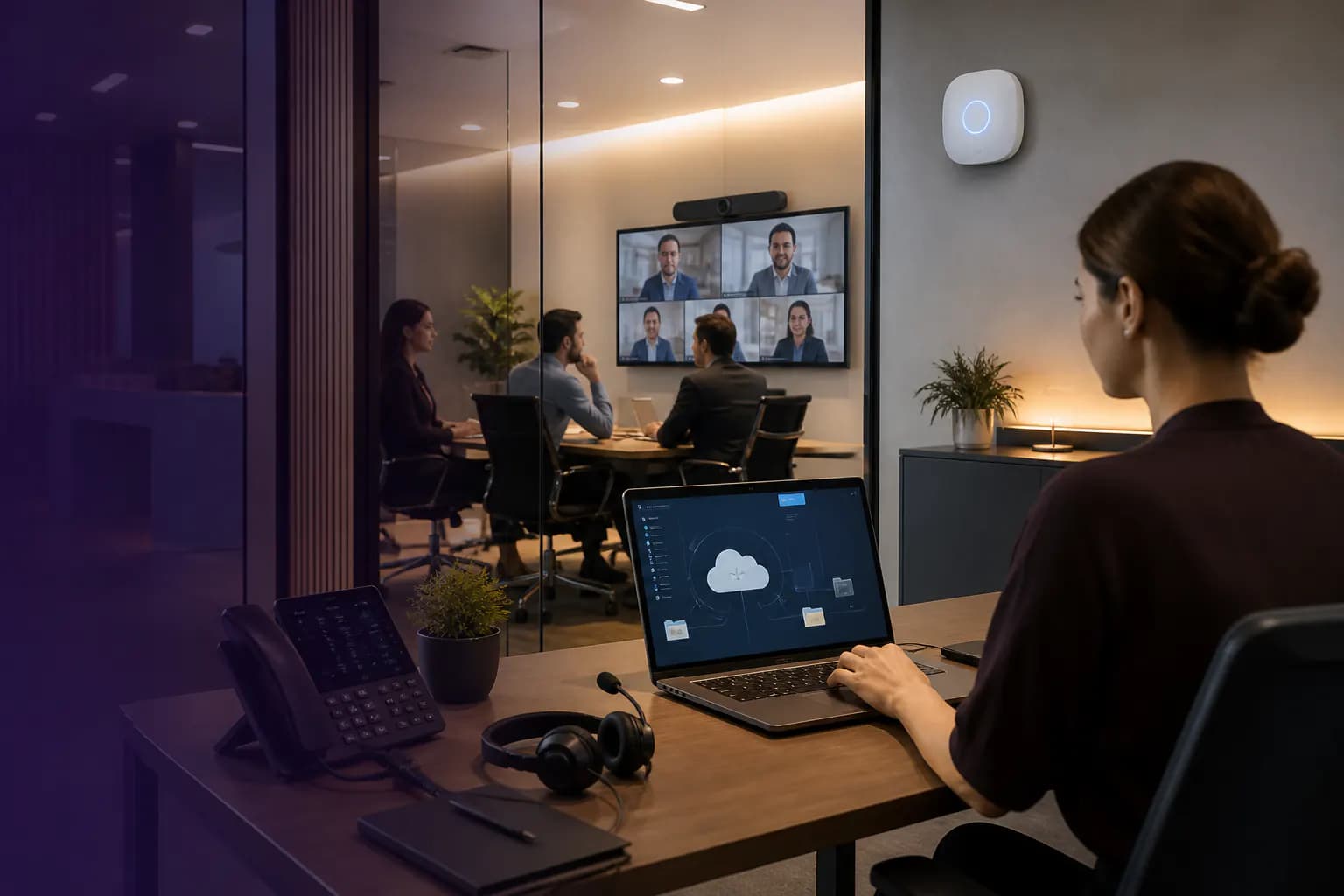
The working day
The work is demanding enough without the workarounds.
Professional teams move between focused work, client conversations and shared deadlines. When files, permissions and devices are inconsistent, experienced people spend time solving problems that have little to do with their expertise.
Where to focus
Start with what gets in the way.
- 01
Files scattered across the firm
Personal folders, email attachments and shared drives make it difficult to know which version to use and who should have access.
- 02
Work that moves with people
Home, office and client-site work need dependable sign-in and sensible access controls, without relying on personal devices by default.
- 03
Staff changes that leave loose ends
New starters need their tools ready. Departing staff need access removed and work handed over without losing the information the firm needs.
Capabilities at work
Make the working day easier to pick up and carry on.
Starting a client matter
The team needs a shared place for documents and clarity about who can see them.
How the technology contributesCollaboration tools and access groups are organised around the firm’s ownership and confidentiality requirements.
Working between locations
A colleague joins from home while another presents from a meeting room.
How the technology contributesManaged devices, connectivity and meeting equipment support the same agreed working practices.
Bringing a new person in
A new starter needs files, email and calling ready for their first day.
How the technology contributesAn approved onboarding checklist connects accounts, licences, equipment and manager sign-off.
Solutions portfolio
The right services. A clear role for each.
Choose the services your organisation needs. The scope, responsibilities and delivery plan are agreed around your environment.
Microsoft 365 & collaboration
Organise shared files, Teams and working practices around departments, projects and client confidentiality.
What we work through with you
- Map where current documents live and who owns them.
- Design shared spaces and permissions around teams and work.
- Pilot any migration and explain the new working conventions.
What this contributesPeople spend less effort finding the current document or asking colleagues for access that should already be defined.
Identity & endpoint management
Review sign-in, access permissions and device protection, with a defined process for joining, moving roles and leaving.
What we work through with you
- Review account roles, sign-in methods and device settings.
- Agree how personal and business devices may be used.
- Connect access changes to onboarding and departure approvals.
What this contributesThe firm has a repeatable way to give people the access they need and remove it when responsibilities change.
Office & remote connectivity
Check the network and connection behind cloud applications, video meetings and the way your people work.
What we work through with you
- Review office coverage and connection requirements.
- Check the dependencies of cloud applications and remote access.
- Define what support includes for office and remote workers.
What this contributesWorking from another location is planned as part of the environment rather than treated as a separate workaround.
Business calling & meeting spaces
Connect client calls and collaboration to agreed workflows, with room equipment and user readiness considered together.
What we work through with you
- Review client calling and reception arrangements.
- Check licences and compatibility before recommending Teams calling.
- Test room audio, video and presentation workflows with users.
What this contributesClient conversations and internal meetings can begin with less setup uncertainty.
Managed IT
Bring day-to-day support, equipment records and planned improvements into a service scope the firm can understand.
What we work through with you
- Record hardware, subscriptions and supplier contacts.
- Agree support priorities and responsibility with internal staff.
- Plan equipment changes and recurring issue reviews.
What this contributesPartners and operations teams get a defined route for support and a clearer basis for future technology spending.
For the people doing the work
A clearer working day, across the team.
| Your people | What the plan supports |
|---|---|
| Fee earners and delivery teams | Access and equipment organised around client work. |
| Practice or office managers | An onboarding and support process that does not rely on chasing several people. |
| Partners and directors | Visibility of priorities, ownership and planned investment. |
| Internal IT | A defined service partner for agreed support or project responsibilities. |
A practical example
A growing firm that has outgrown informal IT.
A firm adds people and a second office, but still depends on shared passwords and a colleague who knows where everything lives. The practical change is to document ownership and create a consistent working environment before growth adds more exceptions.

| Decision | What it means in practice |
|---|---|
| Retain | Useful applications and equipment, subject to compatibility and supportability. |
| Organise | Shared information, access groups and device standards around the firm’s work. |
| Make repeatable | New-starter setup, role changes, departures and the support process. |
From plan to handover
Work around the business. Bring the details together.
- 01
Listen to the team
Find the recurring interruptions and the applications that matter to client work.
- 02
Review the environment
Map devices, licensing, information access and supplier responsibilities.
- 03
Introduce changes in stages
Pilot new settings and working practices with a small group before wider adoption.
- 04
Support the new routine
Provide handover guidance and agree how support requests and future changes are managed.
Keeping work moving
Plan for the interruption. Not just the installation.
A smooth working day depends on preparation, clear responsibilities and a usable response when something goes wrong. These are part of the service conversation from the start.
Look after client deadlines
Sequence migrations and maintenance around known delivery dates, with validation and recovery steps agreed in advance.
Keep ownership with the firm
Document administrative accounts, licences and information ownership so essential knowledge does not sit with one person.
Check recoverability
Identify what needs to be restored, who owns the backup and how the agreed recovery process is checked.
Beyond handover
Keep checking the things that matter.
Agree what to review against your starting position and service scope. Useful measures should reflect the work your team is trying to do, with changes prioritised together.
- Repeated issues affecting client work
- New-starter readiness and departure completion
- Access requests caused by unclear file ownership
- Equipment and licence decisions approaching renewal
Review findings can inform the next change, a supplier conversation or a decision to leave a working system alone. The aim is a maintained environment that keeps pace with your organisation.
Before you decide
A few useful answers.
Can you work alongside our internal IT person?
Yes. Agreeing the split matters: C9 can support specific services or delivery work while your internal team retains its chosen responsibilities.
Do we have to move all our files?
No. First establish what is used, who owns it and which applications depend on it. Any migration should have a clear reason, access design and validation plan.
For the next conversation
Bring your team into the plan.
Download the industry solutions portfolio, including capability details, practical examples and delivery considerations. Share it with your team to discuss priorities, existing suppliers and your next steps.
Download solutions PDF