















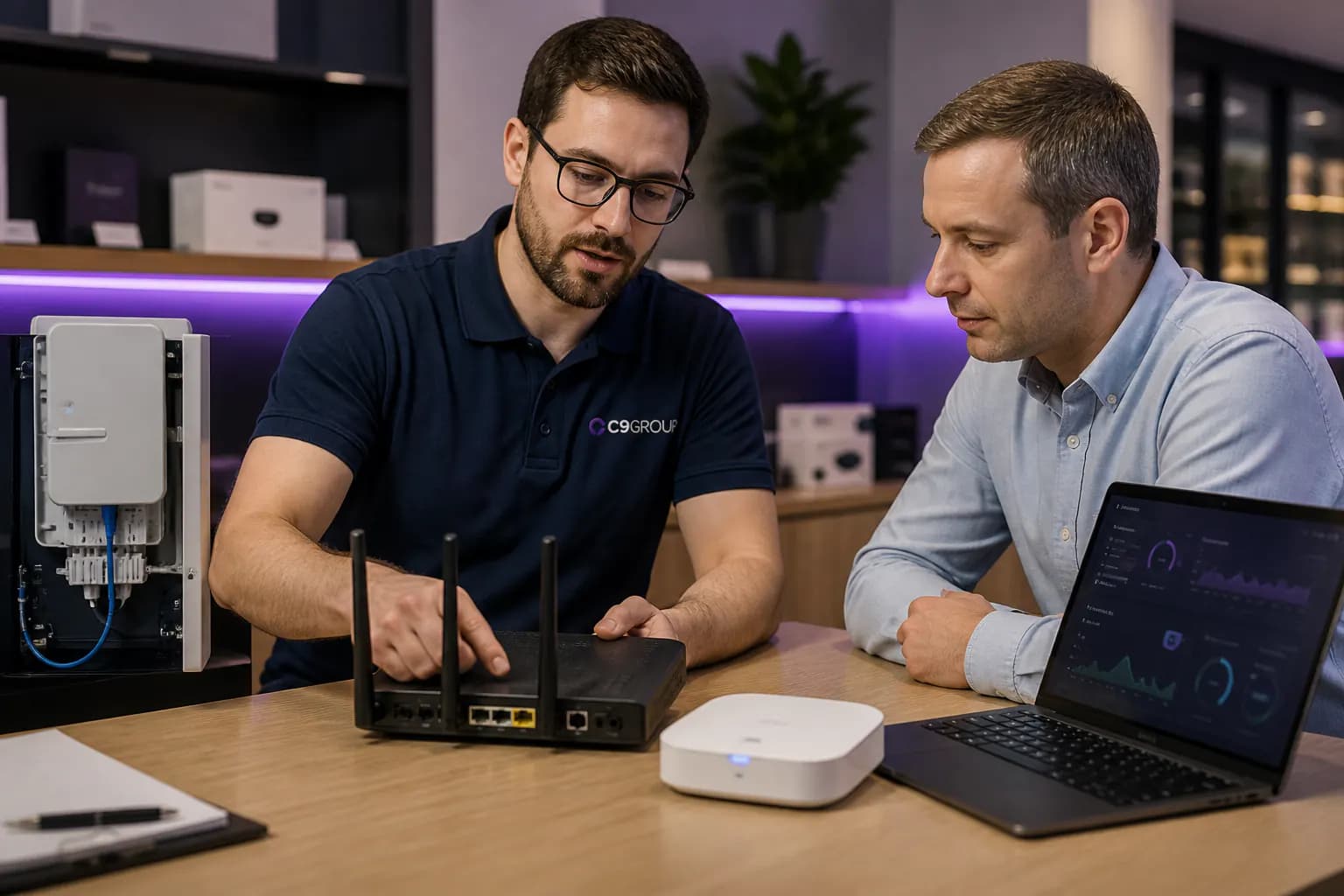

C9 helps Australian businesses choose, install and manage Business nbn™ with the right speed tier, service class understanding, router, static IP, Wi-Fi, voice readiness and backup path.
No guessing by headline speed alone. We check the address, understand the site, then design the connection around trading systems, cloud apps and continuity.


Before choosing a speed tier, understand what needs to stay online and what installation work the address may need.
New service
Check the address early so nbn™ technology, service class, lead-in work, router and phone readiness are planned before the move date.
Upgrade path
Move from best-effort internet into a Business nbn™ setup with the right speed tier, support model, static IP and managed hardware.
Continuity
Design the primary nbn™ service with automatic 4G/5G backup, firewall, monitoring and a clear escalation path.

Business nbn™ choices change by address, access technology, service class and operational risk. C9 turns that qualification step into a practical connectivity recommendation for your site.
Support daily work across cloud apps, EFTPOS, voice, staff Wi-Fi and customer-facing systems with a connection designed around the site.
More fibre pathways, higher speed tiers and stronger business options mean the address check matters before you choose a plan.
From city offices to regional retail sites, C9 helps businesses keep internet, voice, payments and support under one accountable model.
The right recommendation may be managed Business nbn™, a full fibre upgrade path or Enterprise Ethernet. C9 compares the options against users, applications, voice, payments and outage impact.

For everyday business sites that need reliable internet, static IP planning, managed router setup and practical support ownership.

Where FTTP, higher upload tiers or fibre upgrade options are available, C9 can help map the cleanest performance path.

For critical sites that need symmetrical bandwidth, stronger assurance and a more enterprise-grade access conversation.
C9 confirms exact speed tiers, pricing, contract terms, service class and access technology after qualification. These cards frame the starting conversation.
See FAQStarter
indicative from
monthly guide, qualification required
Speed tier
50/20 Mbps
A practical starting point for smaller offices, stores and clinics using email, SaaS, EFTPOS, browsing and light voice.
Key features
Most popular
indicative from
monthly guide, qualification required
Speed tier
100/40 Mbps
For teams that rely on Microsoft 365, Teams calls, cloud files, hosted phone systems and more predictable upload capacity.
Key features
High upload
indicative from
monthly guide, qualification required
Speed tier
250/100 Mbps
For larger teams and FTTP/HFC-qualified sites that need stronger download and upload performance before fibre or Ethernet review.
Key features
Pricing is an indicative guide only. C9 confirms pricing, availability, speed tier, contract terms, service class, router, failover and support inclusions after service qualification.
Vocus-style essentials such as static IP, business modem, 4G backup and technology type are not extras in the C9 conversation. They are part of the design.
Support remote access, VPN, firewall rules, cameras, servers and predictable site-to-site configuration.
C9 can supply, configure and support the router, firewall rules, Wi-Fi handoff, VLANs and remote management.
Add a secondary wireless path for essential systems when the primary nbn™ service is interrupted.
Understand whether the address is ready to connect or likely to need installation work before go-live.
Interactive’s Business nbn™ Ethernet positioning highlights traffic classes. C9 turns that into a practical conversation about what needs prioritisation and what service assurance is actually available.
The everyday data path for browsing, SaaS platforms, email, downloads, general cloud apps and most office traffic.
A more controlled traffic class for business applications that need more consistent handling where available and suitable.
Voice performance depends on the access service, router, QoS, LAN, Wi-Fi and provider design, not just the speed tier.
C9 recommendation logic
If voice, EFTPOS, backups, cloud file movement or critical SaaS workloads are central to the site, C9 checks whether standard Business nbn™ is enough or whether Enterprise Ethernet, fibre, SD-WAN or a failover design should be reviewed.
Use this as a quick decision matrix before comparing price cards.
Intended use
Trading systems, cloud apps, phones, payments, staff devices and supportable site operations.
Home browsing, streaming and general personal use.
Support model
C9 reviews the whole setup: access, router, Wi-Fi, voice, failover and escalation.
Usually consumer support and limited business context.
Router and configuration
Managed router, firewall, static IP, VPN and monitoring options can be designed in.
Often self-managed hardware with limited visibility.
Continuity
Backup path and failover behaviour can be planned for critical systems.
Outages can stop trading until the primary service returns.
Site readiness
Service class, lead time, tenancy access and go-live readiness are reviewed earlier.
Often bought after the move or once there is a problem.
C9 can combine Business nbn™ with a managed router, firewall, Wi-Fi, static IP, 4G/5G backup and monitoring so the site has a supportable continuity model.
Primary: Business nbn™ selected around address, speed, technology and usage.
Edge: Managed router, firewall, VPN, VLAN and Wi-Fi behaviour configured.
Backup: 4G/5G link planned for essential services and outage response.
Support: C9 stays involved for changes, escalation and service reviews.

C9 checks the site, available nbn™ technology, service class and likely installation path before recommending a Business nbn™ option.
Router, static IP, Wi-Fi, voice readiness, firewall rules and handover are planned together instead of leaving the connection as a standalone product.
Where the business relies on EFTPOS, phones, cloud apps or bookings, C9 can review 4G/5G backup, failover behaviour and escalation paths.
C9 stays involved for support, changes, monitoring conversations, carrier escalation and future upgrade reviews as the site grows.
Confirm address, nbn™ technology, service class and available Business nbn™ paths.
Select speed tier, router, static IP, Wi-Fi, voice and failover requirements.
Manage order timing, install appointment, tenancy access and migration planning.
Configure hardware, test critical systems and hand over the support model.
Keep C9 involved for changes, escalation, monitoring and future upgrades.