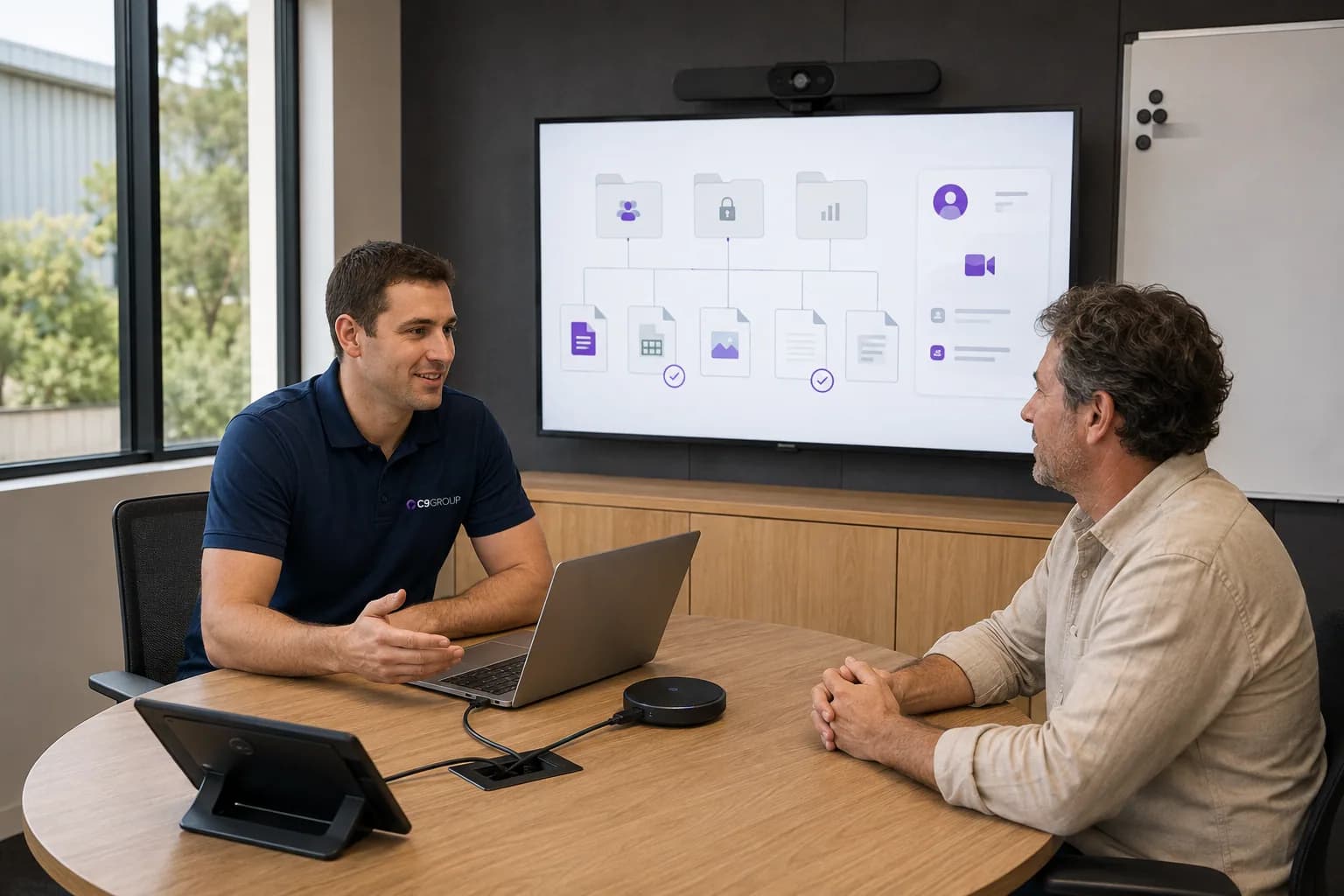
Files are everywhere.
01Some are in OneDrive. Some are in SharePoint. Some are attached to emails. Some are sitting on somebody's desktop. Eventually, nobody is completely sure which copy is current or who should still have access.
Microsoft 365, Teams, files, devices, identity and security should work as one environment, not as separate systems your people have to work around.
A properly managed Modern Workplace gives employees consistent access to the applications, information and people they need while the business keeps control of devices, identities, permissions and company data.
Microsoft 365 & Teams · Managed Devices · Identity & Access · Migration & Onboarding · Security · Ongoing Management
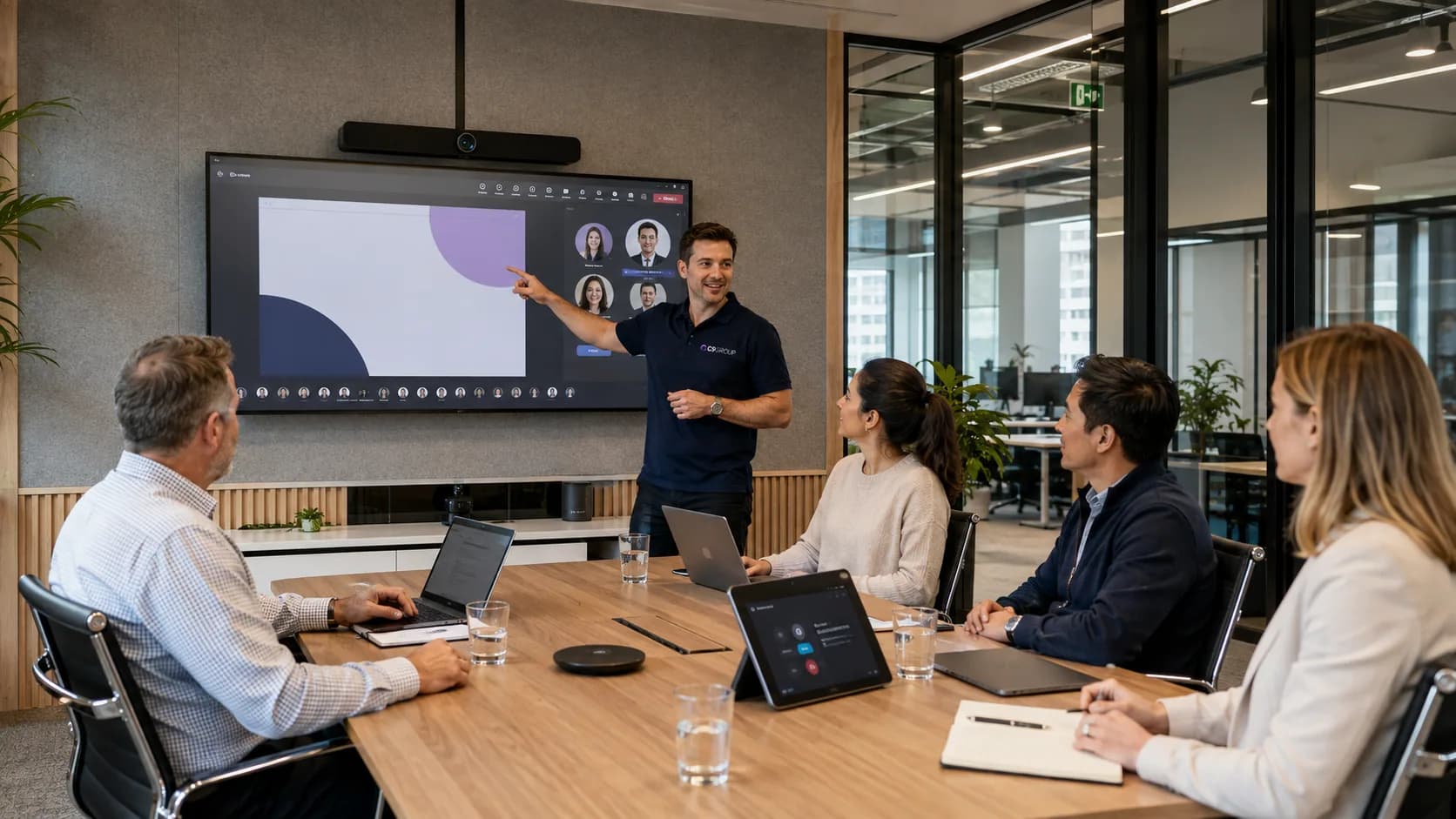
Modern Workplace is not one Microsoft product.
It is the way Microsoft 365, Teams, SharePoint, OneDrive, identity, devices and security are configured to work together around the person using them.
The technology can be complicated behind the scenes. For employees, it should not feel complicated.
Many organisations already pay for Microsoft 365. That does not necessarily mean they have a well-managed Modern Workplace.
Some are in OneDrive. Some are in SharePoint. Some are attached to emails. Some are sitting on somebody's desktop. Eventually, nobody is completely sure which copy is current or who should still have access.
Accounts, licences, applications, permissions and devices are prepared manually. A new employee spends part of their first day waiting for access instead of working.
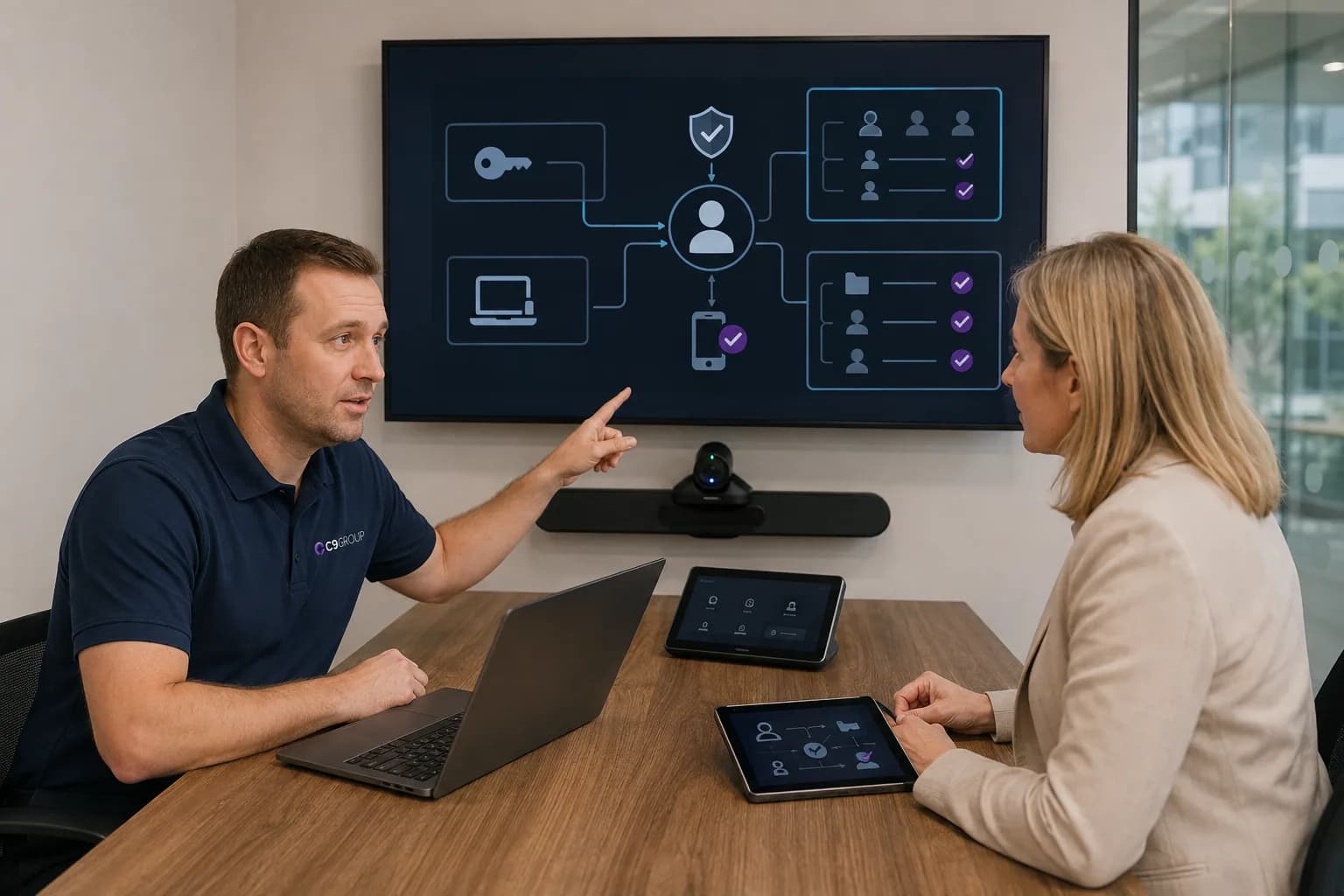
People change roles. People leave. Teams and SharePoint access stays behind. Nobody is completely sure who can still see what.
Some devices are properly configured. Others were purchased quickly and handed to employees. Software versions, security settings and support requirements vary.
Chat happens in Teams. Files are still emailed. Teams and channels have grown without structure. The tools exist, but the working model does not.
Seeing these issues in your business?
Start with a review of the Microsoft setup behind them.
A well-managed workplace should make ordinary working moments easier.
Modern Workplace brings several Microsoft services together around the employee.
Each one has a different role across productivity, collaboration, files, identity, devices, security and communication. The value comes from how those services are configured to work together, not simply from owning the licences.
Microsoft 365
Microsoft 365 brings Outlook, Word, Excel, PowerPoint and other everyday business applications into the wider Microsoft cloud environment.
The important part is making sure each employee has the right licence, applications and access for the work they actually do, rather than simply assigning the same package to everyone.
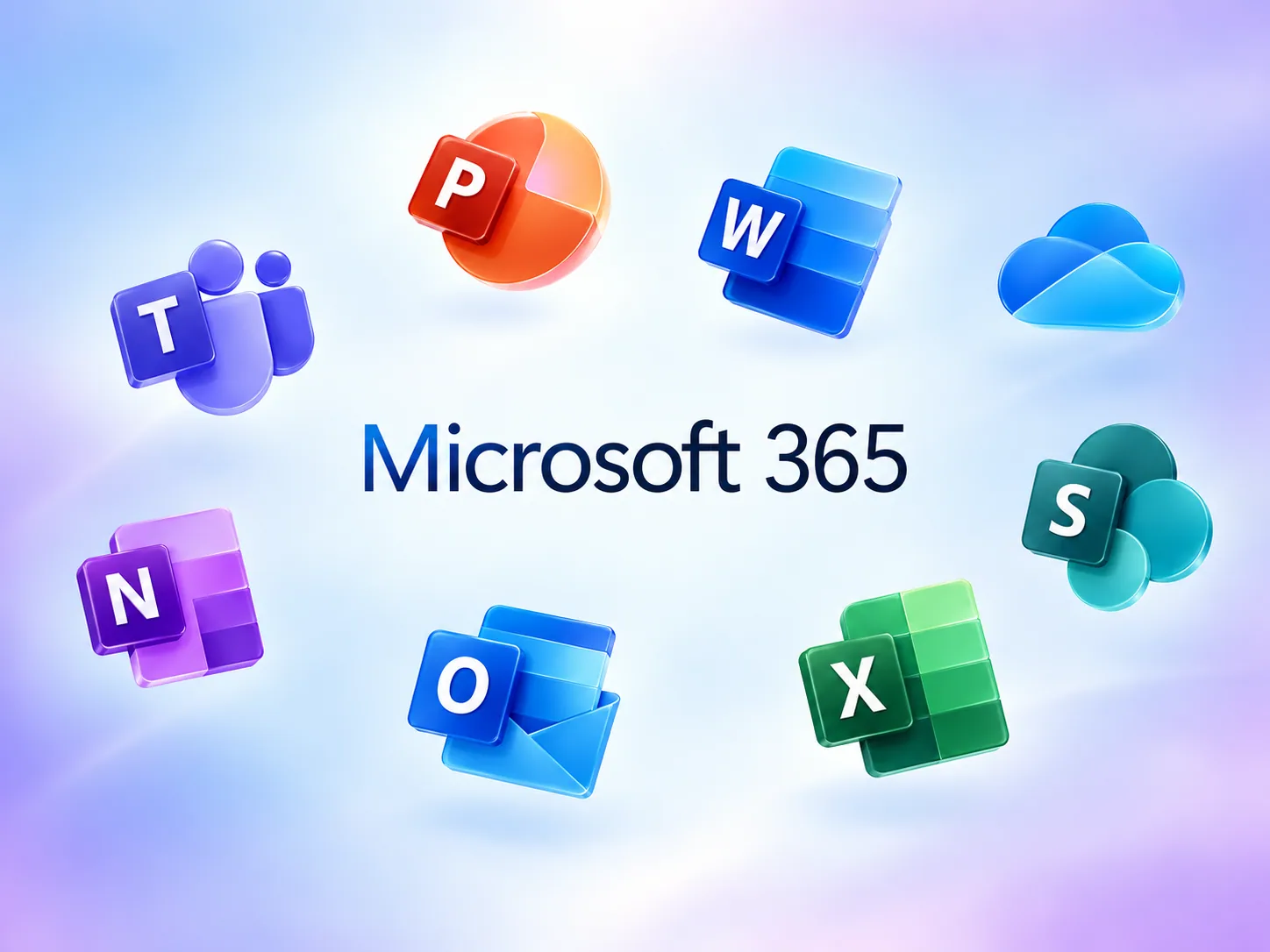
Owning these products does not automatically create a Modern Workplace. They still need to be configured around your people, secured appropriately and managed as users, devices and business requirements change.
Buying Microsoft licences is the starting point. Managing the environment is the real job.
Review users, Microsoft licences, tenant configuration, email, files, devices, identity, Teams, security and current pain points.
This first stage can be delivered through the Modern Workplace Review.
Define identity and access, device management, file structure, collaboration standards, security policies, Microsoft licensing, onboarding and offboarding processes.
Your business confirms priorities, requirements and working standards.
Move the agreed users, email, files, devices, permissions and Microsoft workloads into the target environment.
The starting point is treated as specific to your organisation.
Prepare accounts, applications, devices, permissions and security policies, then help employees understand what has changed.
People learn where information belongs and how the new environment should be used.
Continue managing users joining, users leaving, devices, licences, access changes, Microsoft changes, security requirements and ongoing workplace improvements.
Migration is not the end of Modern Workplace. The environment continues changing with the business.
ACTIVE STAGE
Assess
Review users, Microsoft licences, tenant configuration, email, files, devices, identity, Teams, security and current pain points.
The commercial value is not a vague promise about productivity. It is fewer repeated problems around access, files, devices, onboarding and day-to-day Microsoft management.
New employees receive accounts, access, applications and managed devices through a repeatable process.
Identity and permissions follow defined roles instead of relying on somebody remembering who needs access to what.
Employee devices follow an agreed management and security baseline instead of every laptop becoming a different IT environment.
Company files have clearer locations, ownership and permissions instead of being spread across desktops, inboxes and unmanaged folders.
Employees can move between approved locations while using the same identity, Microsoft services and security requirements.
Common tasks such as onboarding, offboarding, device configuration and access changes become more structured and predictable.
Modern Workplace needs to protect the person, device and information being accessed, whether the employee is in the office or somewhere else.
The same principle applies to AI. Before introducing Microsoft 365 Copilot widely, identities, permissions, files and Microsoft services should already be organised properly.
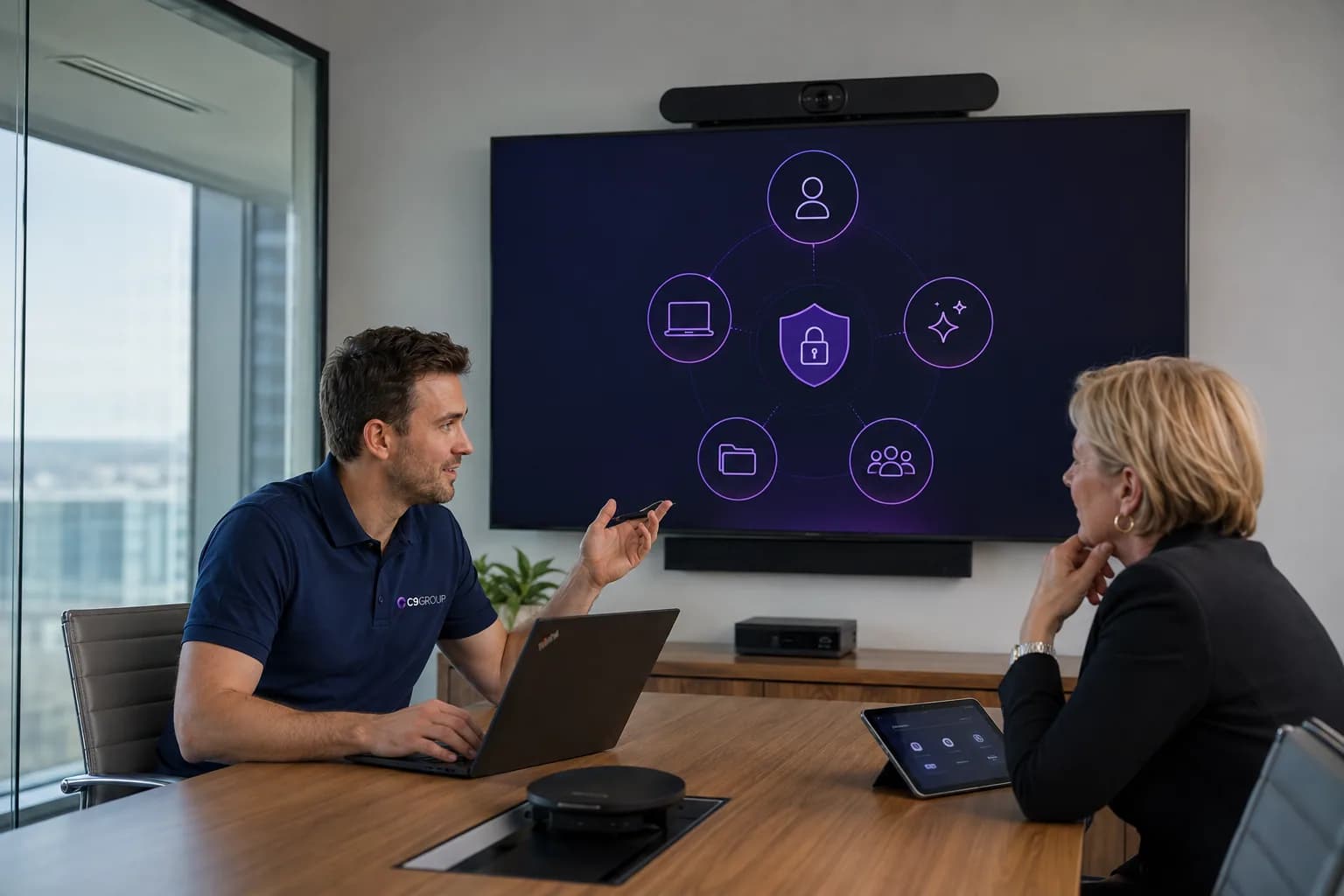
Use identity, device management and Microsoft security controls to answer who is signing in, what device they are using, whether the device meets requirements and what information they should be able to reach.
Copilot can work across information employees already have access to. That means file structure, permissions and information ownership matter.
AI works better when the workplace underneath it is already organised.
If your business already uses Microsoft 365, the best place to start is not with another licence or another migration.
Start by understanding the environment you already have.
The Modern Workplace Review covers the key parts of your current Microsoft setup and helps identify where the environment is working properly, where gaps have appeared and what should be prioritised next.
Are you paying for the right licences for the way people actually work?
How is the current Microsoft environment configured?
How are accounts, MFA, permissions and access policies being managed?
Which devices are accessing company systems and how consistently are they being managed?
How are SharePoint, OneDrive and Teams currently being used?
Are there obvious gaps or inconsistent controls across users and devices?
What happens when employees join, change roles or leave?
Is the underlying Microsoft environment ready for AI to be introduced responsibly?
Know what should stay, what should change and what needs attention first.
Choose which optional analytics and live chat tools C9 GROUP may use. You can change this later from the footer.