Licences keep accumulating.
People are assigned licences as requirements appear, but nobody regularly checks whether those licences still match how they work.
Microsoft 365 should be more than licences assigned to employees.
Keep email, users, applications, access and everyday Microsoft administration organised as your business grows - with a clearer operating model behind the tools your people already use.
Licensing · Users and accounts · Exchange Online · Tenant administration · Identity and access · Ongoing changes

Most businesses do not suddenly end up with a poorly managed Microsoft environment. It happens gradually as people join, leave, change roles and new Microsoft services are introduced.
People are assigned licences as requirements appear, but nobody regularly checks whether those licences still match how they work.

Every new starter, role change and departure creates another list of accounts, access and Microsoft tasks for somebody to remember.
Microsoft is used throughout the business, but it is not always obvious who owns the tenant, administration, licensing and ongoing decisions.
Settings and access rules change over time without a common standard behind them.
New features, licence changes and platform updates continue arriving even when nobody has time to review what they mean for the business.
The problem is rarely that Microsoft 365 does not have enough capability.
The problem is keeping the environment organised as the business changes.
Good Microsoft 365 management is often invisible to employees. Things are simply ready when they need them.
Microsoft 365 sits behind a large part of the working day. Managing it properly means looking after the environment around the user, not just renewing subscriptions.
Microsoft licensing
Review licence levels as people join, move roles and leave, so the licence model keeps reflecting how the business works.
Users and accounts
Create, change and remove Microsoft users through an agreed process instead of relying on one-off requests.
Exchange Online
Manage mailboxes, distribution requirements and agreed Exchange administration as part of the wider Microsoft environment.
Microsoft applications
Keep Outlook, Word, Excel, PowerPoint and relevant Microsoft 365 applications aligned to the user's work.
Tenant administration
Keep tenant configuration and administrative standards clear as the Microsoft environment changes.
Identity and access
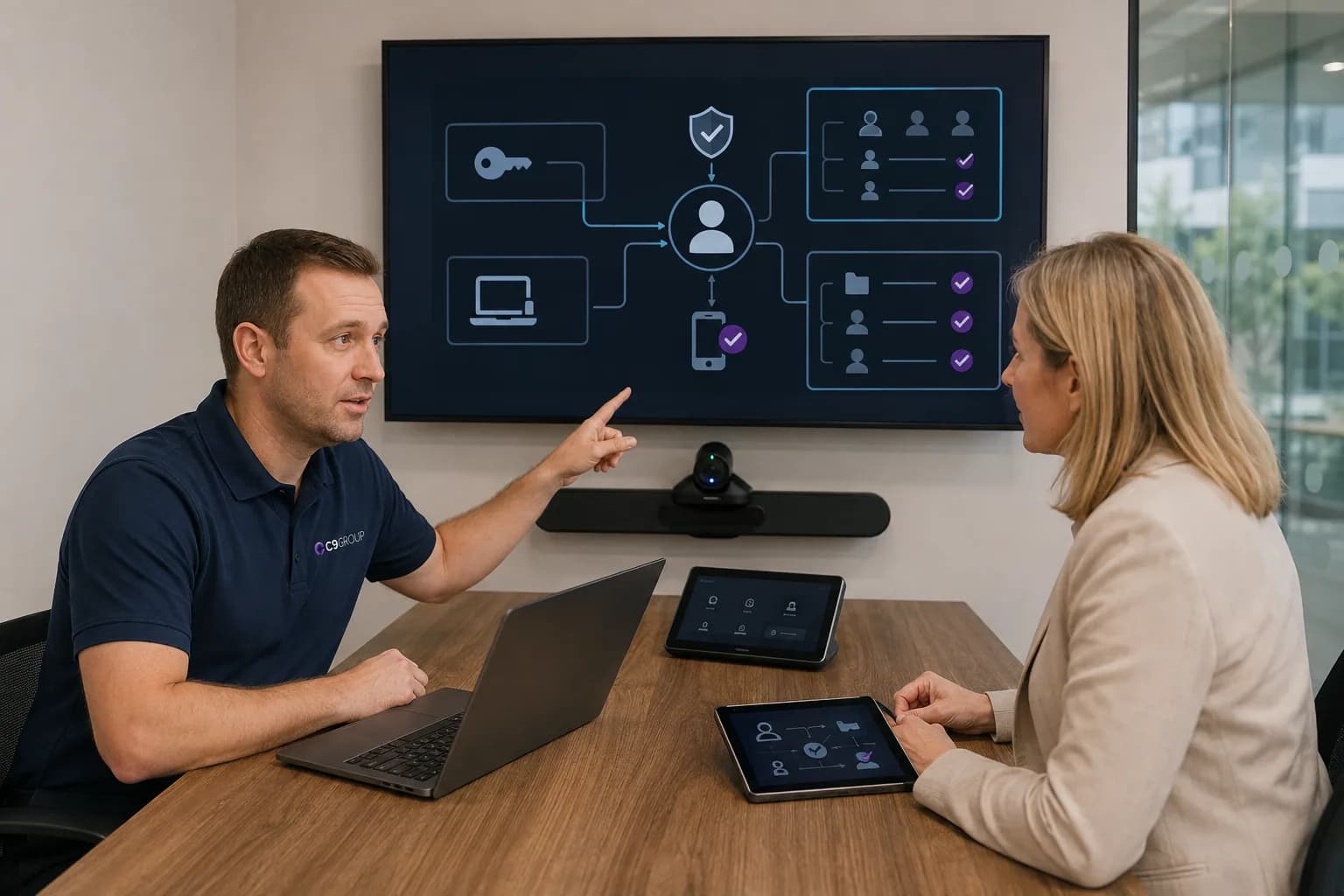
Relate Microsoft accounts to the way employees authenticate and access company services.
Teams, SharePoint and OneDrive
Keep the wider Microsoft collaboration environment connected instead of growing as separate tools.
Onboarding and offboarding
Give new employees what they need and remove access when people leave through a repeatable process.
Ongoing changes
Respond to employee changes, business requirements and Microsoft platform updates after deployment.
The licence is only one part of the environment.
The management around it is what keeps Microsoft usable as the business grows.
Managed Microsoft 365 should fit the environment you have now, whether you are cleaning up an existing tenant, opening a new location, moving to Microsoft or supporting an internal IT team.

Your business may not need another migration. It may need clearer licensing, administration, user management and ownership around the environment already in place.
Build the Microsoft environment around the way the business intends to work from day one rather than cleaning it up later.
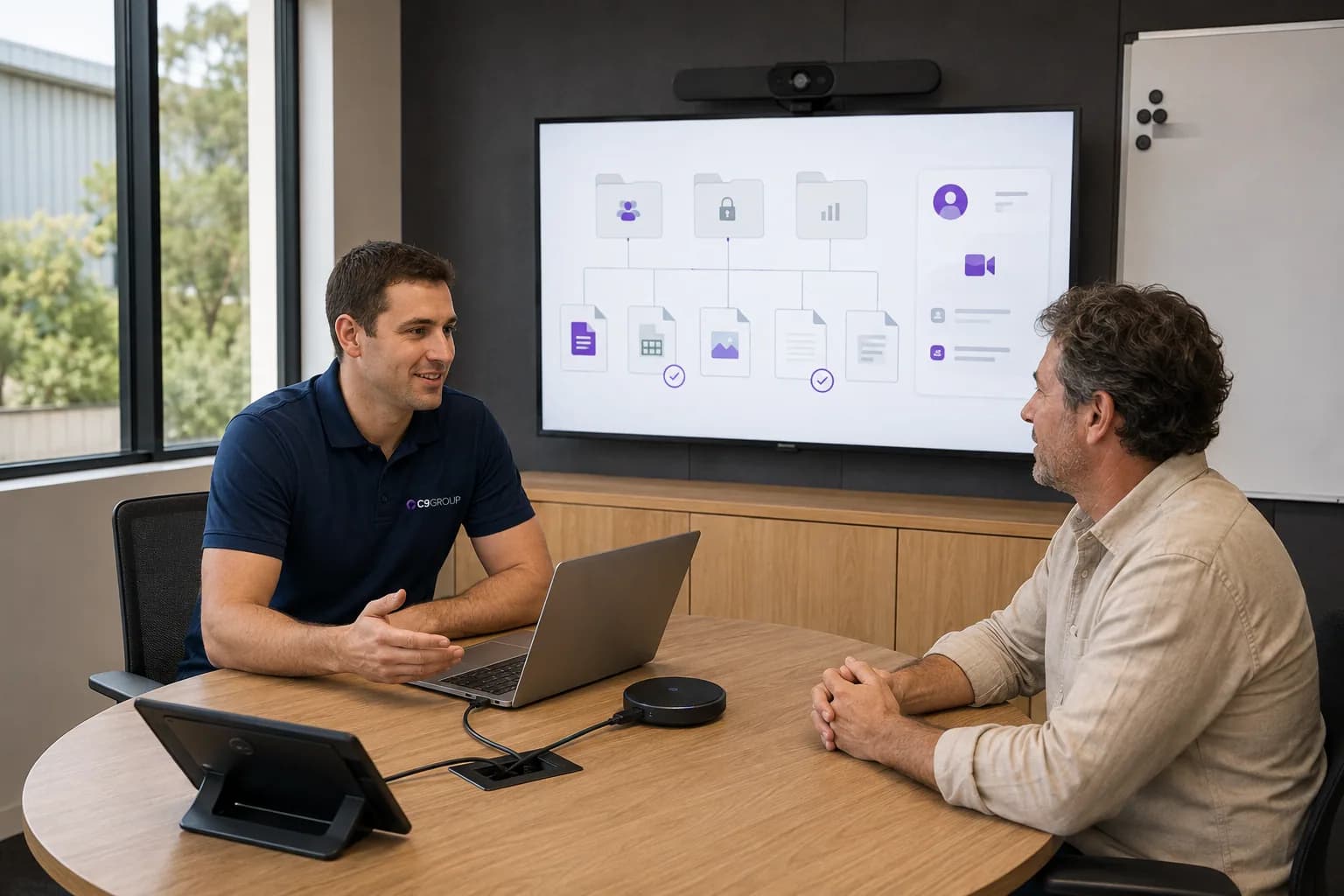
Plan users, email, access, files and ongoing management together so migration does not become a standalone project with no operating model afterwards.

Keep your internal team in control while adding Microsoft administration, project capability or ongoing support where additional capacity is needed.
A Microsoft environment is not finished after deployment.
People join. People leave. Roles change. Licensing changes. New Microsoft capabilities appear. Security requirements change. The business expands.
Ongoing management keeps those changes from gradually creating another fragmented environment.

The goal is not constant change. It is having somebody responsible when change is required.

The commercial value is practical: clearer ownership, cleaner user management and fewer Microsoft administration tasks that depend on memory or individual workarounds.
Accounts, licences and Microsoft access follow a clearer process when employees start.
Understand what the business is paying for and which users actually require different Microsoft capabilities.
Know who is responsible for Microsoft administration and ongoing decisions.
Handle joiners, movers and leavers through repeatable processes rather than individual requests.
Review the environment before years of licences, permissions and configuration changes become difficult to untangle.
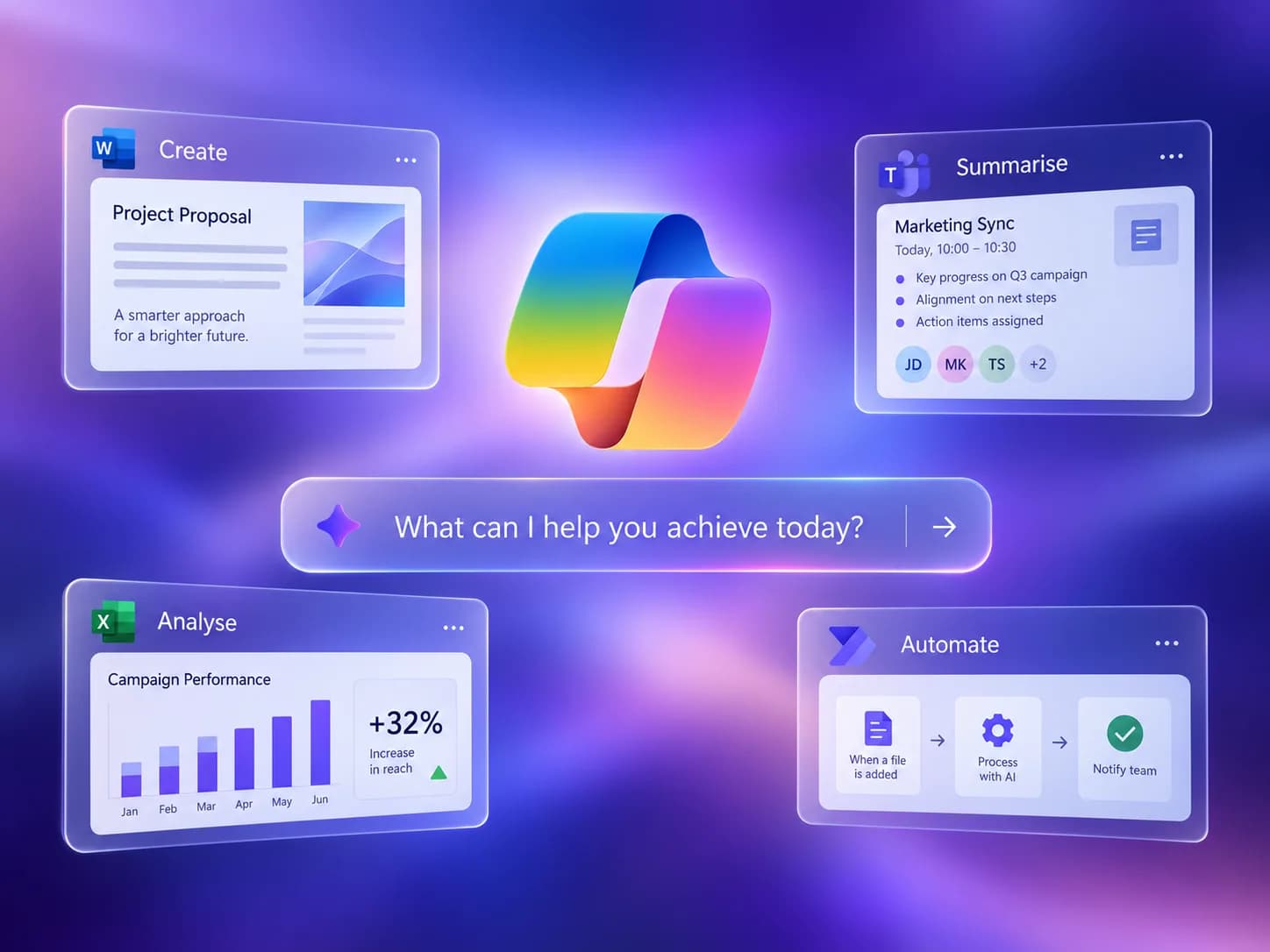
Microsoft 365 can connect more cleanly with Teams, SharePoint, identity, devices, security and Copilot when the core environment is properly managed.
If Microsoft 365 has been growing with the business for several years, start by understanding what is already there before buying more licences or changing platforms.
Know what should stay, what should change and what needs attention first.
Choose which optional analytics and live chat tools C9 GROUP may use. You can change this later from the footer.