The working day
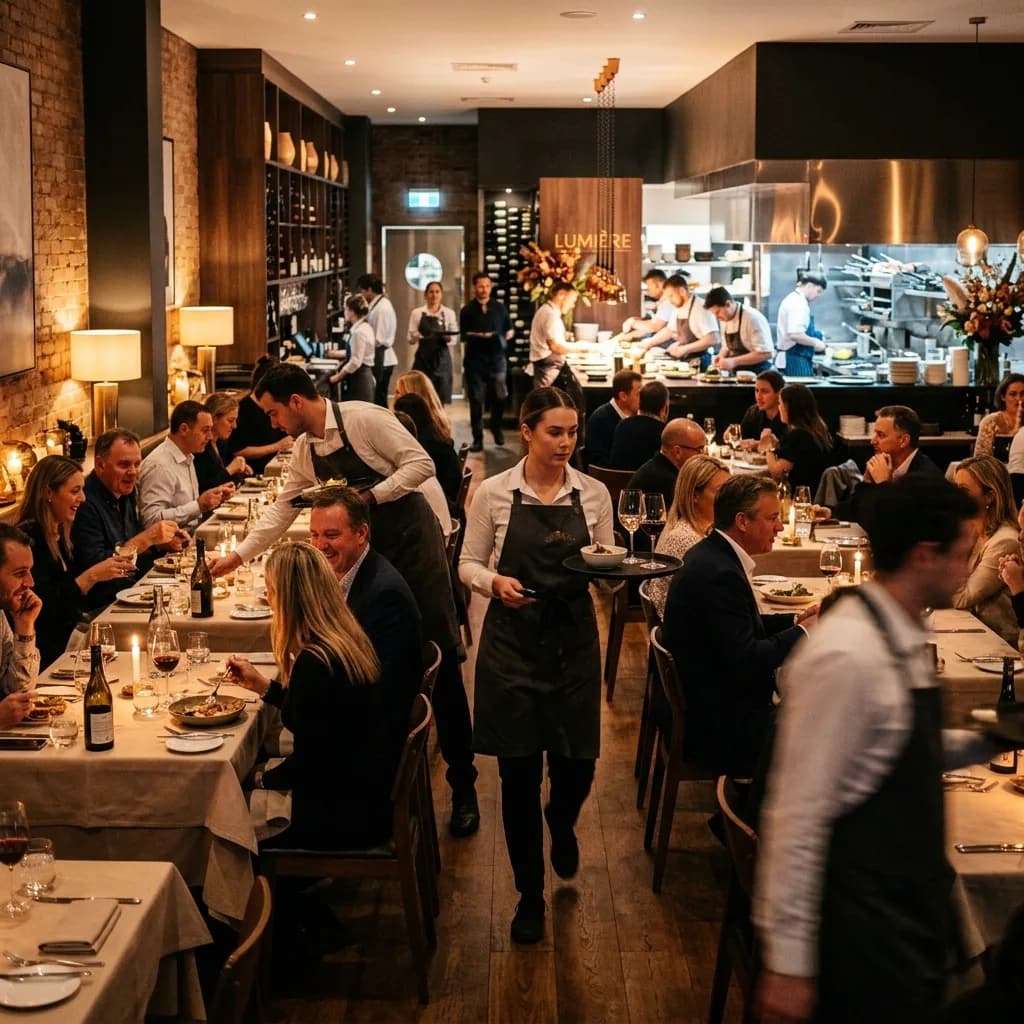
A busy service is the wrong time to find the weak link.
Front of house cannot pause the room while someone works out whether the fault belongs to the internet provider, the network or the till supplier. A useful technology plan connects those responsibilities before the Friday-night rush.
Where to focus
Start with what gets in the way.
- 01
Payments and orders share the network
Terminals, ordering systems and back-office tools need their dependencies understood. Guest traffic should be considered separately.
- 02
Coverage that misses the guest
A connection at reception says little about the far room, courtyard or function space. Wireless coverage needs to follow the building and how it is used.
- 03
Changes between services
Installation, maintenance and provider support need to fit around check-in, prep and service periods, with support hours agreed explicitly.
Capabilities at work
From the first booking to the last payment.
Before service
Bookings are checked, terminals are prepared and menus or event information are updated.
How the technology contributesConnectivity, operational devices and display schedules are checked as part of venue readiness.
At the busy point
Guests connect to Wi-Fi while the team takes orders and processes payments.
How the technology contributesNetwork design considers those different demands and separates access where required.
When something stops
A terminal or connection fails while guests are waiting.
How the technology contributesStaff have a documented reporting path and agreed fallback steps, rather than a list of suppliers to guess between.
Solutions portfolio
The right services. A clear role for each.
Choose the services your organisation needs. The scope, responsibilities and delivery plan are agreed around your environment.
Business connectivity
Review site availability and backup options, including which agreed services can keep operating if the main link fails.
What we work through with you
- Check the needs of POS, reservations and property systems.
- Review carrier options for the actual address.
- Test agreed workflows when switching to backup connectivity.
What this contributesVenue managers know which services depend on the link and which fallback arrangements have actually been checked.
Venue & guest Wi-Fi
Plan coverage, guest access and network separation around front of house, staff areas, rooms and outdoor spaces.
What we work through with you
- Survey rooms, service areas and outdoor spaces.
- Plan capacity and access for guests and operational devices.
- Check coverage where people use the service, not just near the router.
What this contributesThe wireless design reflects the venue layout and demand, reducing reliance on improvised access-point placement.
Bookings & business calls
Set up routing, opening hours and overflow around reservations, reception and functions teams.
What we work through with you
- Map bookings, reception and events-team calls.
- Agree queues, messages and overflow arrangements.
- Check routing across opening hours and seasonal changes.
What this contributesEnquiries have a planned path during service, when staff may not be able to answer the first ring.
Menus, notices & venue displays
Match screens and content scheduling to menus, events and guest information, with updates owned by the right people.
What we work through with you
- Choose displays suited to menu, event or guest information.
- Assign content owners and publishing access.
- Set schedules and check readability from the guest’s position.
What this contributesMenu and event updates are easier to coordinate without passing USB drives between busy staff.
Coordinated technology support
Document vendor boundaries for POS, property systems and the network, so faults have a defined escalation route.
What we work through with you
- Record contacts and responsibilities across specialist suppliers.
- Agree support hours and escalation before relying on them.
- Keep changes and equipment records up to date.
What this contributesThe duty manager knows how to report an issue and who coordinates the next step within the agreed service scope.
For the people doing the work
A clearer working day, across the team.
| Your people | What the plan supports |
|---|---|
| Front of house | A clearer support process during a busy service. |
| Venue managers | Known dependencies and maintenance windows that fit operations. |
| Marketing and events | A manageable process for guest-facing content. |
| Owners and group operations | A consistent basis for support and future venue upgrades. |
A practical example
A venue refresh that goes beyond new screens.
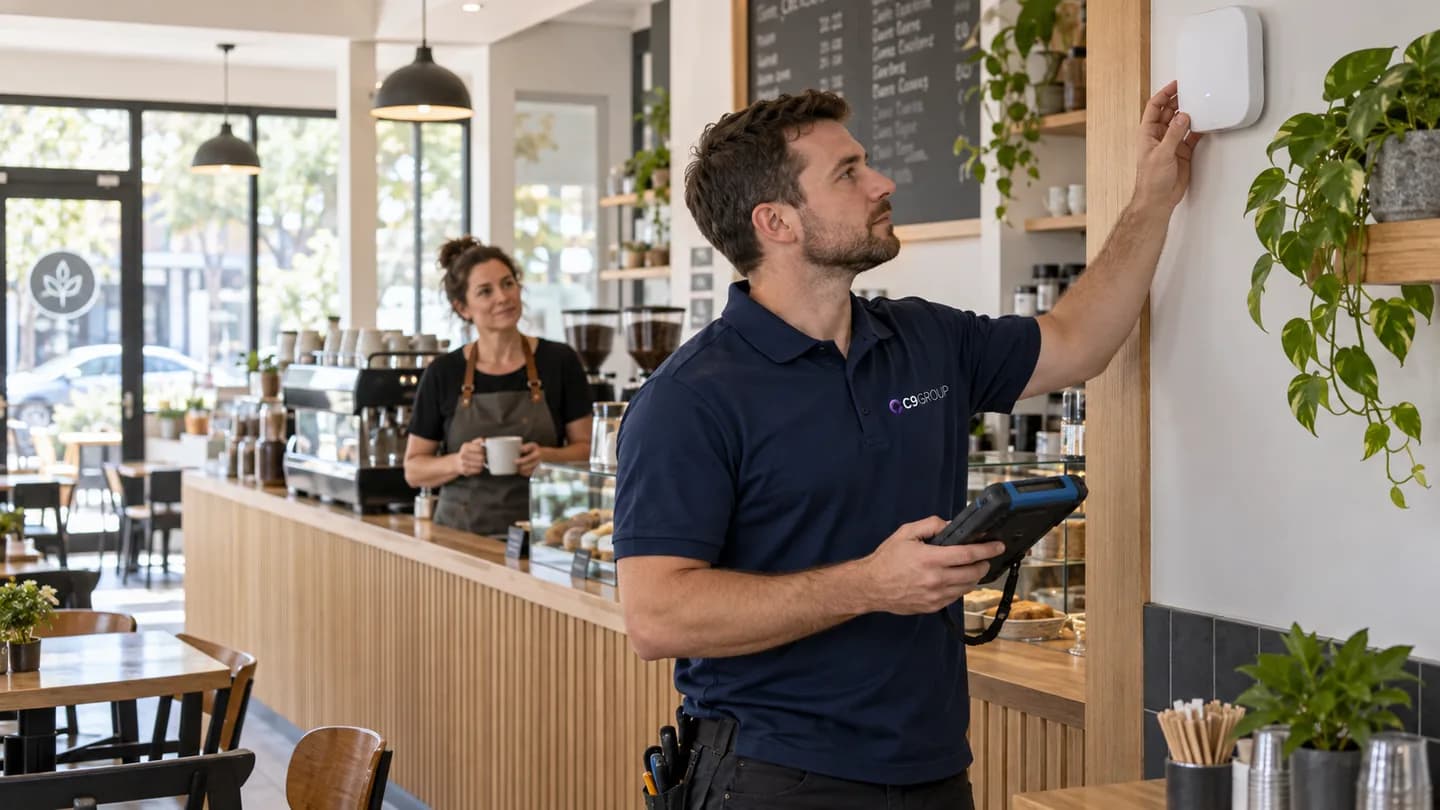
A venue is updating its menu boards and taking more online bookings. Before adding devices, check network capacity, screen locations, power, cabling and who will publish content. The operational details matter as much as the hardware.
| Decision | What it means in practice |
|---|---|
| Survey | Coverage and cabling across service, guest and back-of-house areas. |
| Separate | Guest use from operational traffic where the design requires it. |
| Rehearse | Content updates, calling and the agreed connection-recovery steps before a busy shift. |
From plan to handover
Work around the business. Bring the details together.
- 01
Walk the venue
Understand bookings, orders, payments, guest areas and the busiest service windows.
- 02
Coordinate the providers
Confirm what the POS, booking or property-system supplier needs from the network.
- 03
Stage the installation
Prepare equipment and schedule changes around service with a recovery plan.
- 04
Test the whole shift
Check critical workflows with staff and document the support arrangements, including hours and escalation.
Keeping work moving
Plan for the interruption. Not just the installation.
A smooth working day depends on preparation, clear responsibilities and a usable response when something goes wrong. These are part of the service conversation from the start.
Work around the service
Agree installation windows and decision-makers before a cutover, including what happens if work runs beyond the window.
Test payment dependencies
Coordinate with the terminal and POS providers because a working internet backup alone does not prove payments will continue.
Keep the duty team informed
Leave usable fault-reporting instructions and named escalation contacts, with coverage hours clearly stated.
Beyond handover
Keep checking the things that matter.
Agree what to review against your starting position and service scope. Useful measures should reflect the work your team is trying to do, with changes prioritised together.
- Guest coverage complaints by location
- Repeated faults affecting orders or payments
- Accuracy of menus and event displays
- Support delays caused by unclear supplier responsibility
Review findings can inform the next change, a supplier conversation or a decision to leave a working system alone. The aim is a maintained environment that keeps pace with your organisation.
Before you decide
A few useful answers.
Will a backup link keep everything running?
That needs testing. Payment terminals and applications can behave differently when a connection changes. The plan should name the services covered and any limitations.
Can you work with our POS supplier?
Yes. We can coordinate the agreed network and connectivity requirements while your POS supplier retains responsibility for its application and equipment.
For the next conversation
Bring your team into the plan.
Download the industry solutions portfolio, including capability details, practical examples and delivery considerations. Share it with your team to discuss priorities, existing suppliers and your next steps.
Download solutions PDF