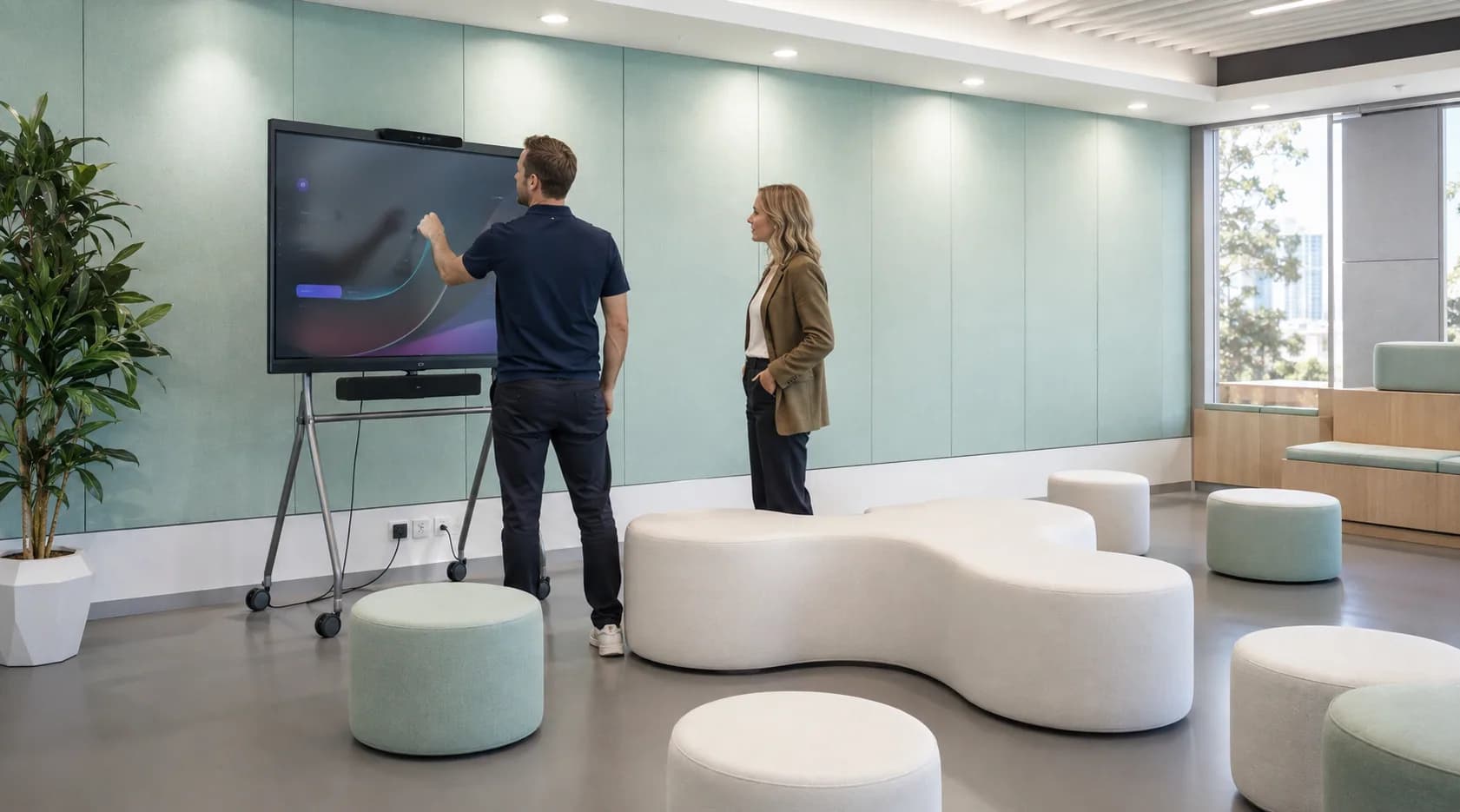
Wi-Fi works in some places and struggles in others.
Meeting rooms, warehouses, offices or customer areas behave differently depending on where people are standing.
When Wi-Fi drops out, meeting rooms struggle or different parts of the office behave differently, the problem is rarely just "the internet".
C9 designs and manages the network inside your workplace — Wi-Fi, switching, segmentation and site infrastructure — so people and devices can connect consistently.
Business Wi-Fi · Switching · LAN · Segmentation · Site Networks













Most businesses do not start looking for a new network because they want new switches or access points.
They start because people are losing time.
Meeting rooms, warehouses, offices or customer areas behave differently depending on where people are standing.

New devices, staff, printers, cameras and systems have been added over time, but the network underneath them has not been reviewed in the same way.
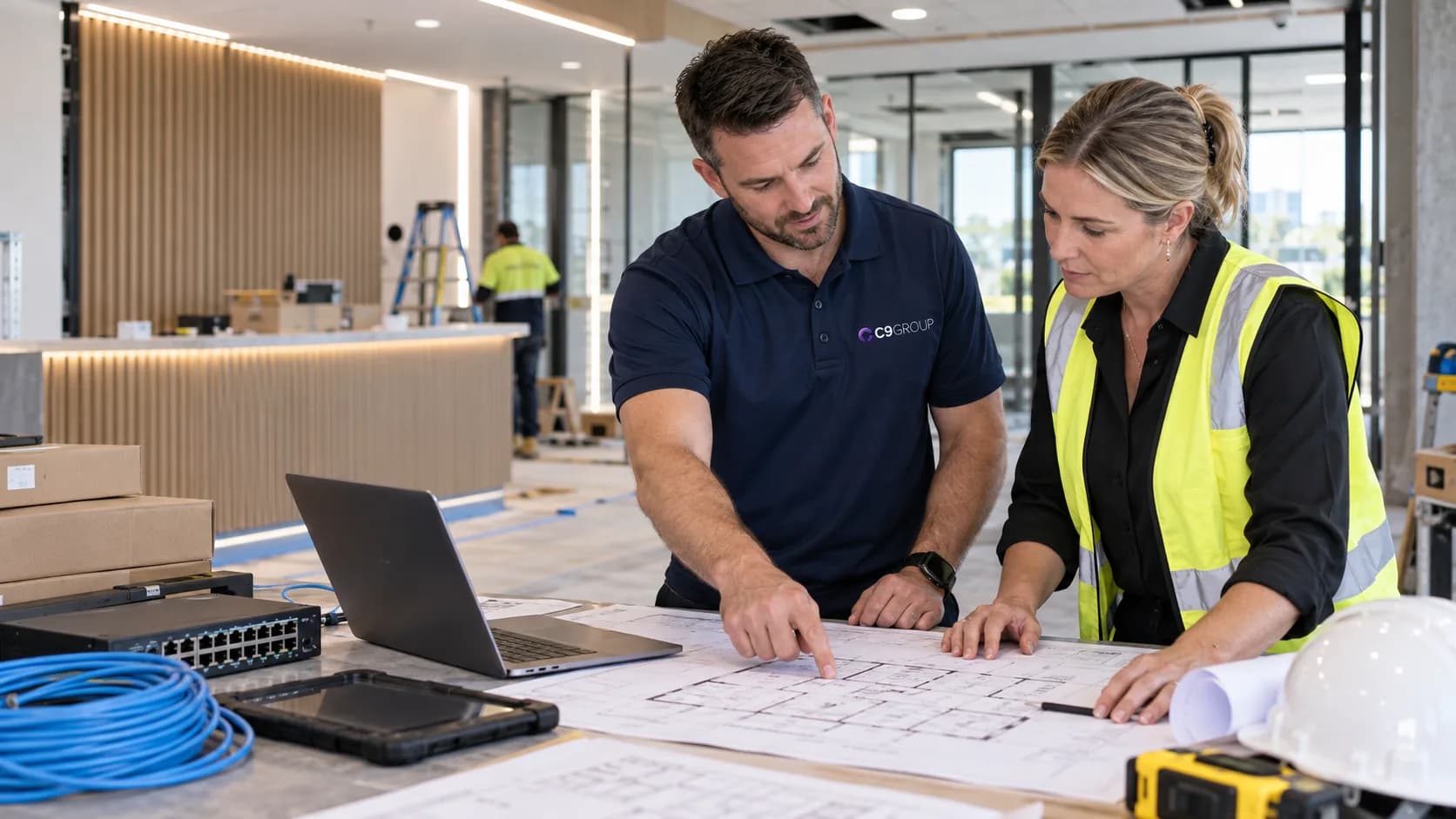
Different hardware, layouts and configurations make support harder as the organisation grows.
Seeing these issues in your business?
Start with a review of the network behind them.
For offices and sites dealing with weak coverage, dropouts, inconsistent performance or overloaded wireless areas. C9 reviews the environment before changing hardware, because more access points do not automatically mean better Wi-Fi.
Best suited for
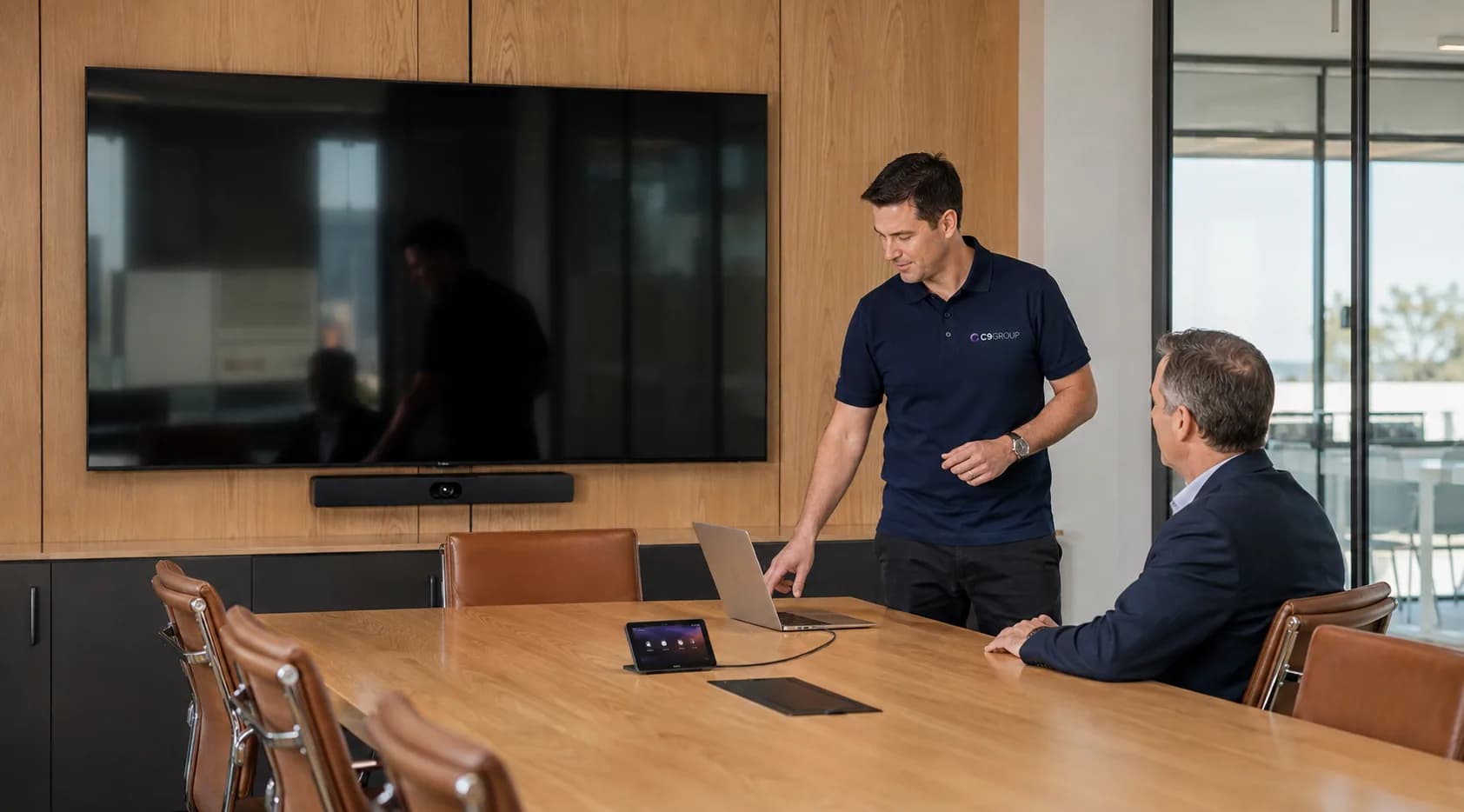
When connectivity starts getting in the way of work, employees only see the symptom. The cause might sit in coverage, switching, network configuration, device density or another part of the local network.

The problem appears during Teams or video calls, but Wi-Fi coverage is only one possible cause.
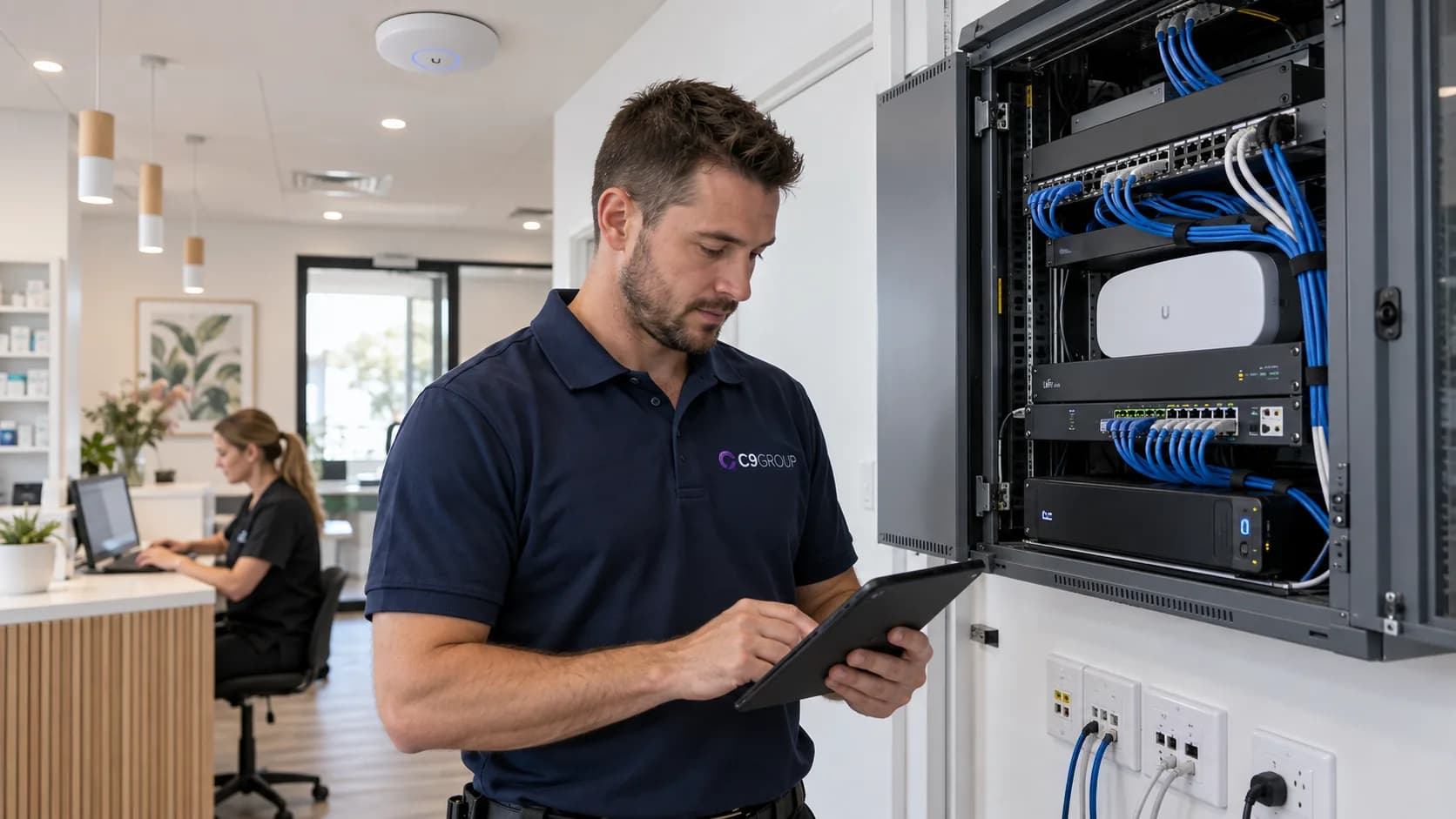
Employees move between areas and get a completely different network experience.
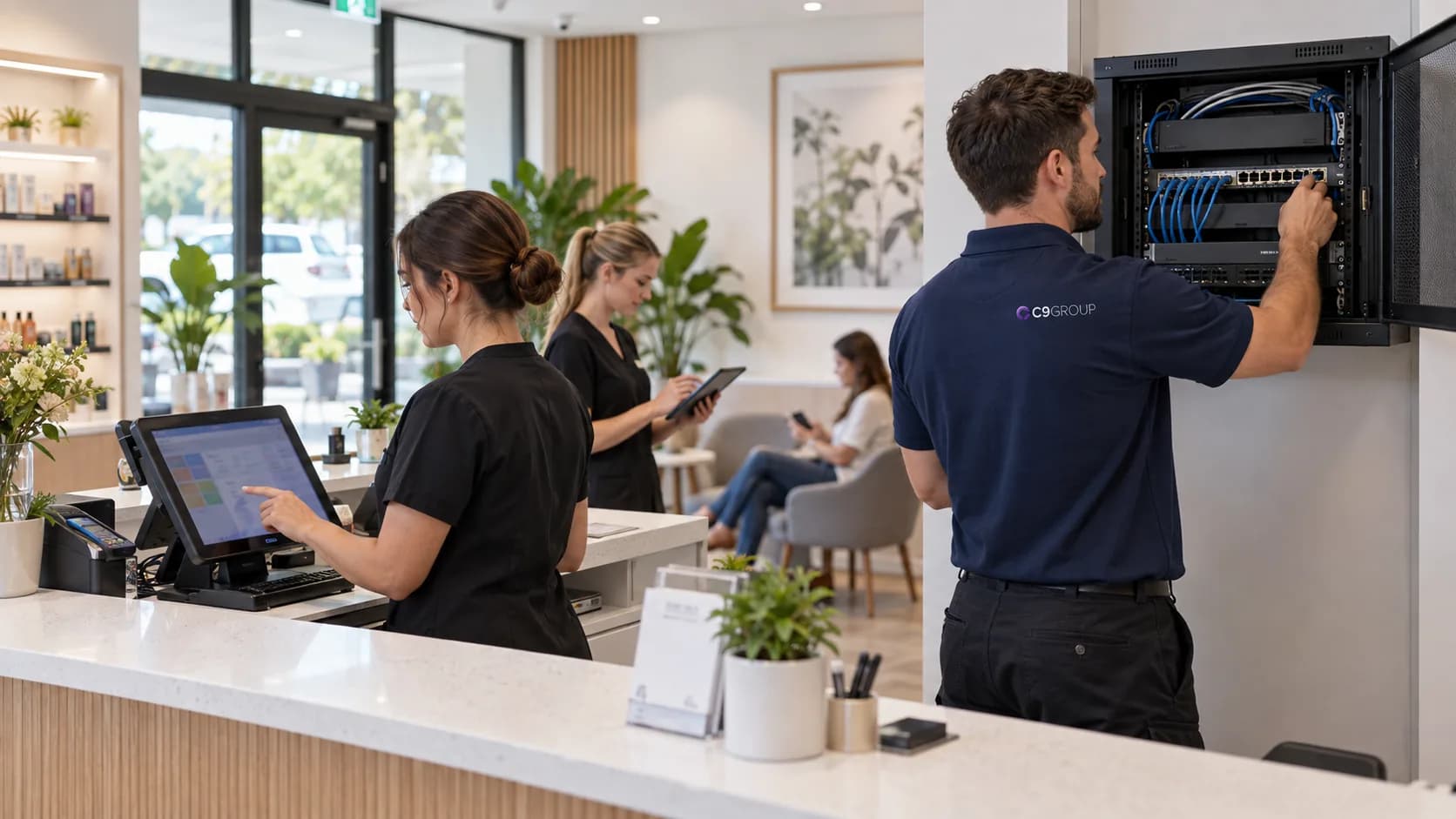
Printers, phones, meeting-room devices or operational equipment struggle to stay connected.
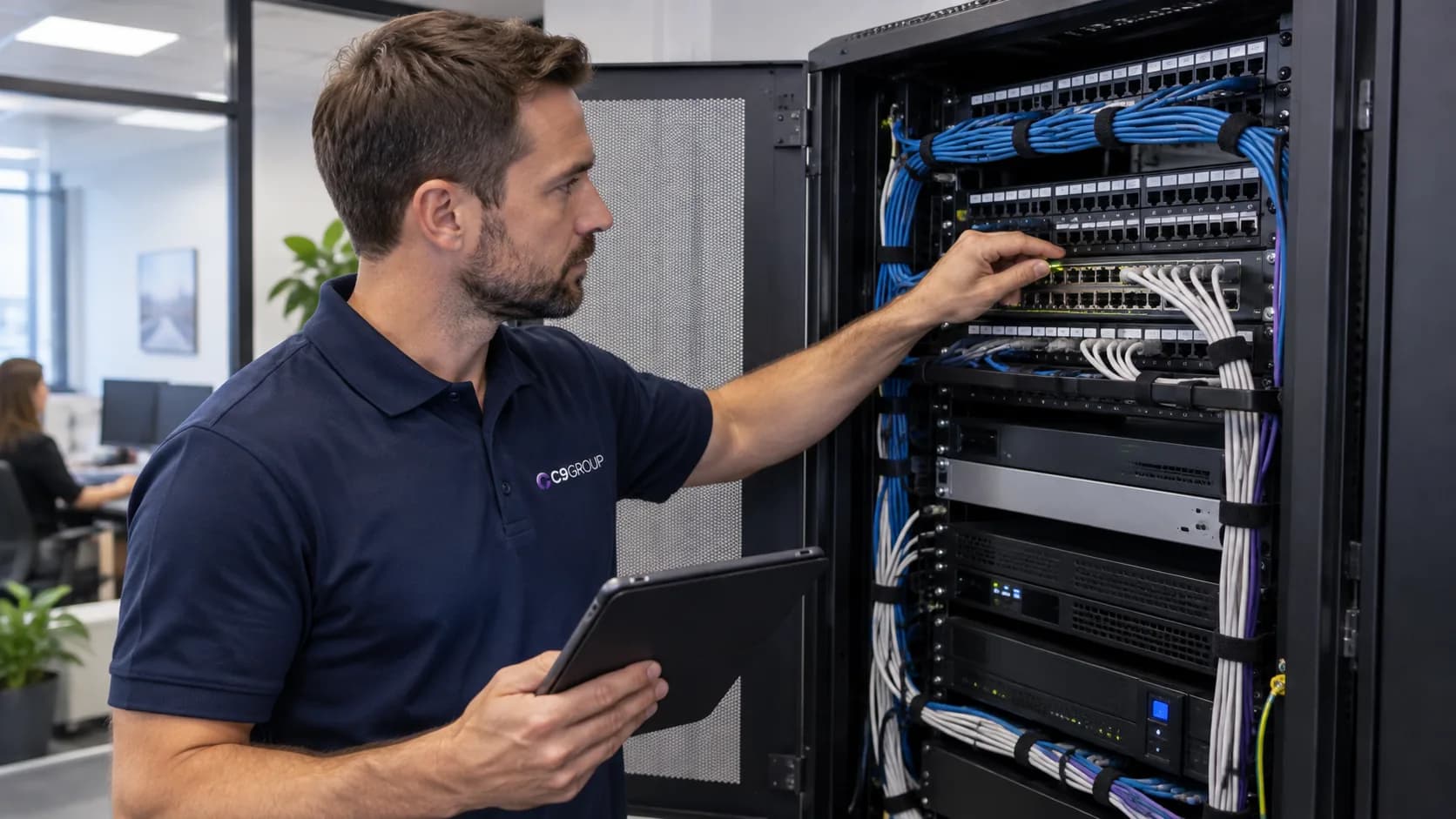
The application gets blamed first, even when the bottleneck may sit elsewhere in the local network.
C9 reviews the network behind the symptom before recommending what needs to change.
Business Wi-Fi
Wireless design, coverage and access points built around the way people actually use the site.
Real network hardware
Business Wi-Fi
Replacing everything is rarely the first step.
Understanding what is causing the problem is.
Review coverage, network hardware, connected devices, known issues and how the workplace is being used.
Decide what should stay, what needs changing and how the network should support users and devices going forward.
Implement the agreed changes, validate the environment and continue managing the network where required.

ACTIVE STAGE
Assess
Review coverage, network hardware, connected devices, known issues and how the workplace is being used.
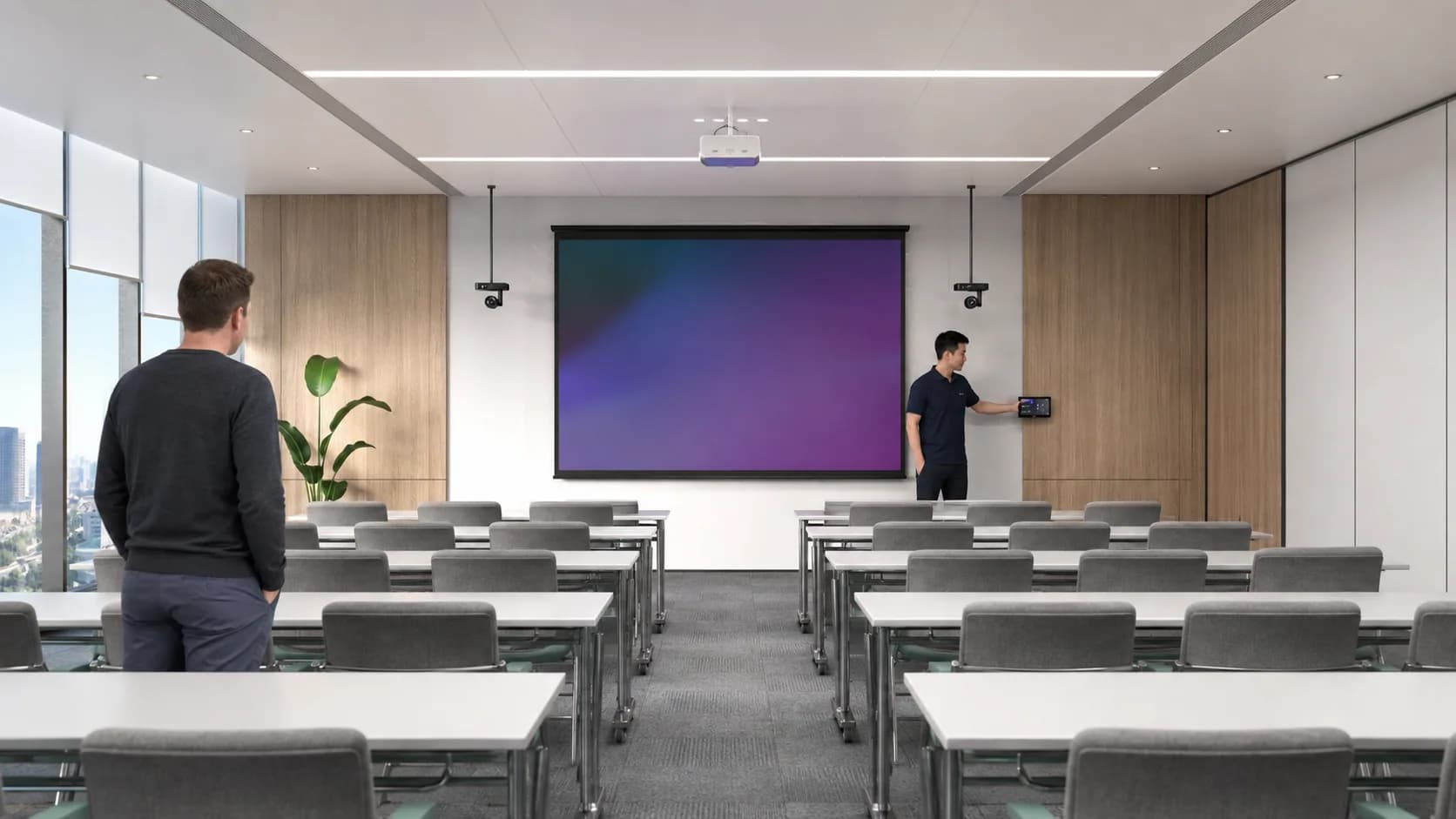
Workplace connectivity should support people quietly in the background, instead of forcing them to find workarounds through the day.
People spend less time reconnecting, moving rooms or finding workarounds.
Coverage and capacity issues can be addressed as part of the network design rather than treated one complaint at a time.
The business knows who is responsible for the workplace network C9 manages.
Network standards become easier to carry across additional locations as the business grows.
We look at the environment first
Coverage, users, devices, layout and existing network conditions come before product recommendations.
Wi-Fi and the wired network are considered together
A wireless problem is not always caused by the access point. Switching, local network design and device behaviour can all matter.
Managed beyond installation
C9 can remain involved with the network after deployment rather than treating the work as a one-off installation.
Connected C9 capability
If the issue crosses into connectivity, Microsoft, infrastructure or security, the relevant C9 capability can be brought into the conversation.
If the Wi-Fi is unreliable, the network has grown without a clear standard or different sites have become difficult to support, start with the environment you already have.
C9 will help identify what is actually causing the problem, what should stay and what needs attention.
Choose which optional analytics and live chat tools C9 GROUP may use. You can change this later from the footer.