C9 GROUP · IT SUPPORT
IT support your people can actually rely on.
When someone cannot sign in, a device stops working or an application becomes a problem, they need a clear place to get help.
C9 supports everyday users and IT issues, with the right escalation path when the problem needs deeper engineering expertise.
User & device support · L1-L3 escalation · Fully or co-managed

C9 Helpdesk
Active support path
Live

Hi C9, I can't access Teams before a client meeting.

Message C9 Helpdesk...
Businesses That Trust Us










IT SUPPORT
Good IT support is more than answering tickets.
Employees should only need to know where to ask for help.
Behind that request, somebody still needs to understand the user, the device, the application, the account, the network and any other supplier involved.
C9 coordinates the agreed support path so the employee is not left trying to work out who owns the problem.
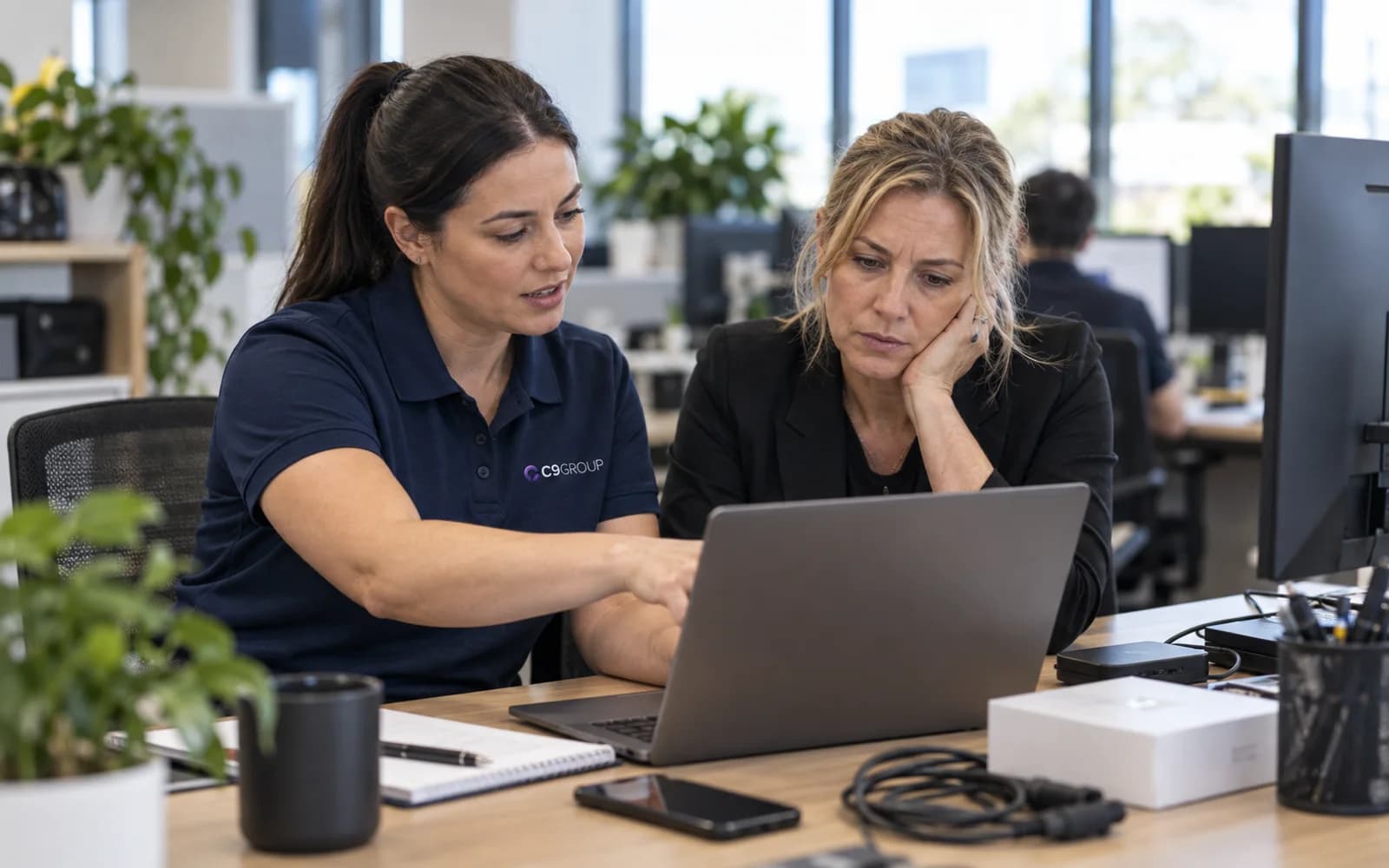
for employees
They have one clear place to ask for help when the working day gets interrupted.
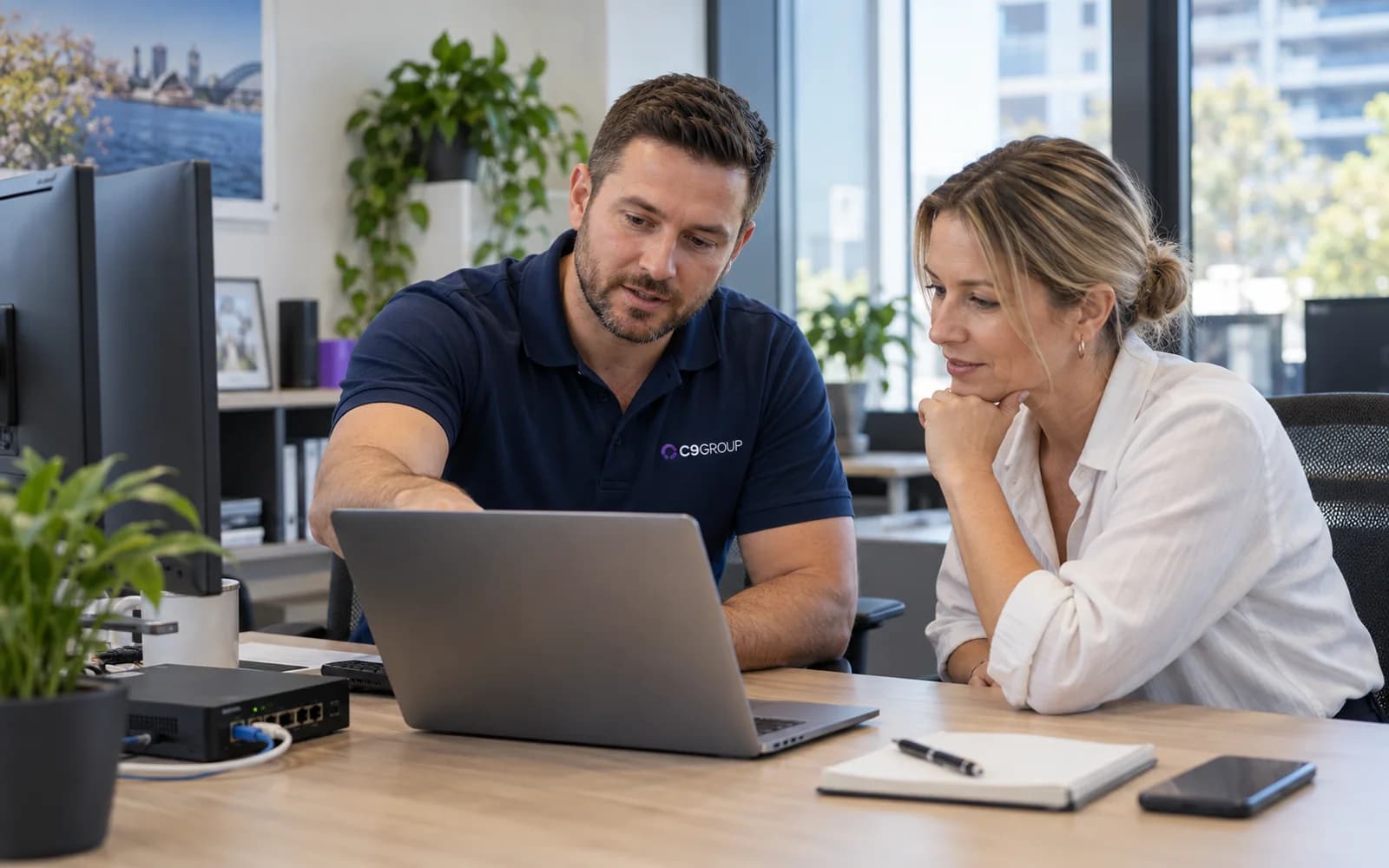
behind the request
C9 looks across the user, device, application, account, network and supplier path before handing the issue around.
People
Support starts with the person who is trying to work.
Devices
Laptops, desktops and common workplace technology.
Accounts & Access
Sign-in, access and everyday identity-related issues.
Microsoft & Applications
Microsoft 365, Teams and supported business applications.
Vendors
Coordination when the issue involves another technology supplier.
Engineering
Escalation when an issue needs deeper infrastructure, cloud or network expertise.
The request may look simple. The ownership behind it is what matters.
WHEN SUPPORT ISN'T WORKING
IT problems become business problems when nobody owns the outcome.

Employees don't know who to contact.
Microsoft goes to one supplier. Internet goes somewhere else. Hardware goes somewhere else again. The employee should not need to understand the supplier structure just to get help.
The same problems keep coming back.
An issue can be closed without the underlying cause being properly understood. Recurring problems need visibility, not another temporary workaround.
Internal IT is buried in everyday tickets.
Experienced IT people spend time dealing with repetitive support issues instead of infrastructure, projects and improvements. C9 can add support capacity without replacing the internal team.
Simple issues turn into vendor handoffs.
One supplier says it is Microsoft. Another says it is the network. Another says it is the device. C9 helps coordinate the issue across the managed environment.
Seeing these issues in your business?
Start with a review of the support model behind them.
THE WORKING DAY
Support should stay in the background until someone actually needs it.
BEHIND THE SUPPORT REQUEST
Your employee sees one problem. C9 looks at the environment behind it.
"I can't work" can have a very different cause depending on what sits behind the employee's screen.
The employee should not have to work out which layer is responsible before asking for help.
Account & Identity
Access, authentication and user configuration.
A sign-in problem may involve account settings, MFA, permissions or the way the user has been configured.

A support request can touch more than one layer. The point of a managed support path is to keep ownership clear while the right people work through the cause.
One request should not become the employee's investigation project.
HOW C9 FITS
Use C9 as your IT support team, or extend the one you already have.
FULLY MANAGED IT SUPPORT
Fully ManagedOne support path for your people.
For businesses that do not maintain a complete internal IT support function. C9 can become the agreed first point of contact for everyday user and IT support requirements.
User issuesDevicesAccounts and accessMicrosoftSupported applicationsVendor coordinationEngineering escalation
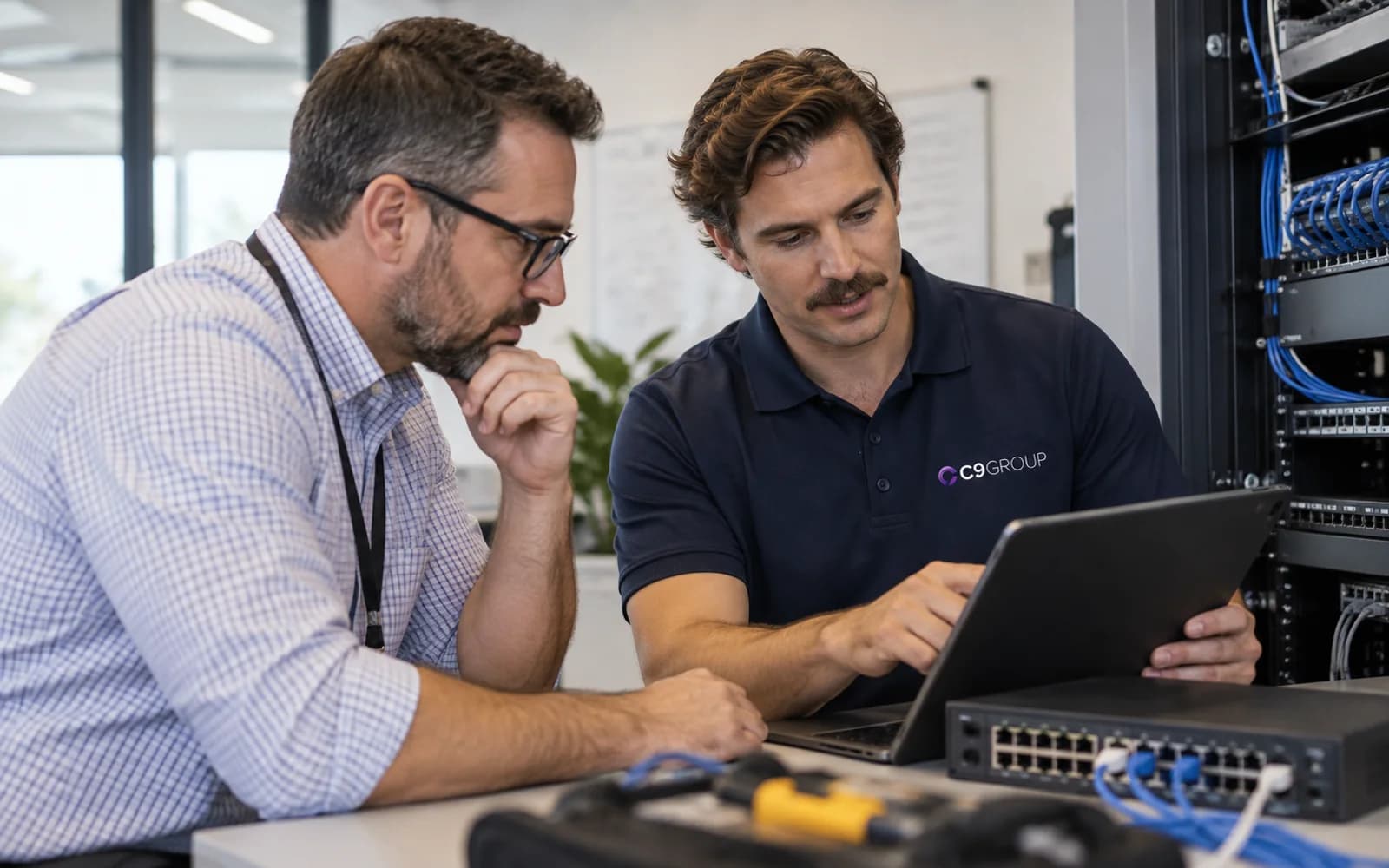
CO-MANAGED SUPPORT
Co-ManagedGive your internal IT team more capacity.
For organisations with an internal IT team that needs additional support coverage, escalation or specialist expertise.
Helpdesk overflowL1/L2 supportL3 escalationInfrastructure issuesNetwork escalationProjectsVendor coordination
SUPPORT SCOPE
Practical support for the technology people use every day.
This section exists to answer what C9 can actually help with without turning the page into a technical catalogue.
Support
User Support
Login problems, common user issues, service requests and everyday troubleshooting.
Support
Device Support
Laptops, desktops, peripherals and common endpoint issues.
Support
Microsoft & Business Applications
Microsoft 365, Teams and agreed business applications.
Support
Accounts & Access
User access, password issues and agreed joiner, mover and leaver requirements.
Support
Vendor Coordination
Help coordinating issues that involve other technology suppliers.
Support
Engineering Escalation
A path into deeper infrastructure, cloud or network expertise when required.
HOW SUPPORT WORKS
A clear path from "I need help" to the right resolution.
THE OUTCOME
Less time working out who to call. More time getting the problem resolved.
01
People know where to ask for help.
One clear support path is easier for employees to understand.
02
Internal IT spends less time on repetitive support.
Co-managed support can give internal teams more room for projects and higher-value work.
03
Escalation becomes clearer.
More complex issues have an appropriate path beyond basic troubleshooting.
04
Vendors are easier to coordinate.
The business does not always need to become the middleman between technology suppliers.
05
Recurring problems become more visible.
Patterns can be recognised instead of every issue being treated as completely new.
06
Employee changes become more consistent.
Support around joiners, movers and leavers can follow an agreed process.
WHY C9
Support backed by the wider IT environment.
A helpdesk request rarely exists in isolation. It may involve Microsoft, devices, networks, infrastructure or another supplier, so the support model needs somewhere to escalate.

More than first-line support
C9 can escalate into deeper engineering when the problem sits beyond the user's immediate device or application.
Fully or co-managed
Use C9 as the primary IT support team or alongside an existing internal IT function.
Broader technology capability
A user problem may involve Microsoft, infrastructure, networking or another technology supplier.
Clear ownership
C9 stays involved across the agreed managed environment instead of leaving the customer to coordinate every handoff.
When the issue sits beyond the helpdesk.
Some support requests need the wider C9 environment behind them. Keep the next step relevant instead of turning every issue into a supplier search.
IT Support FAQs
C9 can support agreed user, device, Microsoft, application, account and everyday IT requirements. The exact scope is confirmed as part of the support agreement.
IT SUPPORT REVIEW
Find out where your current support model is creating friction.
Tell C9 how your people get IT help today, what keeps going wrong and where the current support model is falling short.
We'll review the situation and help work out the right support approach.
The major friction points are usually complete IT support, changing provider, slow or unclear help, co-managed capacity, helpdesk overflow, onboarding and offboarding, Microsoft support, multiple locations, or simply not knowing where to start.