Business Essential
Everyday mobile use
Typical users
Calls + email + auth
Designed for employees mainly using calls, messaging, email, authentication and normal business applications.
C9 helps Australian businesses move, consolidate and manage mobile services across employees, locations and devices.
We look at who needs mobile, where they work, how much data they actually use and how the account needs to be managed, then build the mobile setup around the business.
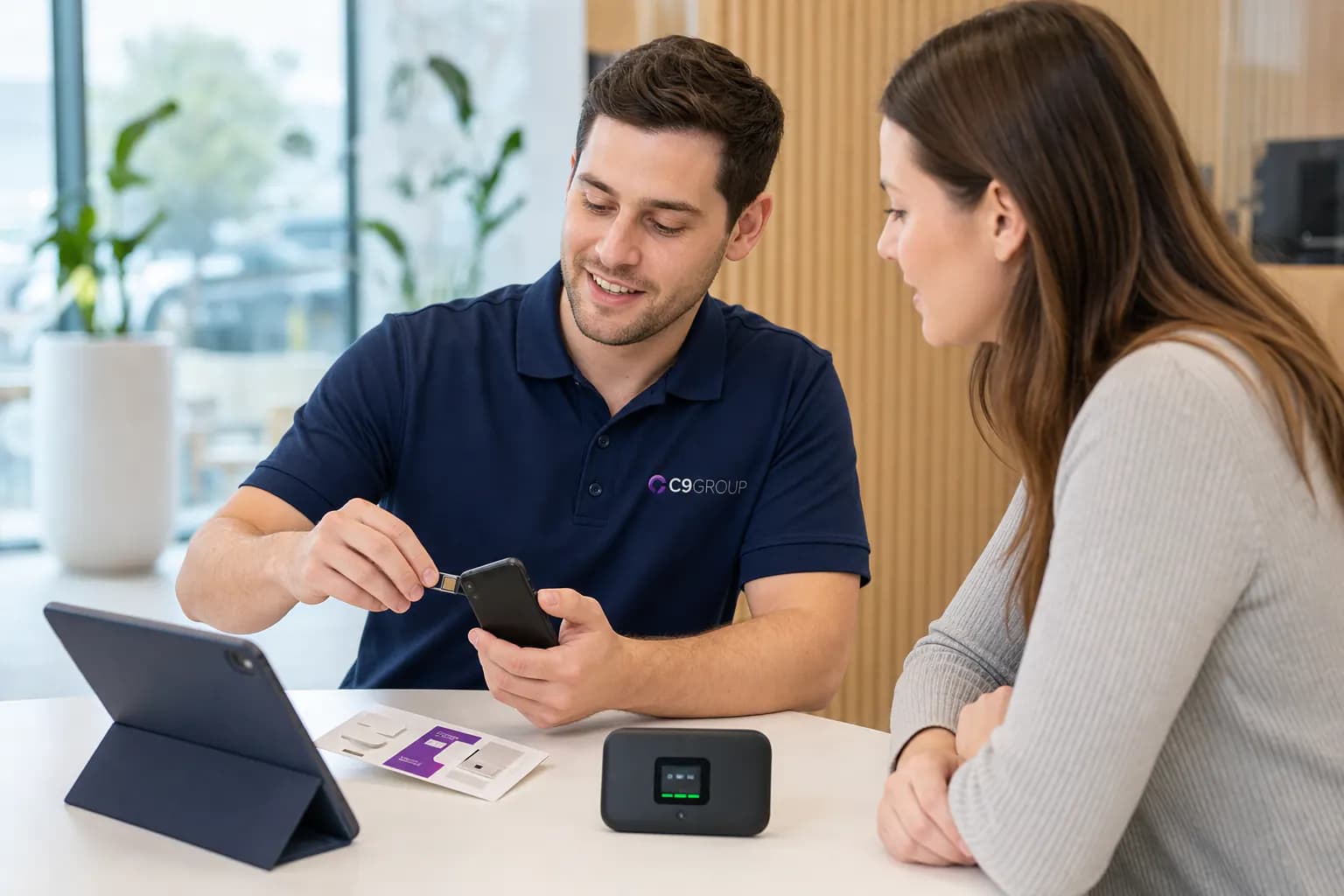












You do not need every employee on exactly the same plan. Start with what the business is trying to fix.
Business mobile decisions become clearer when the conversation starts with roles, locations, usage, devices and account management.
Growing team
Set up new mobile services around employee roles, data requirements and device needs without creating another collection of disconnected accounts.
Account cleanup
Bring eligible mobile services into a cleaner business structure with simpler management and a clearer view of users and services.
Plan review
Review the current fleet against how employees actually use mobile today.
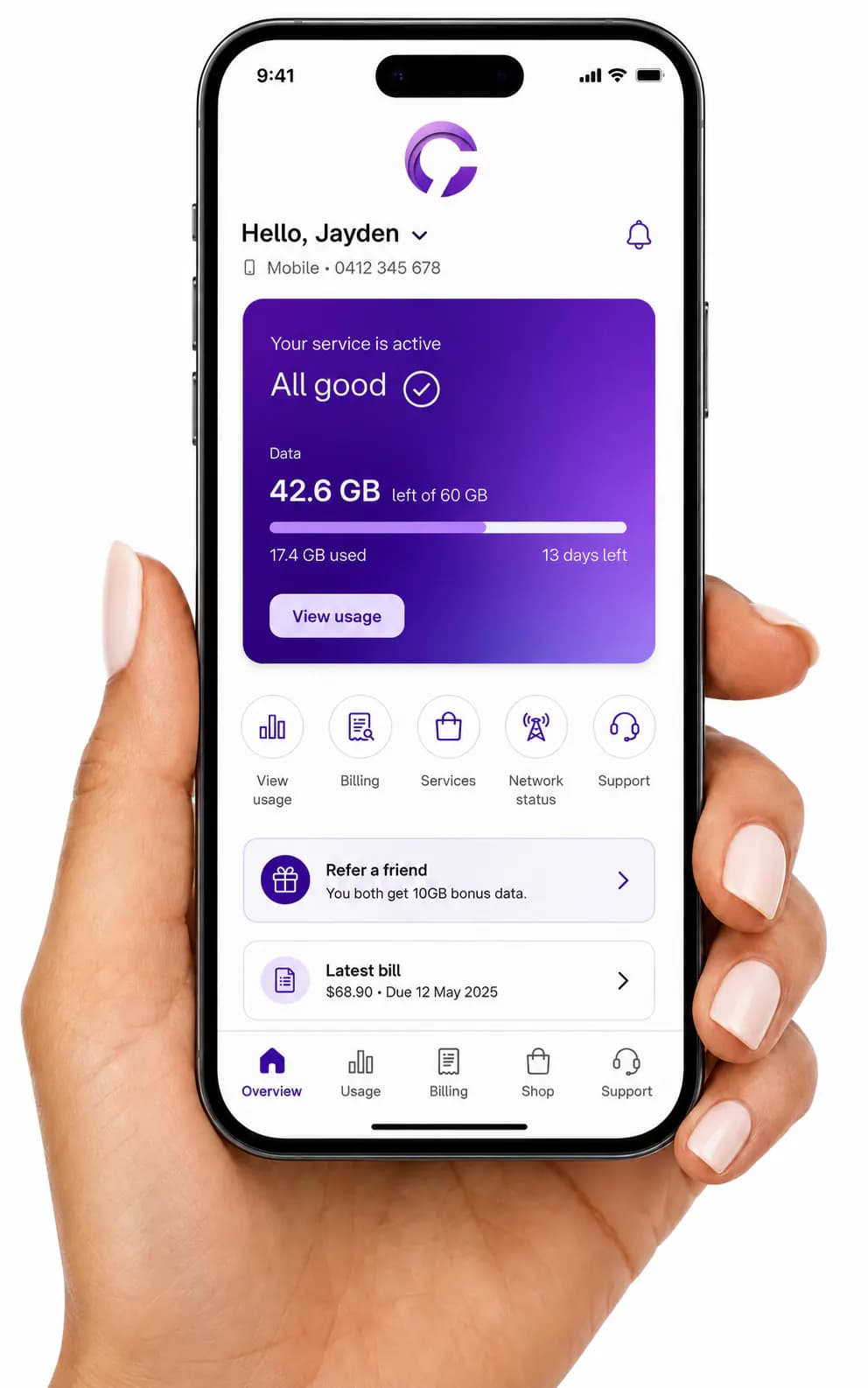
Five mobile services are easy to keep track of. Fifty services across sales, management, field staff and multiple locations are different.
Voice, data, roaming, hotspot use and mobile application requirements change by role.
Office, metro, regional, customer-site and on-the-road work patterns should be part of the plan conversation.
New starters, leavers, lost devices, number moves, plan changes and support all need a clear path.
C9 can compare voice and data mobile, data-heavy mobile, and data-only connectivity around the roles and devices in your business.
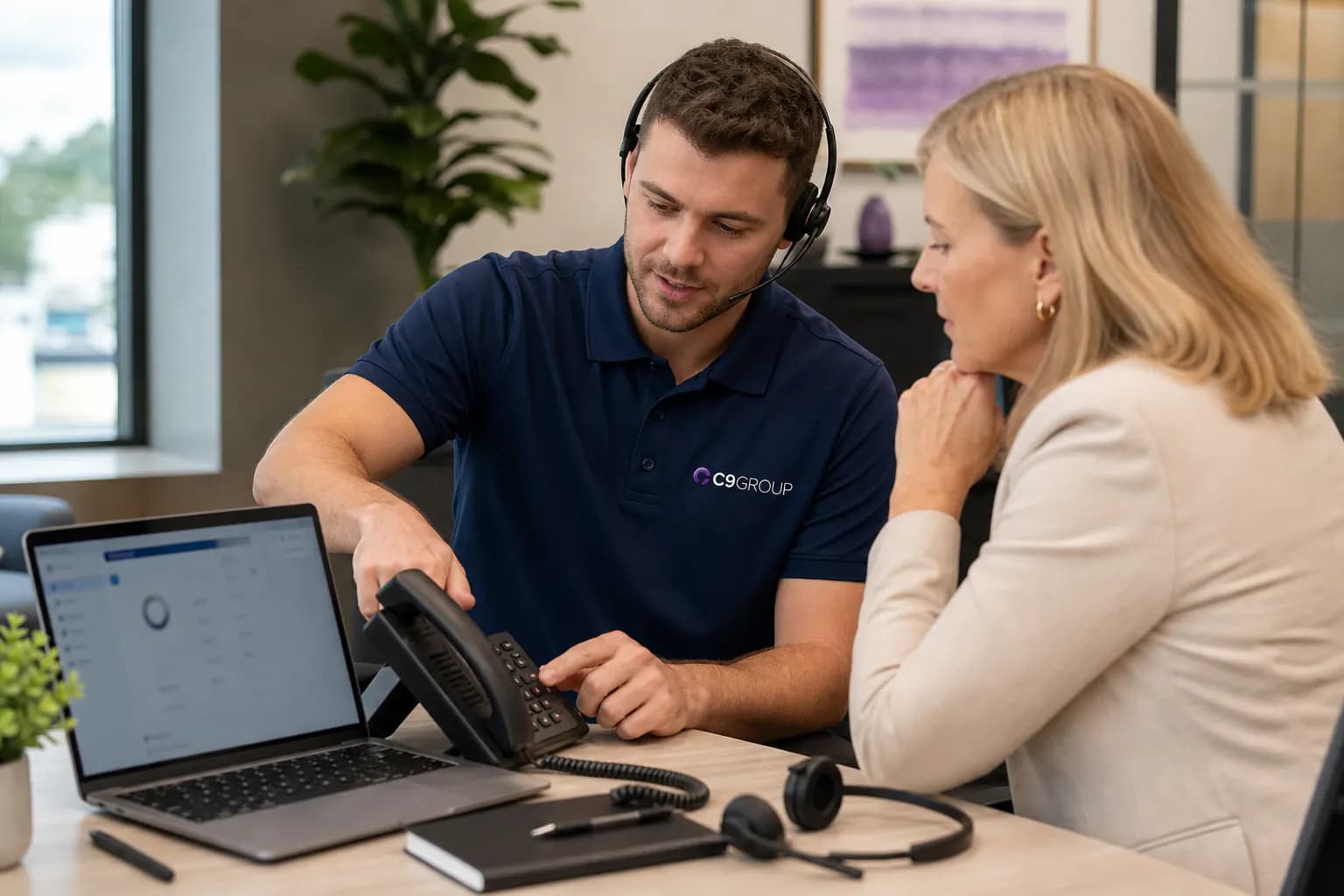
For employees who need a standard business mobile service for calling, messaging, Teams, email and mobile applications.

For people regularly using CRM systems, cloud applications, video meetings, hotspot connectivity or large amounts of mobile data.
For tablets, mobile workstations and other compatible business devices that require mobile data without a standard voice service.
C9 confirms current plan availability, data allowances, network coverage, commercial terms and applicable inclusions before providing a recommendation.
See FAQEveryday mobile use
Typical users
Calls + email + auth
Designed for employees mainly using calls, messaging, email, authentication and normal business applications.
For connected teams
Typical users
Office + road + sites
For people regularly working between the office, home, customer sites and the road.
For heavier mobile use
Typical users
Data-heavy roles
For roles that depend on mobile connectivity throughout the working day.
Typical users
C9 confirms the available plans, data allowances, network options, contract terms and pricing for your business before order.
Coverage, number migration, data sharing, SIM format, international requirements and device needs all affect the mobile recommendation.
A plan is not useful if the network does not suit the locations your employees rely on. C9 considers working locations as part of the mobile conversation.
Existing business numbers can be reviewed for eligibility before the migration is scheduled.
Where available, shared or pooled data can make more sense than treating every employee’s allowance independently.
The appropriate SIM format can be confirmed against the devices and services being deployed.
Employees who travel should have roaming and international usage reviewed before they leave Australia.
Where required, handset and device requirements can form part of the wider mobile rollout.
People join the business. People leave. Devices change. Usage changes. Numbers need to move. That is where a managed mobile relationship becomes more valuable than simply purchasing another plan.
New starters: Add services and organise requirements as employees join.
Employee changes: Review services when roles or usage patterns change.
Departing staff: Coordinate service requirements when employees leave.
Service changes: Keep one clear path for plan, number and account changes.
Support: C9 remains the business contact for the services it manages and coordinates relevant carrier escalation when required.
Business mobile should be structured around roles, locations, numbers, staff changes, support and the wider technology environment.
Plan selection
Reviewed around roles, usage and locations.
Usually chosen service by service.
Account structure
Structured around the business environment.
Can become fragmented as the business grows.
Existing numbers
C9 coordinates eligible number migration.
Customer manages migration.
Staff changes
Ongoing adds, moves and changes considered.
Managed separately each time.
Support
C9 provides a defined support path for managed services.
Customer works through individual provider processes.
Wider technology
Can be considered alongside connectivity, voice and IT.
Mobile sits separately.
A field employee may rely on a mobile service, Microsoft 365, Teams, cloud applications, MFA, company devices and access to business systems. C9 can manage mobile as part of the broader environment.
Business voice and data services.
Business internet and network requirements.
Teams, Microsoft 365 and modern workplace requirements.
Business device and endpoint considerations.
One C9 relationship across the services under management.

We start with employees, locations and requirements before recommending the service mix.
C9 coordinates the transition of eligible mobile numbers and services into the agreed setup.
New employees, service changes and mobile requirements have a clear management path.
Mobile can be considered alongside C9-managed internet, Microsoft Teams, business voice, networking and IT.
Understand current services, employees, usage, numbers, devices and known issues.
Match mobile options to user profiles and business requirements.
Confirm orders, number-porting requirements and rollout details.
Coordinate service activation and transition requirements.
Keep C9 involved for ongoing service changes, support and future mobile requirements.
ACTIVE STAGE
Review
Understand current services, employees, usage, numbers, devices and known issues.
Choose which optional analytics and live chat tools C9 GROUP may use. You can change this later from the footer.