
Channels grow without a standard.
Teams and channels are created as work appears. Months later, employees are not sure which channel is current, which team owns the work or where a new conversation belongs.
Teams should be more than chat, meetings and channels that grow on their own.
Give your people clearer places to communicate, meet, share files and work with others, with practical structure behind the Microsoft collaboration tools they already use.
Teams structure · Meetings · Files · Guest access · SharePoint dependencies · Collaboration governance
Teams usually becomes messy gradually. People create spaces, share files, invite guests and run meetings for good reasons, but the business may never define how the whole collaboration environment should be managed.
Teams and channels are created as work appears. Months later, employees are not sure which channel is current, which team owns the work or where a new conversation belongs.
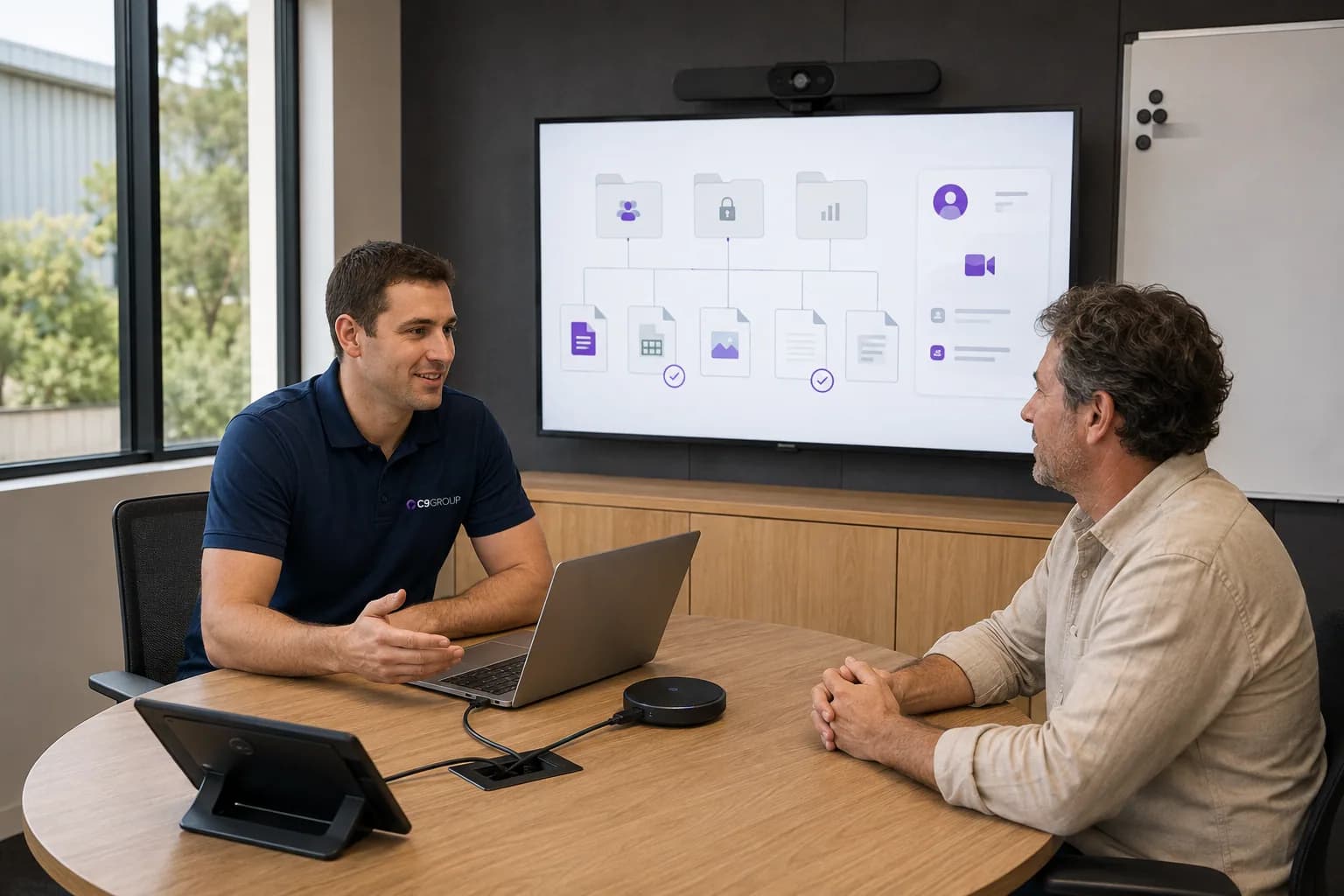
A document might be attached in chat, saved in OneDrive, copied into SharePoint and then sent again by email. Collaboration becomes busy without becoming clearer.
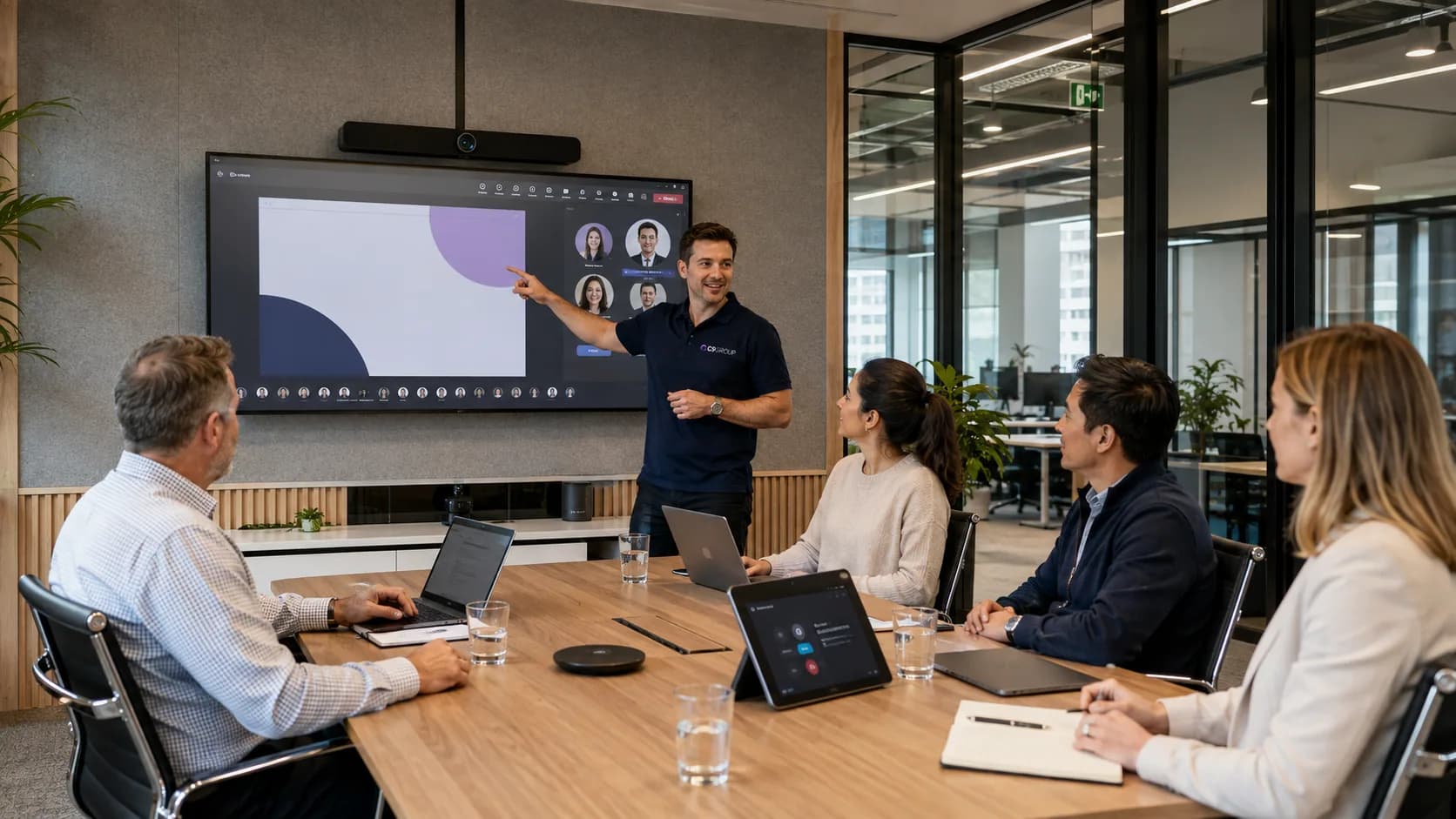
Decisions are made in calls, notes sit in separate places and actions rely on people remembering what happened after the meeting ends.
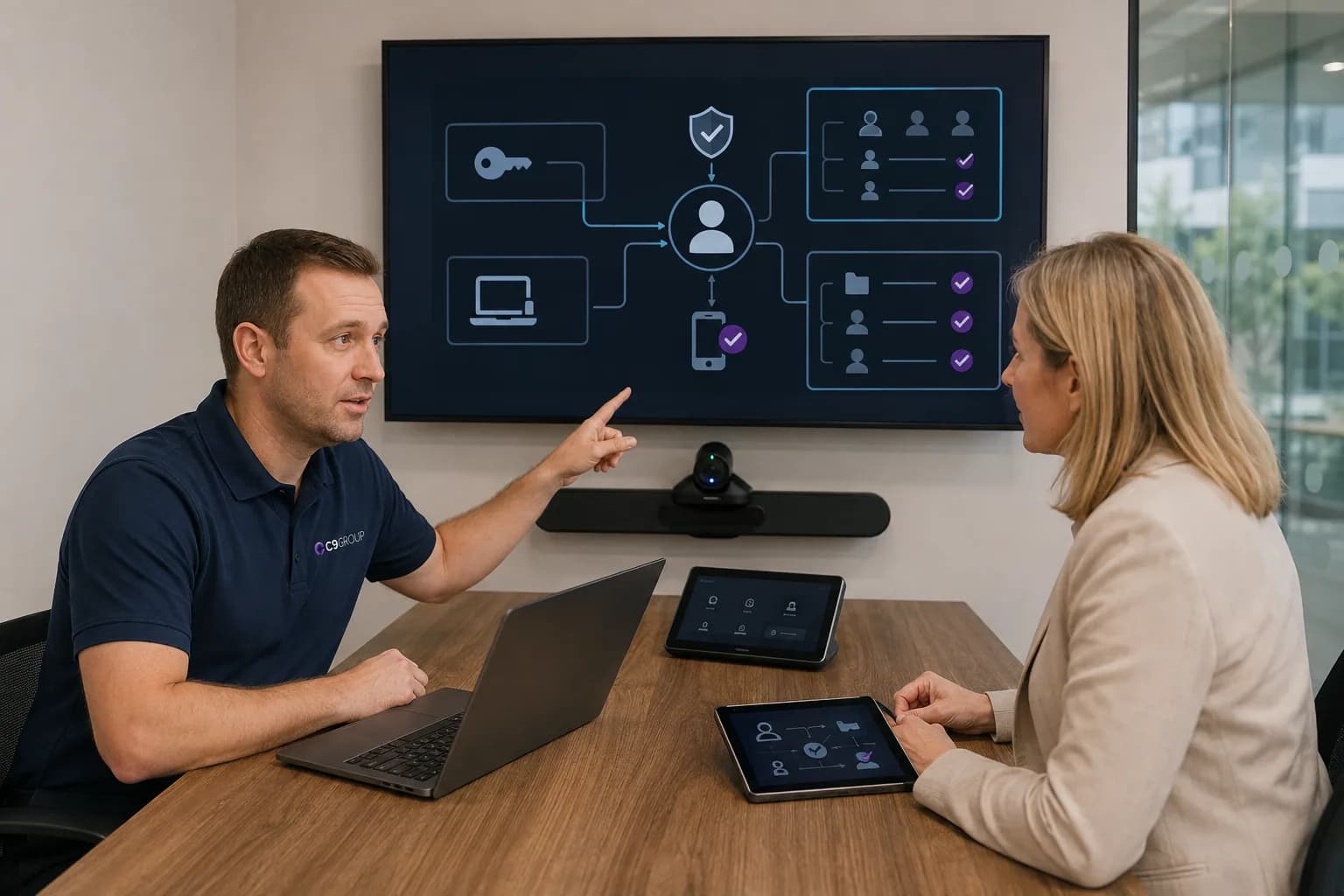
Guests, partners and contractors may be invited for a good reason, but access can linger after the project, relationship or requirement has changed.
Notifications, chats, channels and meetings compete with email instead of giving people a calmer place to understand what matters.
The problem is rarely that Teams lacks features.
The problem is deciding how people should use it as the business changes.
Good Teams management makes collaboration feel calmer. People know where work belongs before they start searching for it.
Teams connects conversations, meetings, files, people and permissions. Managing it properly means looking after the structure behind collaboration, not just switching the app on.
Teams structure
Define when a team should exist, how channels are named and where different types of work should happen.
Meetings
Align Teams meeting practices with the way people capture notes, share files and turn discussion into action.
Files and documents
Keep file sharing aligned with SharePoint and OneDrive so documents do not scatter across chats and inboxes.
SharePoint dependencies
Teams workspaces depend on SharePoint. Good collaboration needs the file structure and permissions underneath to make sense.
Guest access
Review how guests, suppliers and partners are added, owned and removed when collaboration no longer needs them.
Permissions
Make sure teams, channels and shared files have owners who understand who should be able to access the work.
Naming and lifecycle
Use naming, ownership and clean-up practices so finished projects and inactive teams do not keep building complexity.
Teams Phone dependencies
Where Teams Phone is part of the environment, align calling requirements with users, numbers, devices, procurement and support.
Governance
Create lightweight standards for how Teams should be used without turning daily collaboration into policy theatre.
Teams is where people see the collaboration experience.
The structure behind it is what keeps that experience useful as more people, projects and files are added.
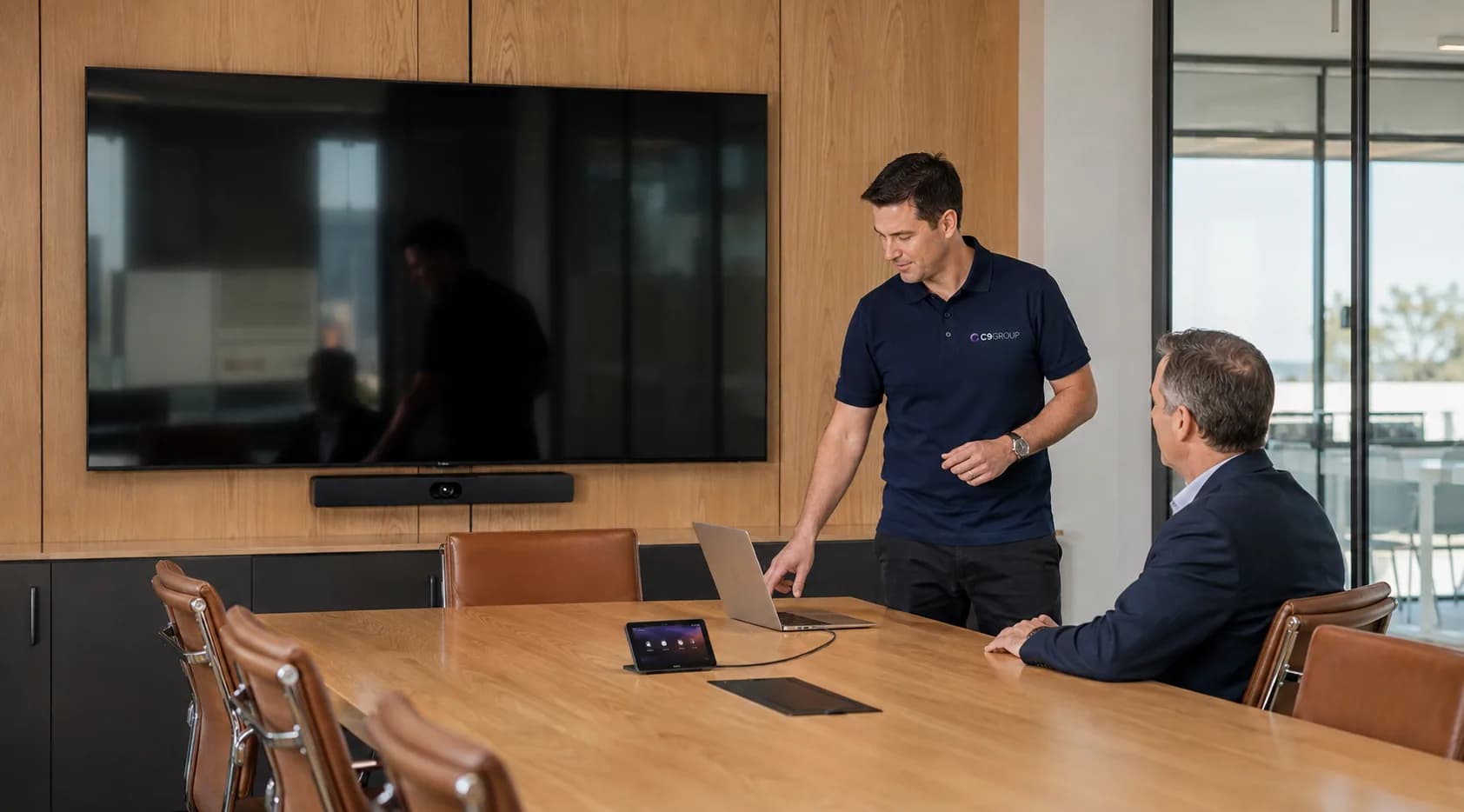
Teams collaboration often leads into calling, meeting spaces and shared workplace devices. C9 helps keep those decisions connected, so users, numbers, hardware, rooms and support are planned around one operating model.
When Teams Phone is the right fit, C9 can connect users, numbers, call queues, policies and support to the collaboration environment around them.
Headsets, desk phones, cameras, speakerphones, room displays and accessories can be selected around how each team actually works.
Procurement, configuration, staging and handover should not sit separately from Teams standards, meeting spaces and ongoing management.
Teams management should match your current way of working, whether Teams is already busy, you are moving from email and file shares, or internal IT needs a clearer collaboration standard.
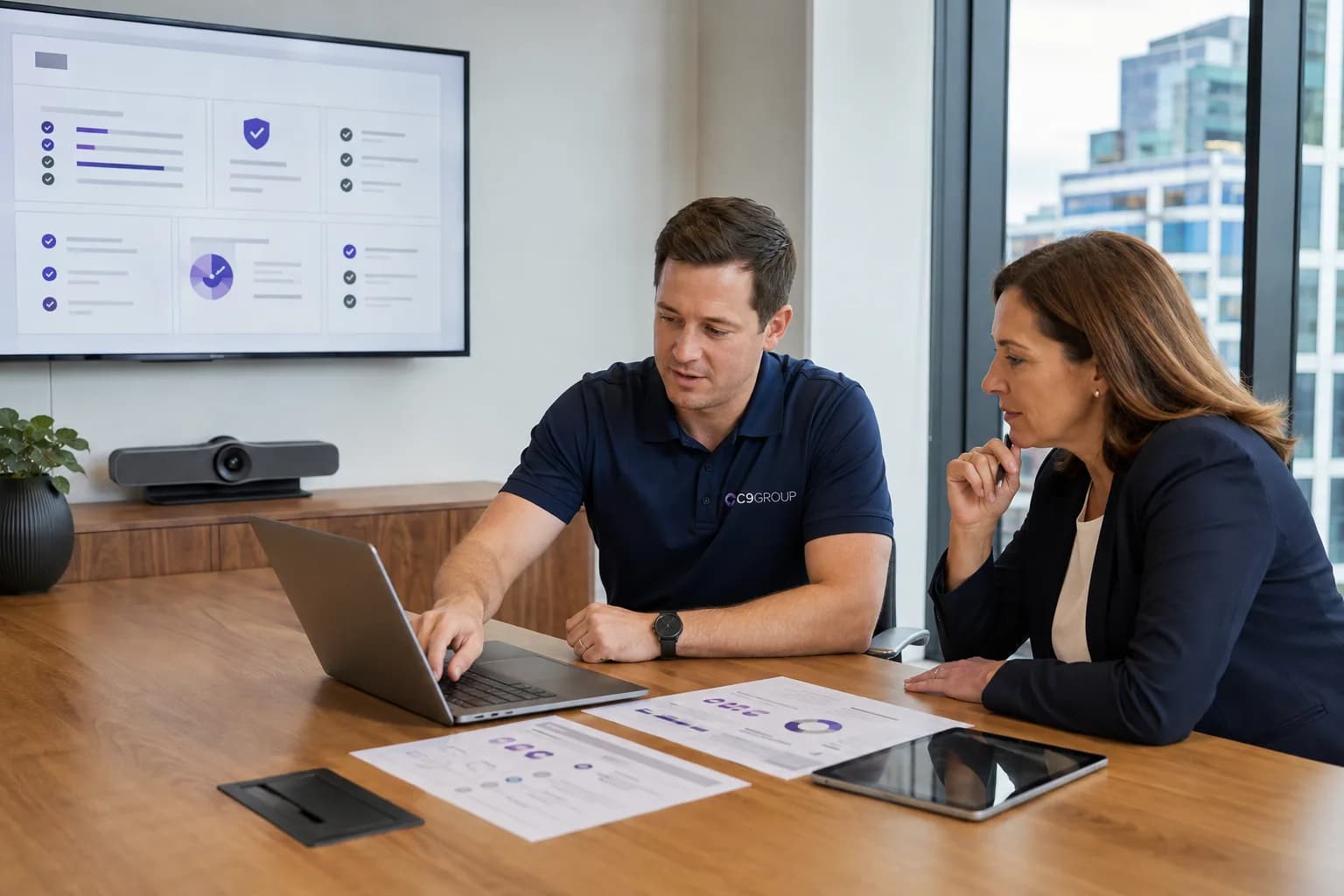
If Teams is already part of daily work, start by reviewing the teams, channels, files, meetings and permissions already in place.
Teams adoption works better when people know which conversations, meetings and files belong in Teams from the start.
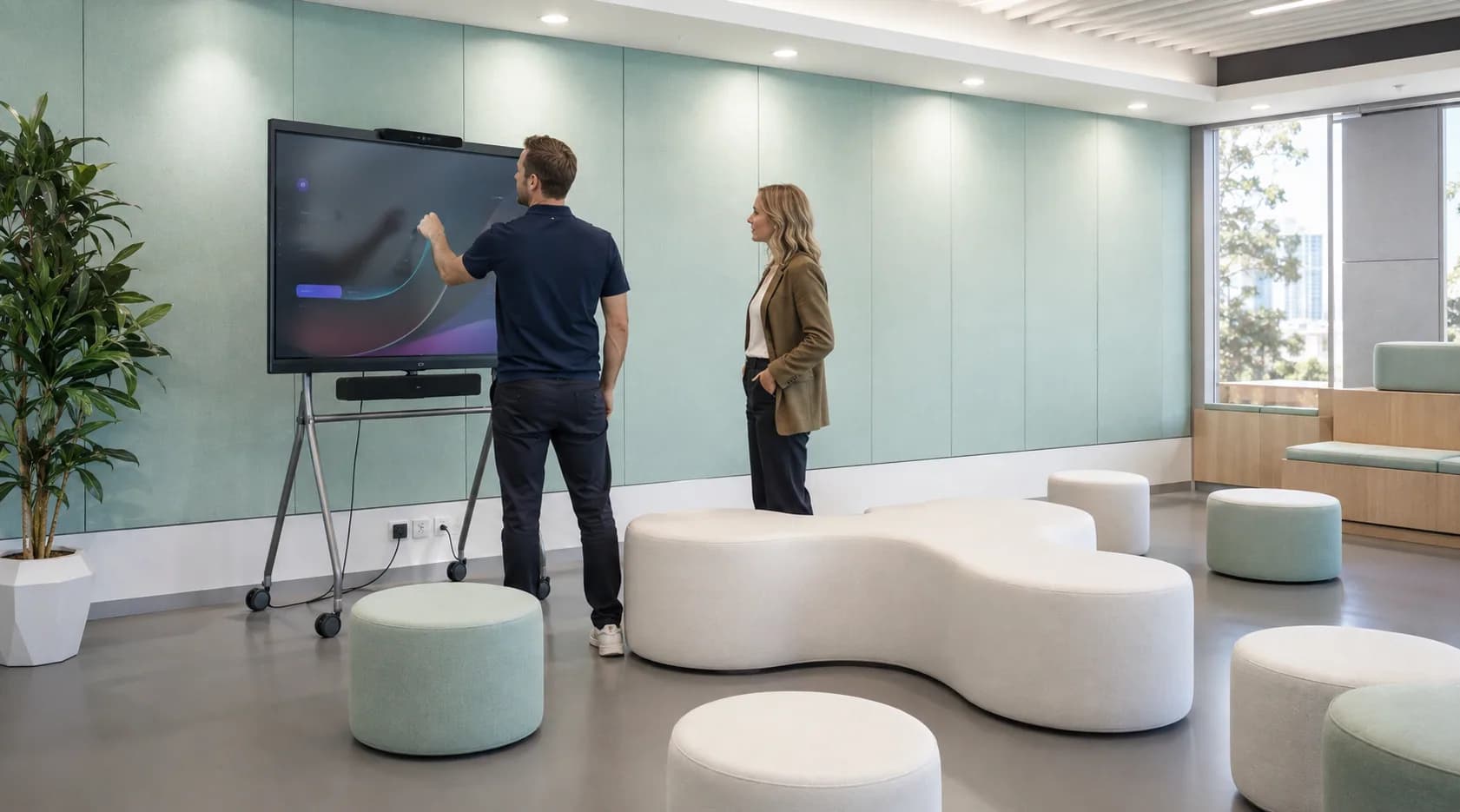
Multi-site and hybrid teams need shared standards for meetings, channels, files and access so location does not create different ways of working.
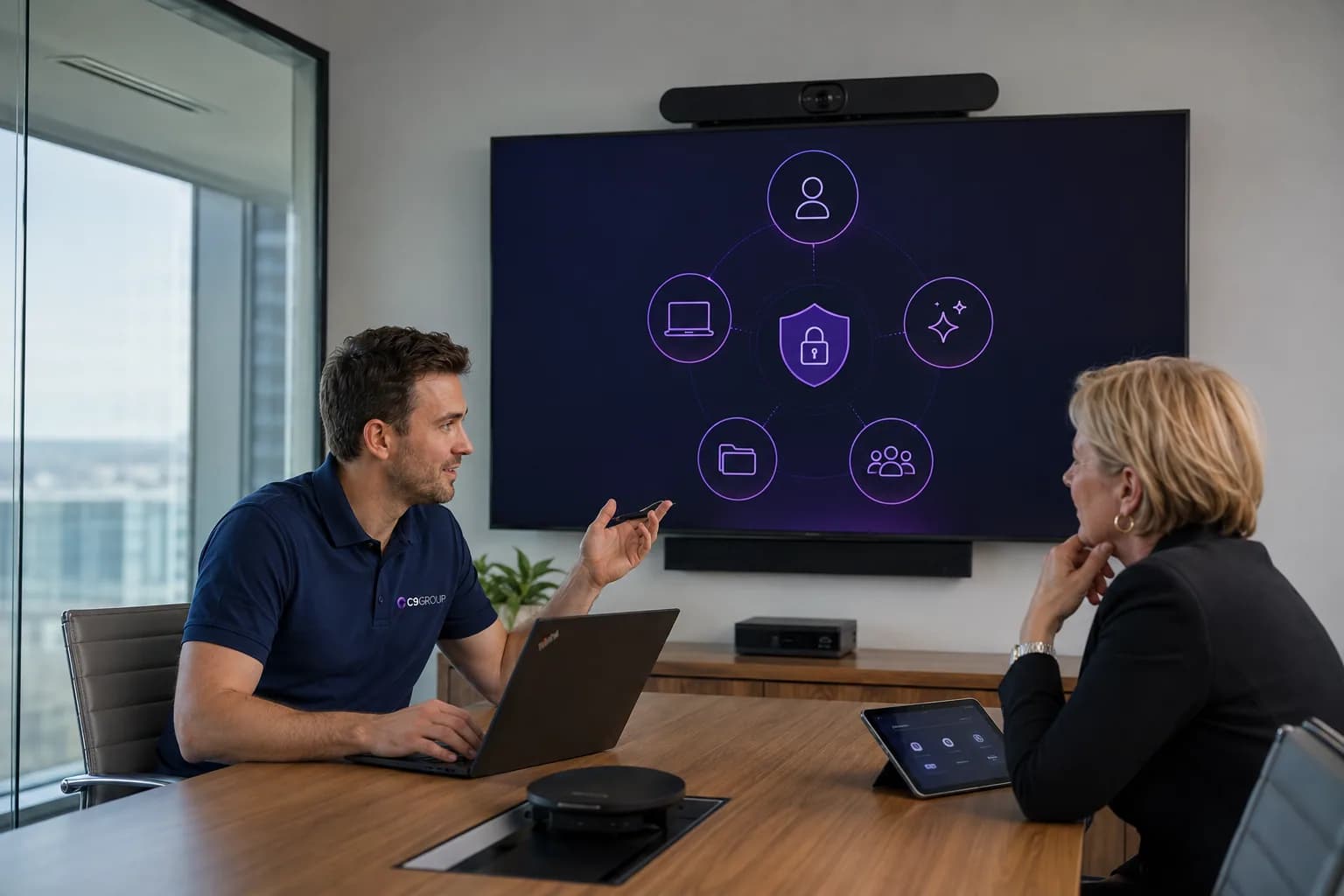
Keep your internal team close to the decisions while adding collaboration structure, review capacity and rollout support where needed.
A Teams environment is not finished once the first channels are created.
Projects start. Projects end. People change teams. Guests are invited. Meetings multiply. Files move. New Microsoft capabilities appear.
Ongoing management keeps collaboration from quietly turning into another unmanaged place to search.
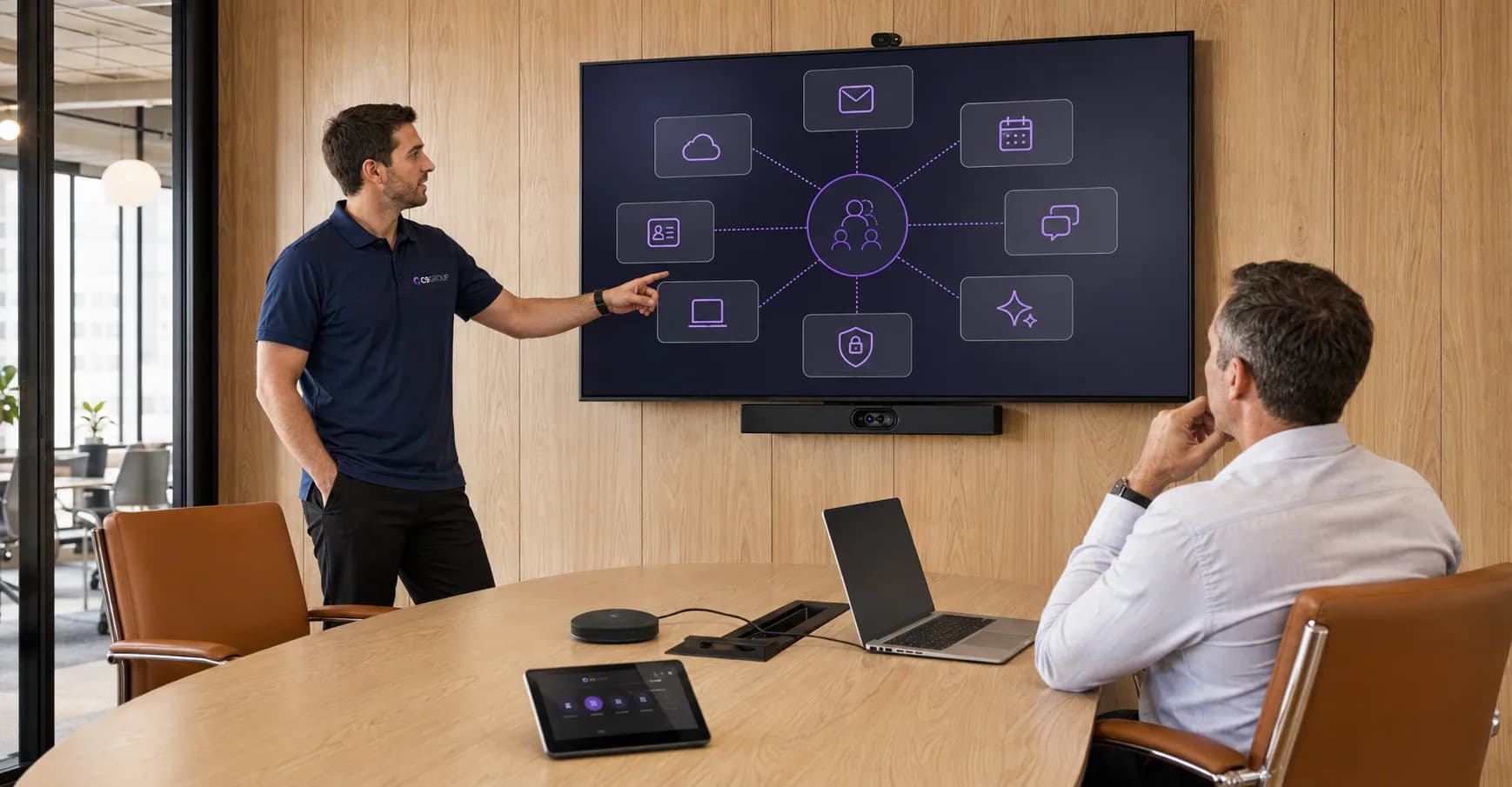
The aim is not to make Teams rigid. It is to keep collaboration clear enough that people can trust it.
The commercial value is practical: fewer duplicated spaces, clearer file ownership and a more consistent way for people to communicate, meet and work across locations.
People can tell which team or channel owns the work and where new conversations should happen.
Reduce the build-up of inactive, repeated or confusing Teams spaces that make work harder to find.
Documents have a clearer home through Teams, SharePoint and OneDrive instead of spreading through chat and email.
Meetings, notes, files and actions connect back to the people and projects they belong to.
Guest access becomes more visible and easier to review as projects, suppliers and roles change.
Teams works better with SharePoint, identity, security and Copilot readiness when collaboration is organised underneath.
If Teams has grown around projects, departments and daily conversations, start by understanding the structure already there before asking people to change behaviour.
Know what should stay, what should be cleaned up and what needs attention first.
Choose which optional analytics and live chat tools C9 GROUP may use. You can change this later from the footer.