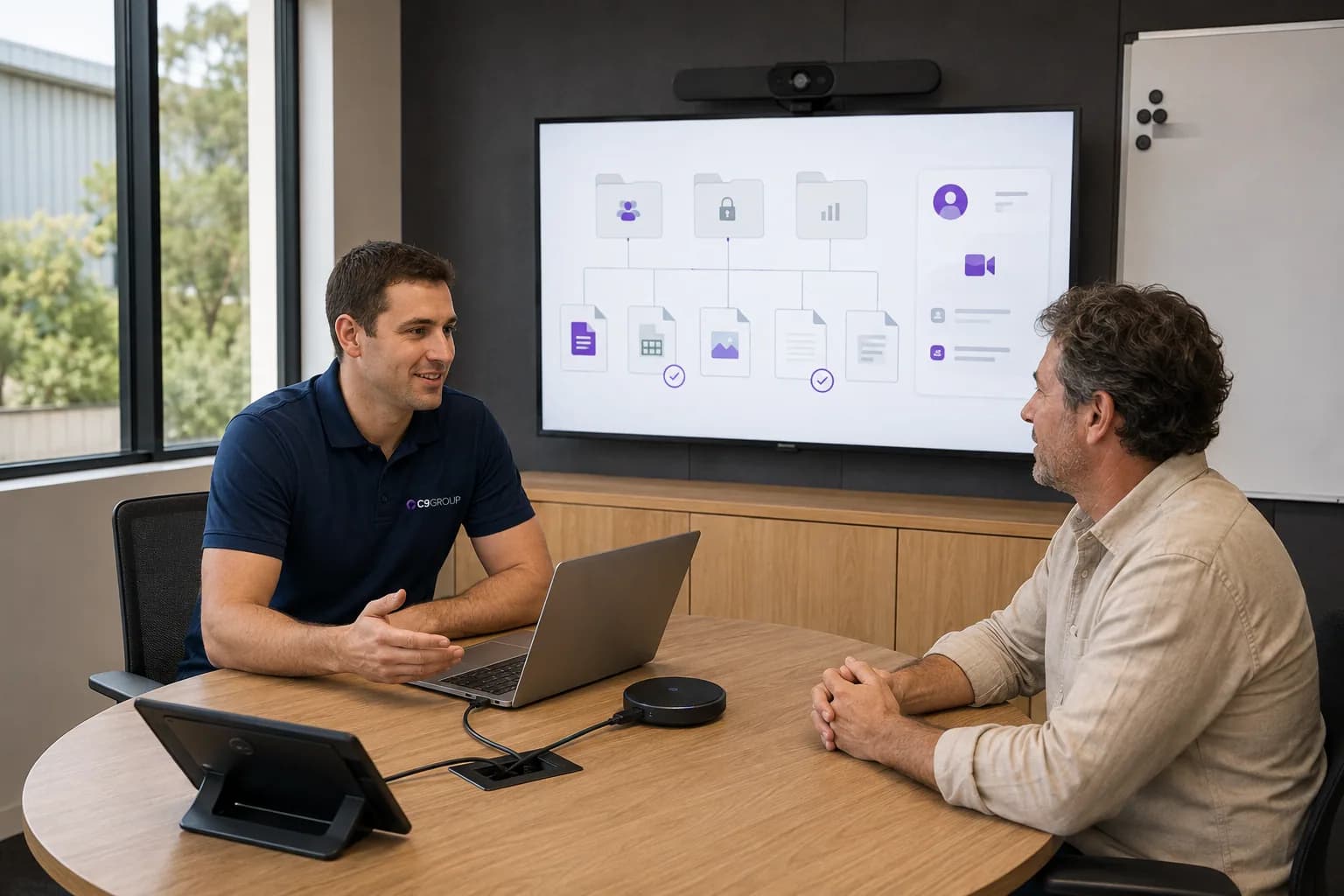
Files live in too many places.
A proposal might sit in email, a desktop folder, Teams, OneDrive and a SharePoint library. People keep working, but nobody is sure which location is the source of truth.
SharePoint and OneDrive should give people a trusted place to find, share and protect business files.
Review how documents are stored, who owns them, where Teams files sit and how permissions are managed, so company information does not quietly scatter across chats, inboxes, desktops and personal drives.
SharePoint sites · OneDrive sharing · document libraries · permissions · external access · file lifecycle

File problems usually build up quietly. People save documents wherever work is easiest in the moment, then the business inherits years of folders, links, permissions and duplicated versions.
A proposal might sit in email, a desktop folder, Teams, OneDrive and a SharePoint library. People keep working, but nobody is sure which location is the source of truth.
Departments, projects and teams create document spaces over time, but the business may not know who owns each site, what belongs there or when old content should be cleaned up.

OneDrive is useful for personal work files, but it can quietly become the place where team documents, client files and business records are shared from individual accounts.

Access is added for practical reasons, then inherited through folders, links, groups and Teams. Later, it is difficult to explain who can see what and why.

Suppliers, contractors and partners need access during real work. The risk appears when sharing links, guests and project access remain after the requirement has changed.
The problem is rarely that Microsoft does not provide storage.
The problem is deciding where information belongs and who remains responsible for it.
Good file governance is not about making people think about systems all day. It is about making the right place obvious.
SharePoint and OneDrive sit behind documents, Teams files, external sharing, approvals and daily information access. Managing them properly means shaping the document environment around the business, not simply giving people cloud storage.
Information structure
Shape SharePoint sites, libraries and folders around teams, departments, projects and business processes.
SharePoint sites
Review which sites exist, why they exist, who owns them and what kind of content should live inside them.
OneDrive
Clarify where OneDrive is useful and where information should move into a shared business location.
Document libraries
Review libraries, naming, folder depth and document organisation so people can find the right work faster.
Permissions
Review groups, links, inheritance and site access so permissions can be explained and maintained.
External sharing
Review guest access, sharing links and external collaboration habits against current business relationships.
Teams dependencies
Teams file experiences depend on SharePoint underneath. Good file governance needs both layers to make sense.
Lifecycle
Create practical rules for active work, archived projects, owner changes and content that needs review.
Ongoing changes
Review structure, access and ownership as people move roles, teams change and new requirements appear.
OneDrive is best understood as a personal business file space. SharePoint is where shared business information should have structure, ownership and access control.
The value appears when people know the difference before they save or share the next document.
SharePoint and OneDrive work should begin with the reality of your current file environment: existing sites, old file shares, active Teams spaces, permissions, people habits and internal IT ownership.
Start by reviewing sites, libraries, sharing links, OneDrive usage and permissions already in place before changing how people work.
A file move works better when the future structure, ownership and access model are clear before content is migrated.

Teams channels, shared files and project work often need SharePoint structure underneath before collaboration feels clear.
Keep internal IT close to ownership decisions while adding review, clean-up, migration or governance support where extra capacity is needed.
A file environment is not finished once SharePoint sites are created or files are migrated.
Projects start. Departments change. People leave. External partners come and go. Teams spaces are added. New Microsoft capabilities appear.
Ongoing management keeps the document environment from slowly becoming another place people no longer trust.

The aim is not to make files harder to use. It is to make the right location, owner and access decision easier to trust.
The commercial value is practical: people find documents faster, access is easier to explain and the business has a clearer foundation for Teams, security and future Microsoft 365 change.
Teams, departments and projects have a more obvious place for the documents they own.
Reduce the habit of saving the same document across email, desktops, OneDrive and multiple SharePoint locations.
External access and shared links become easier to review as projects, suppliers and relationships change.
People spend less time asking where the latest version lives and more time working from the right location.
OneDrive content, shared files and access can be handled deliberately when people leave or change roles.
Teams and Copilot readiness both depend on clearer file structure, ownership and permissions underneath.
If files have moved across servers, desktops, email, OneDrive, Teams and SharePoint for years, start by understanding what exists before asking people to change where they save work.
Know what should stay, what should be cleaned up and what needs attention first.
Choose which optional analytics and live chat tools C9 GROUP may use. You can change this later from the footer.