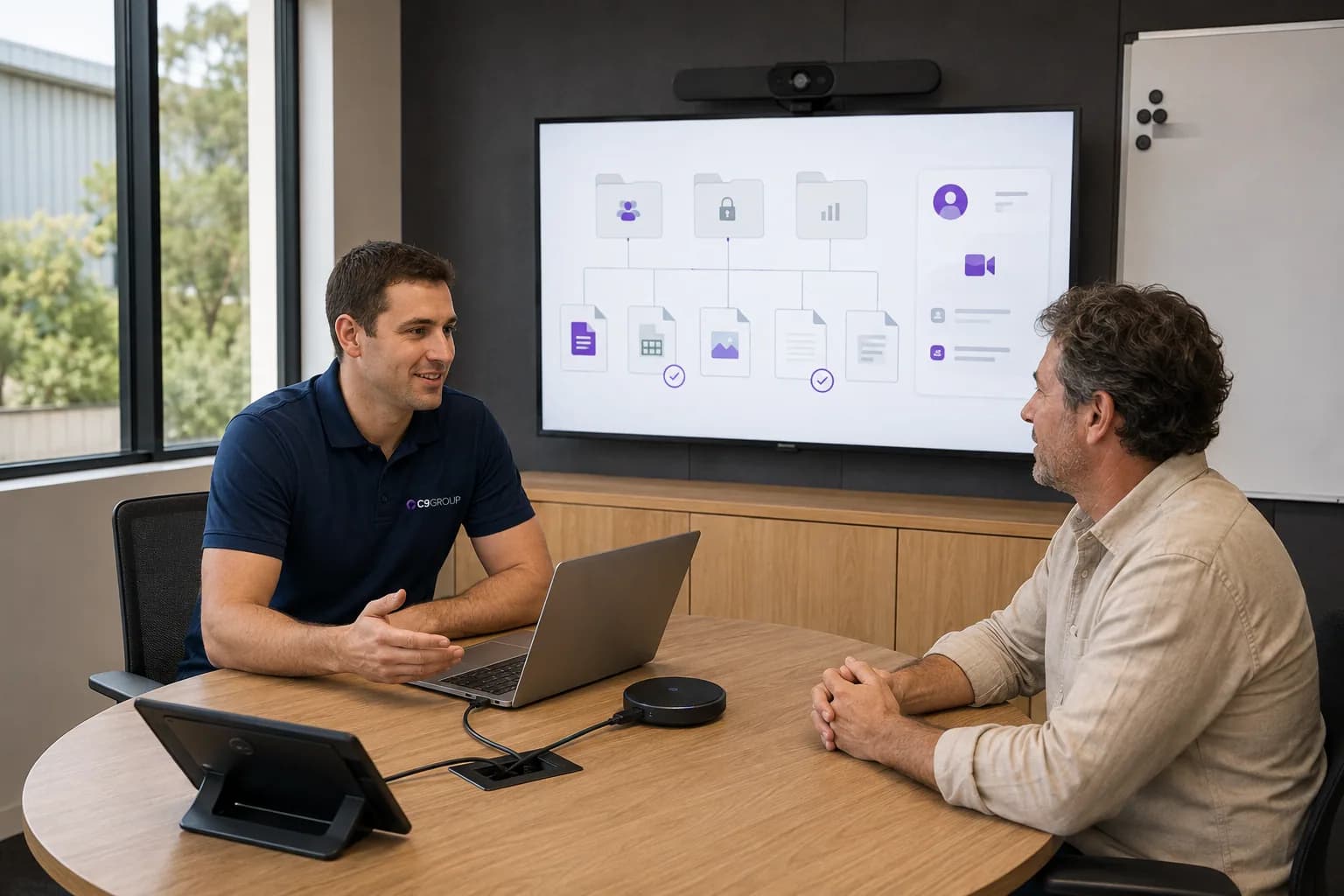
Staff are worried about losing files.
People need to know where important documents will live, who can access them and what will happen on the day of change.
A Microsoft 365 migration is rarely only a technical move. Staff still need to find their files, keep email working, understand Teams and SharePoint, and feel confident enough to keep serving customers while the change is happening.
C9 GROUP helps Australian businesses plan Microsoft 365 migration and adoption around real work, clear communication and a practical transition path.
Migration planning · User adoption · Cutover support · Training and change

Email, files and apps may move correctly, but people can still lose confidence if folders change without context, access is unclear, or support is thin during the first few days.
People need to know where important documents will live, who can access them and what will happen on the day of change.

Mail cutovers need preparation, testing and support so teams are not left guessing when inboxes, calendars and devices update.

A lift-and-shift migration can carry messy structures into Microsoft 365 unless ownership, naming and access are reviewed.
Staff need simple guidance before and after go-live, especially around Teams, SharePoint, OneDrive and everyday file habits.

Without a support rhythm, small questions can stack up quickly and pull internal teams away from normal business work.
The migration needs a clean technical plan.
The adoption plan is what helps the change land with people.
People should know what changed, where to go, who to ask, and how to keep doing the work customers rely on.
C9 GROUP can help review what is moving, what needs to be cleaned up, how users will be prepared and how support should work during and after transition.
Discovery
Review mailboxes, files, users, devices, applications and current access patterns before the migration path is set.
Information
Plan SharePoint, Teams and OneDrive structures around how departments and project teams actually collaborate.
Identity
Align accounts, groups, MFA, conditional access and onboarding steps with the target Microsoft 365 environment.
Plan mailbox migration, calendar access, DNS timing and post-cutover checks with business continuity in mind.
Devices
Prepare Outlook, Teams, OneDrive sync and device access so staff can work normally after migration.
Training
Provide role-aware guidance that helps people understand practical changes without flooding them with detail.
Cutover
Build a clear migration schedule, readiness checks, fallback thinking and support coverage for key moments.
Support
Create post-go-live support rhythms so common issues are resolved and learnings improve the rollout.
Adoption
Help teams settle into Teams, SharePoint, OneDrive and Microsoft 365 ways of working after the move.
A migration plan should explain more than where the data is going. It should explain how people will work on day one, day ten and after the first month.
C9 GROUP helps connect the technical move with the human change around it.
Some businesses are moving from older Microsoft environments. Others are consolidating cloud tools, shifting file servers or tidying years of shared folders. The review starts with your current reality.
We help assess what belongs in SharePoint, Teams and OneDrive, and what needs cleaning before migration.
We plan the technical steps and user support required to keep daily communication moving.
We align Teams, SharePoint, OneDrive and device access so people can work together with fewer workarounds.
We help shape plain-language updates, quick guides and support touchpoints around the moments that matter.
The first few weeks after go-live are where habits are formed. Staff need answers, leaders need visibility, and the project team needs a way to turn repeated friction into better guidance.
C9 GROUP can support the post-migration period with training, issue review, configuration refinement and practical recommendations for the next phase.
A successful migration is measured by how quickly people feel settled in the new environment.
A well-managed migration gives the business cleaner collaboration, fewer support surprises and a stronger Microsoft 365 foundation for future workplace improvements.
Cutover timing, user preparation and support are planned around the needs of the business.
Teams understand where work belongs and how shared information should be managed.
People receive practical guidance before the change, during go-live and after the first questions appear.
Permissions and ownership are reviewed instead of simply carrying old issues forward.
Managers and IT know what is changing, who owns what and where support requests should go.
Microsoft 365 becomes easier to improve after the migration is complete.
We help assess what needs to move, what should be cleaned up first, how users will be prepared and what support is needed to make the change feel manageable.
You receive a clearer migration path, adoption priorities and practical next steps.
Choose which optional analytics and live chat tools C9 GROUP may use. You can change this later from the footer.