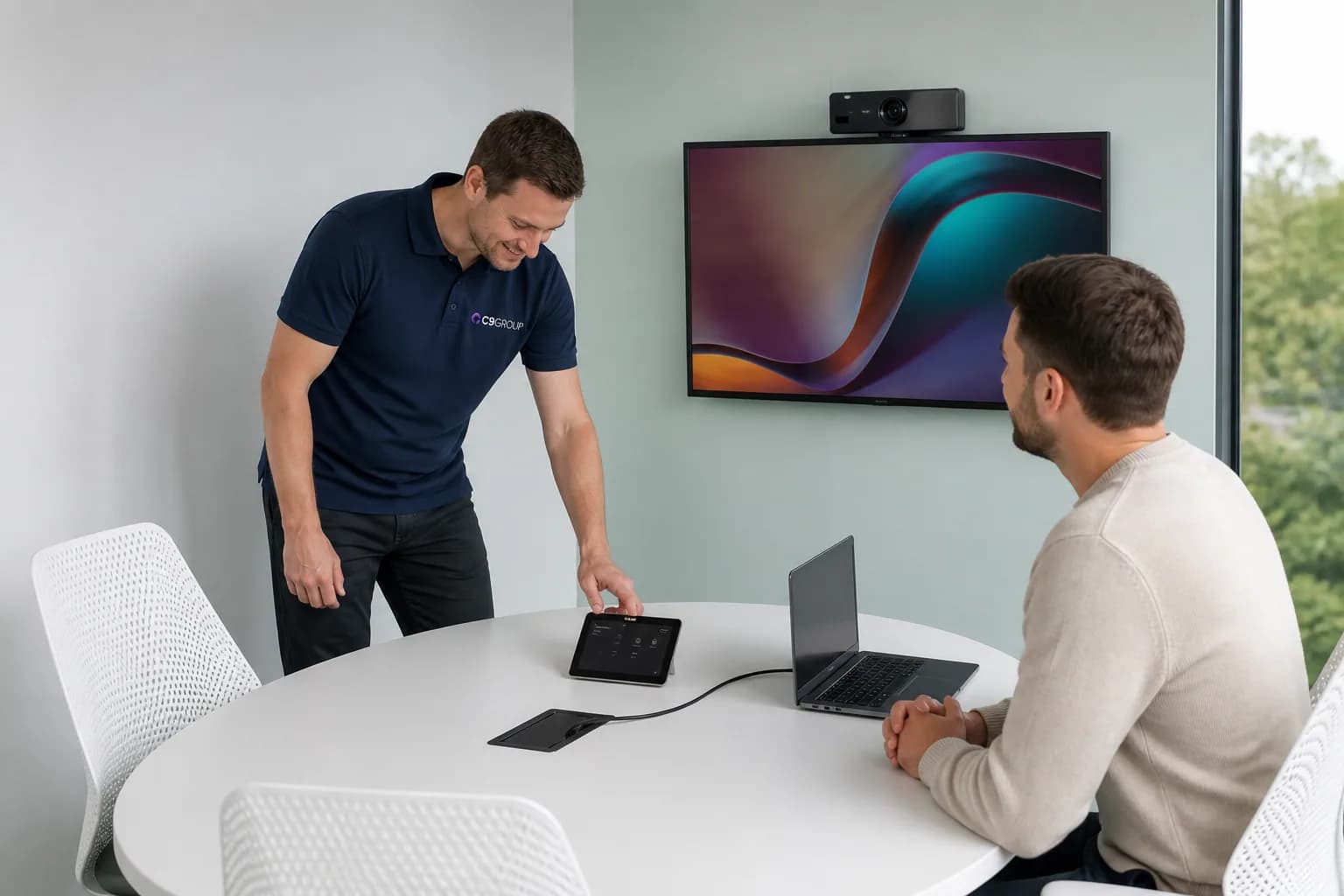
People waste the first five minutes.
Staff join late, hunt for remote controls, swap cables or ask someone else to make the room work.
A meeting room can look finished and still be difficult to use. People walk in, fight with audio, wonder which cable to plug in, or hope the remote team can hear the conversation clearly.
C9 GROUP helps Australian businesses plan, procure and support Microsoft Teams Rooms and meeting spaces that suit the room, the people and the way meetings actually happen.
Teams Rooms · AV hardware · Procurement · Room support
The technology is visible to everyone. When the sound is poor, the camera misses the table or people cannot start the call, the meeting loses energy before the work begins.
Staff join late, hunt for remote controls, swap cables or ask someone else to make the room work.
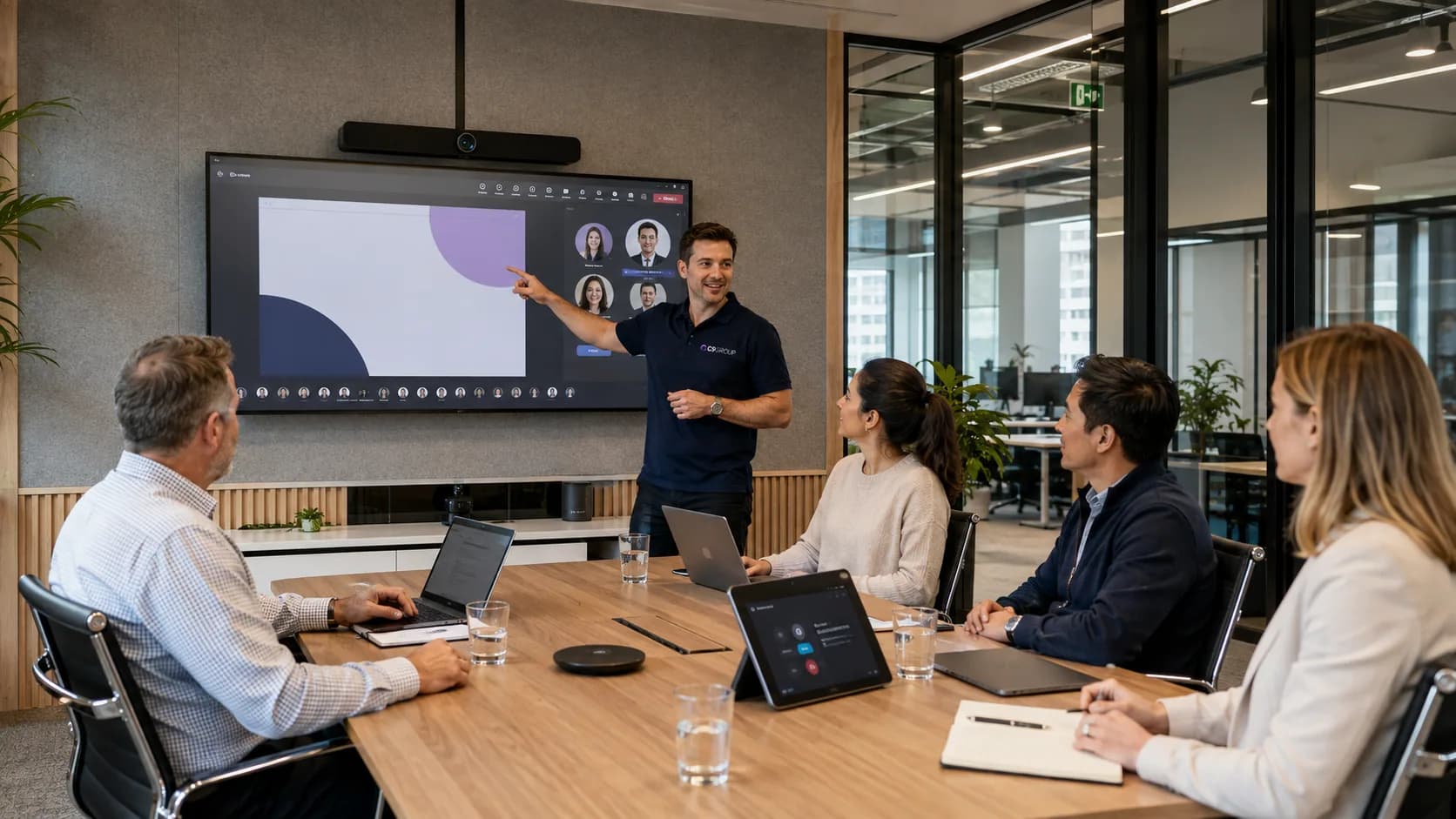
If microphones, cameras and displays do not suit the room, people outside the office miss context and struggle to participate.
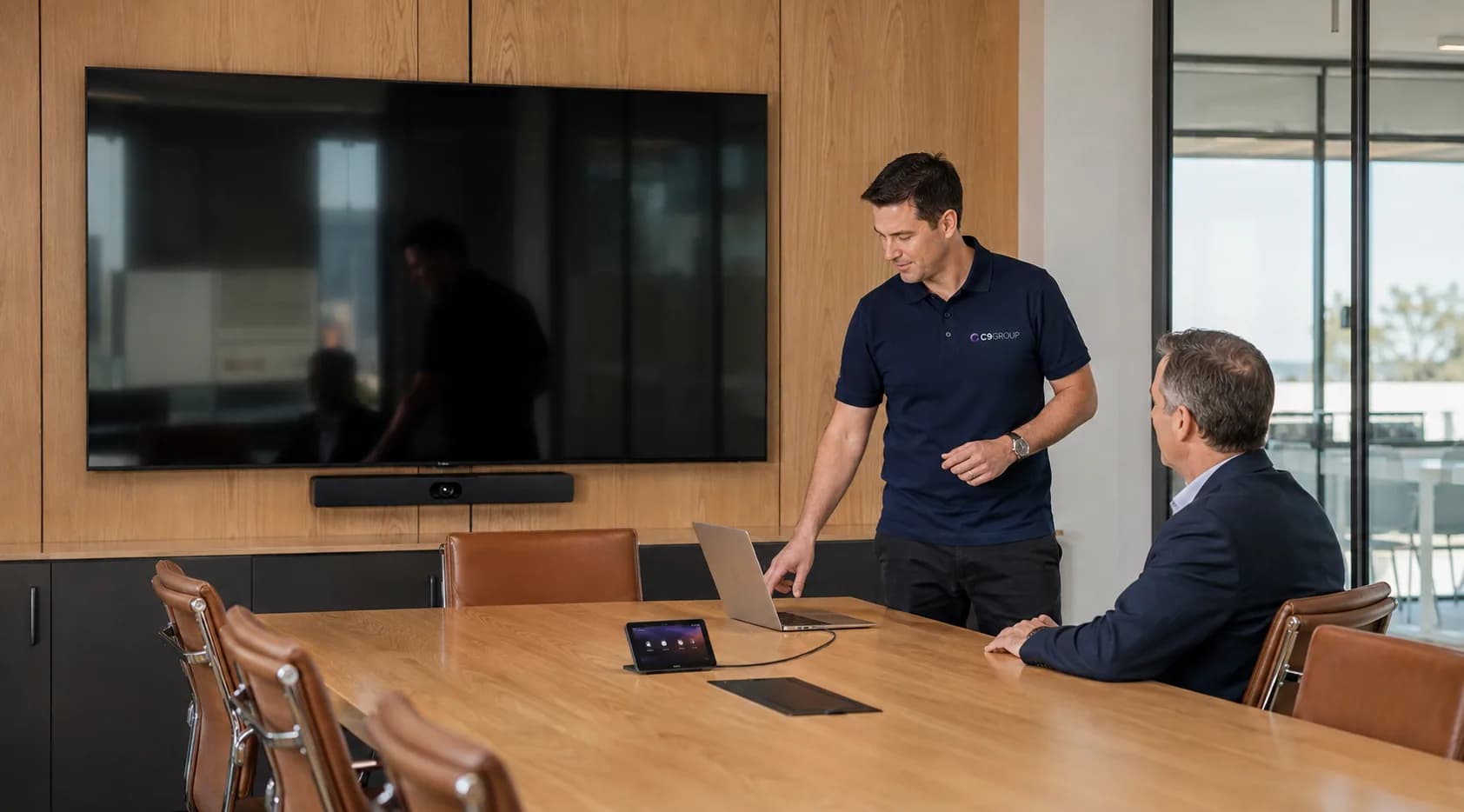
Without a room standard, every space has different controls, different devices and different support needs.
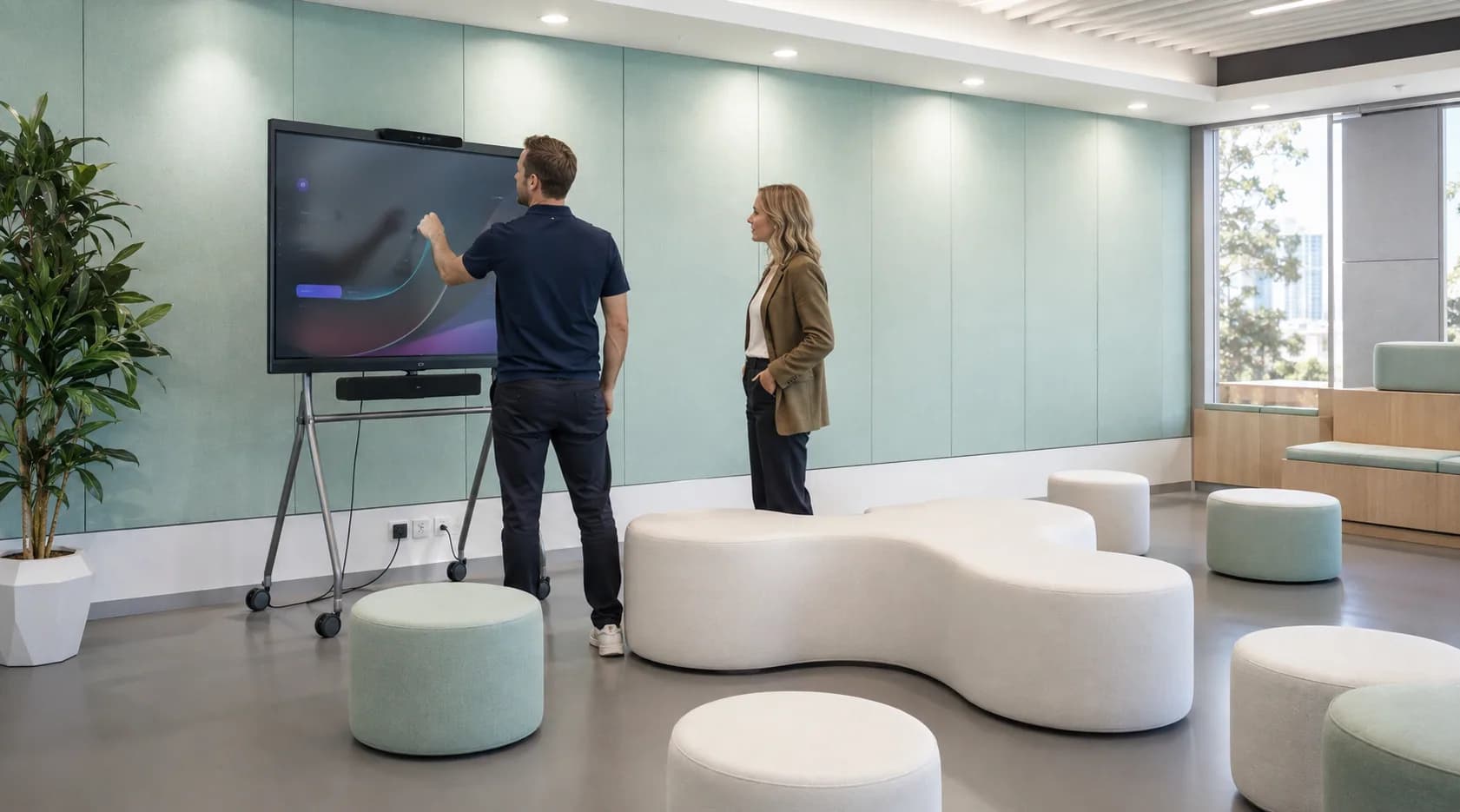
Teams buy what is available or familiar, then discover later that it does not fit the room or the Microsoft Teams experience.
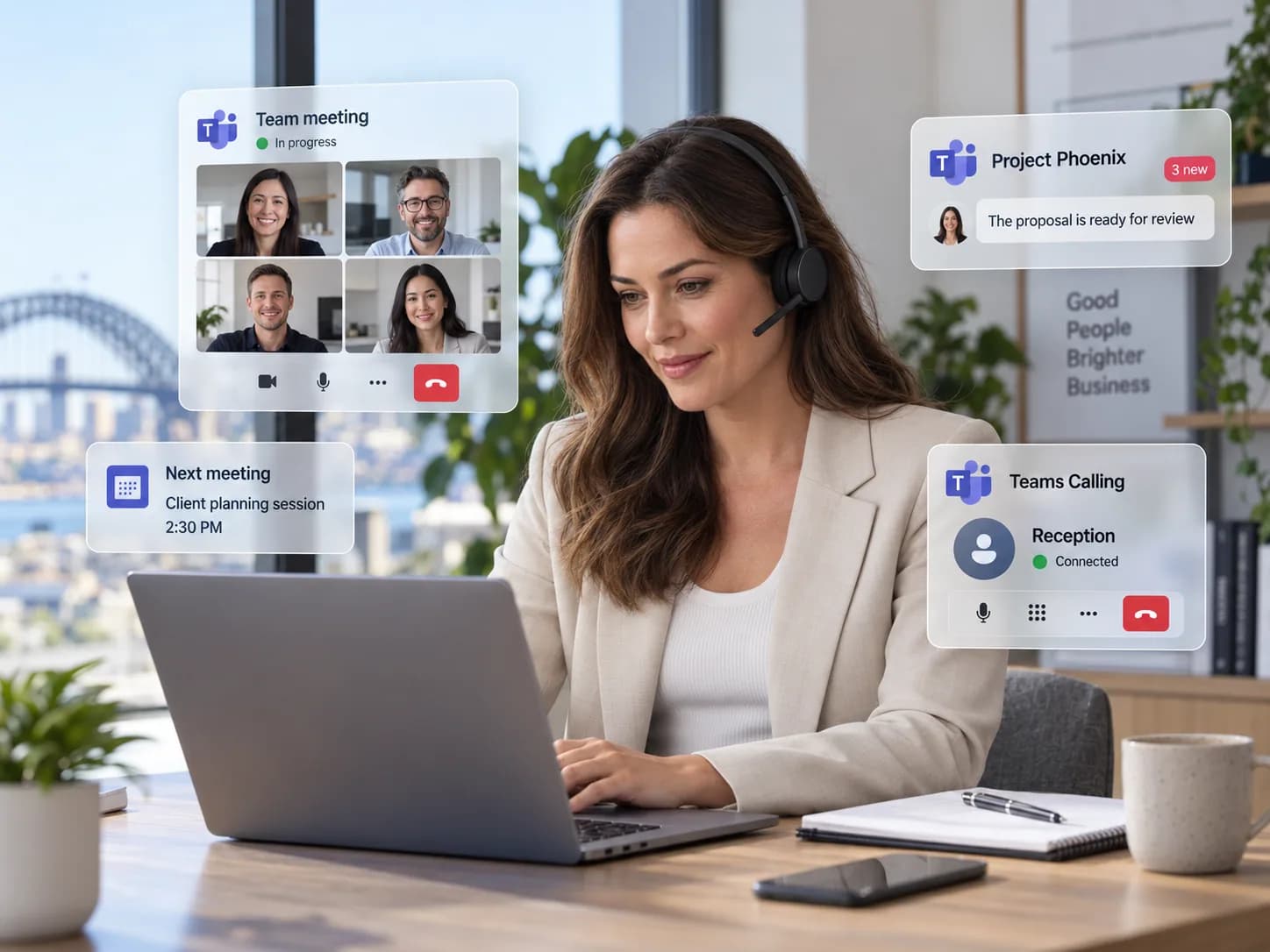
When a room stops working, people are not always sure whether the issue is AV hardware, network, Microsoft 365 or the room device.
The room should help the meeting begin naturally.
That takes the right hardware, standards, setup and support behind it.
The test is simple: can a staff member walk in, start the meeting, be heard clearly and include remote attendees without fuss?
C9 GROUP can help review rooms, recommend suitable equipment, coordinate procurement and align the setup with Microsoft Teams, network readiness and ongoing support.
Room Review
Assess room size, seating, acoustics, lighting, display position and the way people use the space.
Teams Rooms
Plan Microsoft Teams Rooms experiences that suit huddle spaces, boardrooms and flexible collaboration areas.
Audio
Select microphones, speakers and room layouts that make conversation easier for in-room and remote attendees.
Camera
Align camera choice and placement with table shape, room size and meeting style.
Displays
Plan screen size, mounting, cabling and touch or control options around practical meeting use.
Procurement
Support workplace hardware selection and procurement so equipment fits the room and business standard.
Network
Review connectivity, Wi-Fi, switching and meeting traffic needs where room performance depends on the network.
Support
Clarify support ownership across hardware, Microsoft Teams, device management and room operations.
Lifecycle
Plan refresh cycles, firmware, standards and future room changes before equipment becomes inconsistent.
Meeting room planning should connect the physical room with Microsoft 365, Teams calling, network readiness and workplace hardware procurement.
C9 GROUP helps make the room experience easier for staff, visitors and remote teams.
A small focus room, a boardroom and a flexible training area do not need the same hardware. We help match the room setup to the meeting experience the business expects.
Compact rooms need clean audio, a suitable camera and an easy Teams experience without unnecessary complexity.
Larger rooms need camera coverage, microphone planning, display clarity and support standards that suit executive and client meetings.
Flexible rooms need hardware that supports presentations, group discussion and mixed in-room or remote attendance.
Teams phone, room devices, headsets and desk hardware can be planned together so the workplace feels consistent.
Once there is more than one meeting space, consistency matters. Staff should not need to learn a different way to join a meeting in every room.
C9 GROUP can help create room standards, support procurement, coordinate setup and review the operating model that keeps meeting spaces reliable.
The best room standard is one staff can use without needing a meeting before the meeting.
When rooms are easier to use, hybrid meetings become more natural, support noise drops and the office feels more connected to people working elsewhere.
Staff spend less time troubleshooting the room before the real conversation begins.
People outside the office can hear, see and contribute more confidently.
Different spaces follow sensible standards instead of feeling like separate systems.
Hardware choices are matched to room needs, Microsoft Teams and support expectations.
Issues are easier to diagnose across room hardware, network, Teams and devices.
Visitors and staff experience meeting spaces that feel considered, reliable and professional.
We look at the rooms, meeting types, current pain points, network readiness, Microsoft Teams requirements and procurement options. The result is a practical path for better meeting spaces.
You receive practical recommendations for room setup, hardware and support.
Choose which optional analytics and live chat tools C9 GROUP may use. You can change this later from the footer.