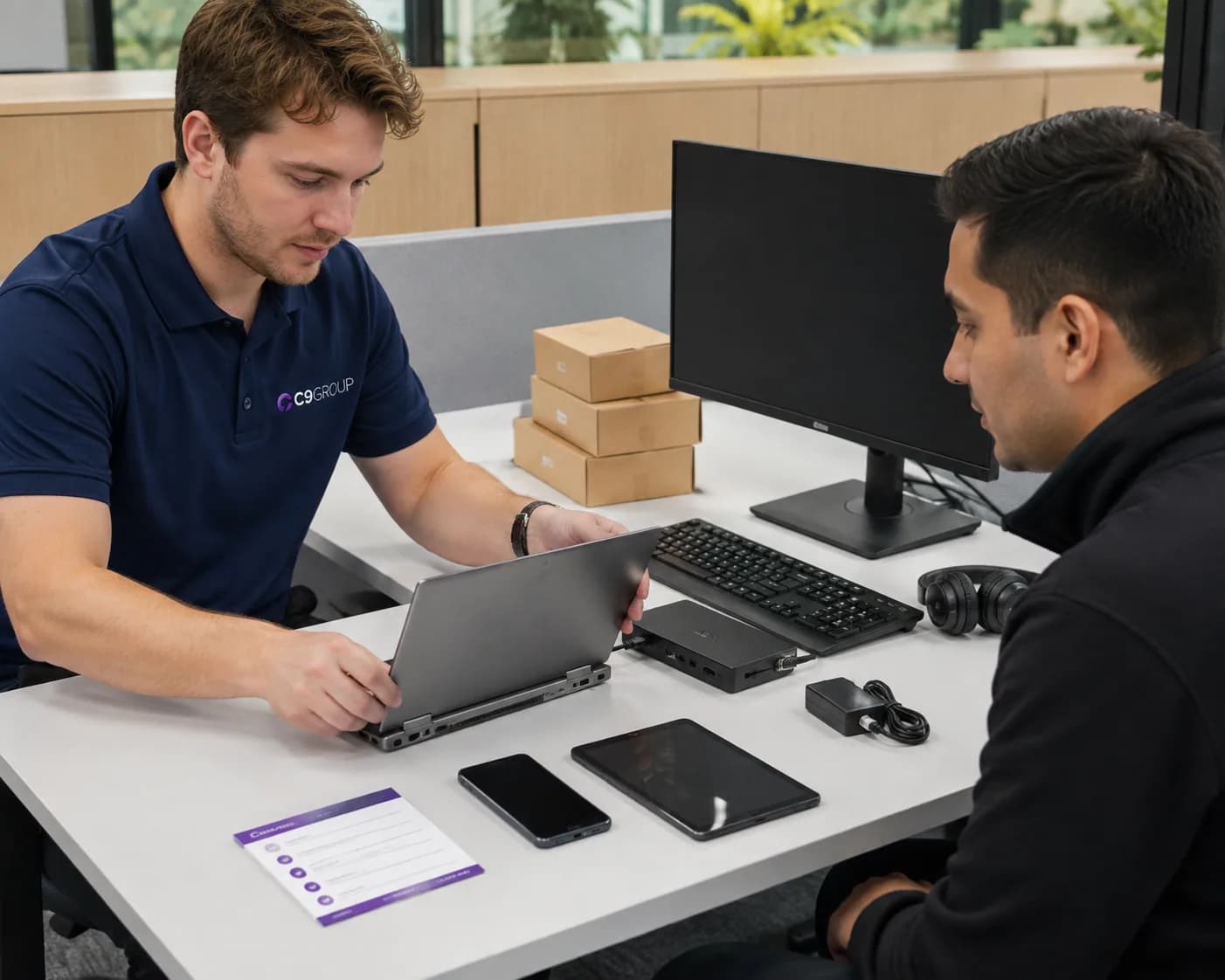
New starters wait for their device to be ready.
A person joins the business, but their laptop, apps, security settings and access still depend on a manual setup process.
Every laptop, desktop, mobile and shared device becomes part of the working experience your people rely on.
Review how devices are bought, prepared, managed, updated, supported and retired, so employees can work with less setup friction and the business keeps clearer control of the fleet.
device onboarding · Microsoft Intune · apps and updates · compliance · remote support · hardware lifecycle
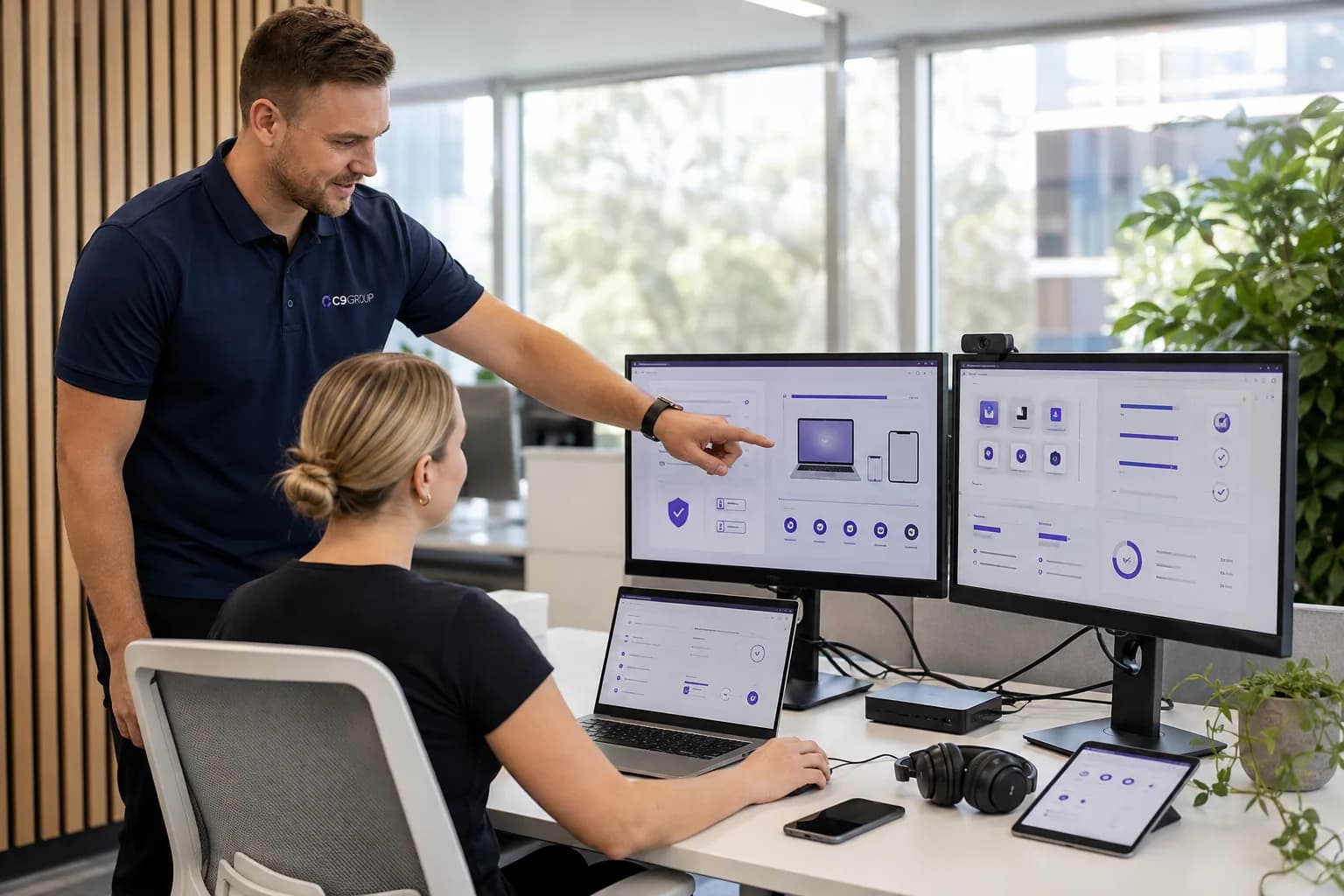
Employees feel the pain before the business sees the pattern: slow setup, missing apps, inconsistent devices, unclear support and hardware decisions made too late.
A person joins the business, but their laptop, apps, security settings and access still depend on a manual setup process.
Small differences in builds, apps, local settings and update behaviour create support noise for users and internal IT.
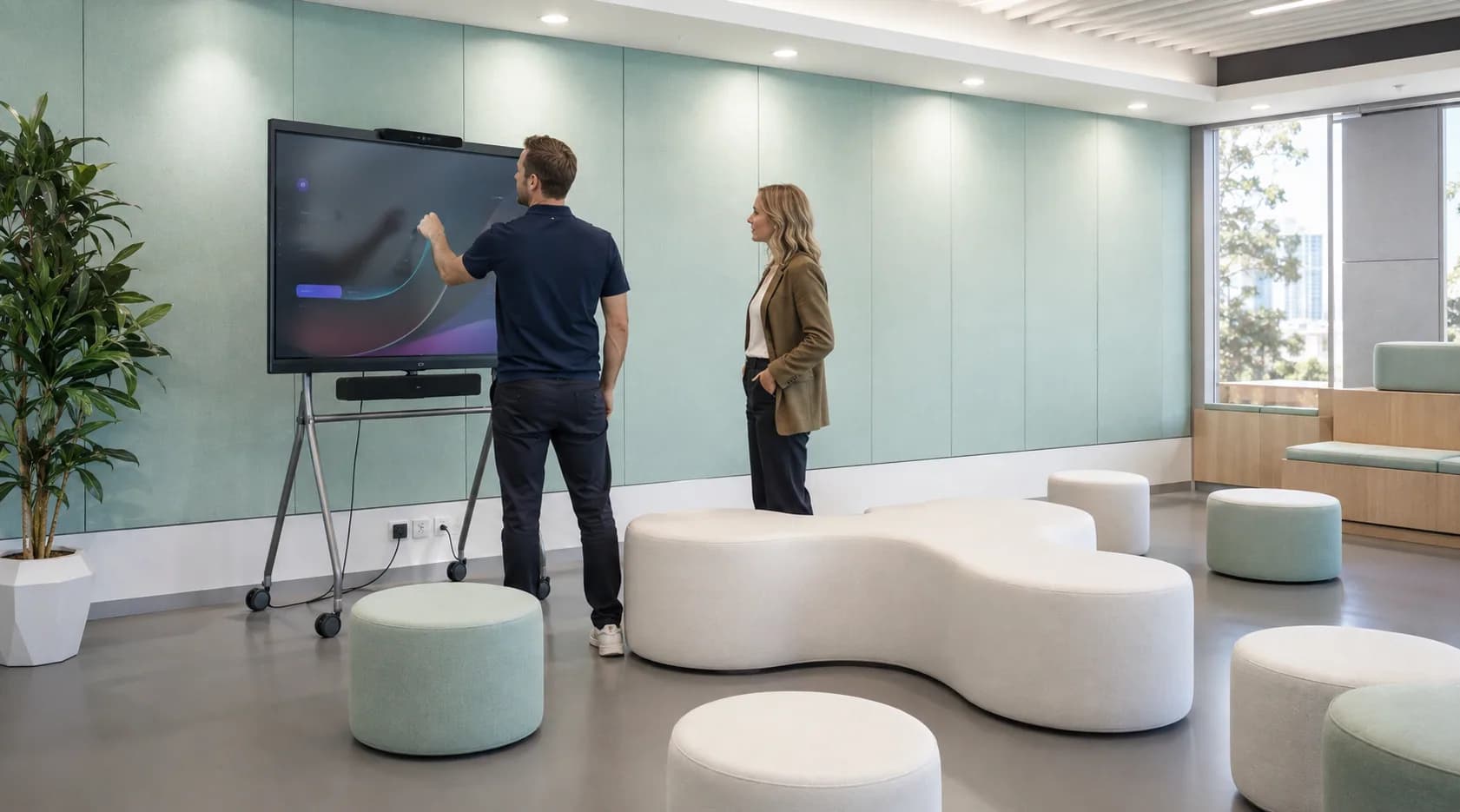
Employees can work from home, client sites and branches, but the business still needs visibility of device posture and support needs.
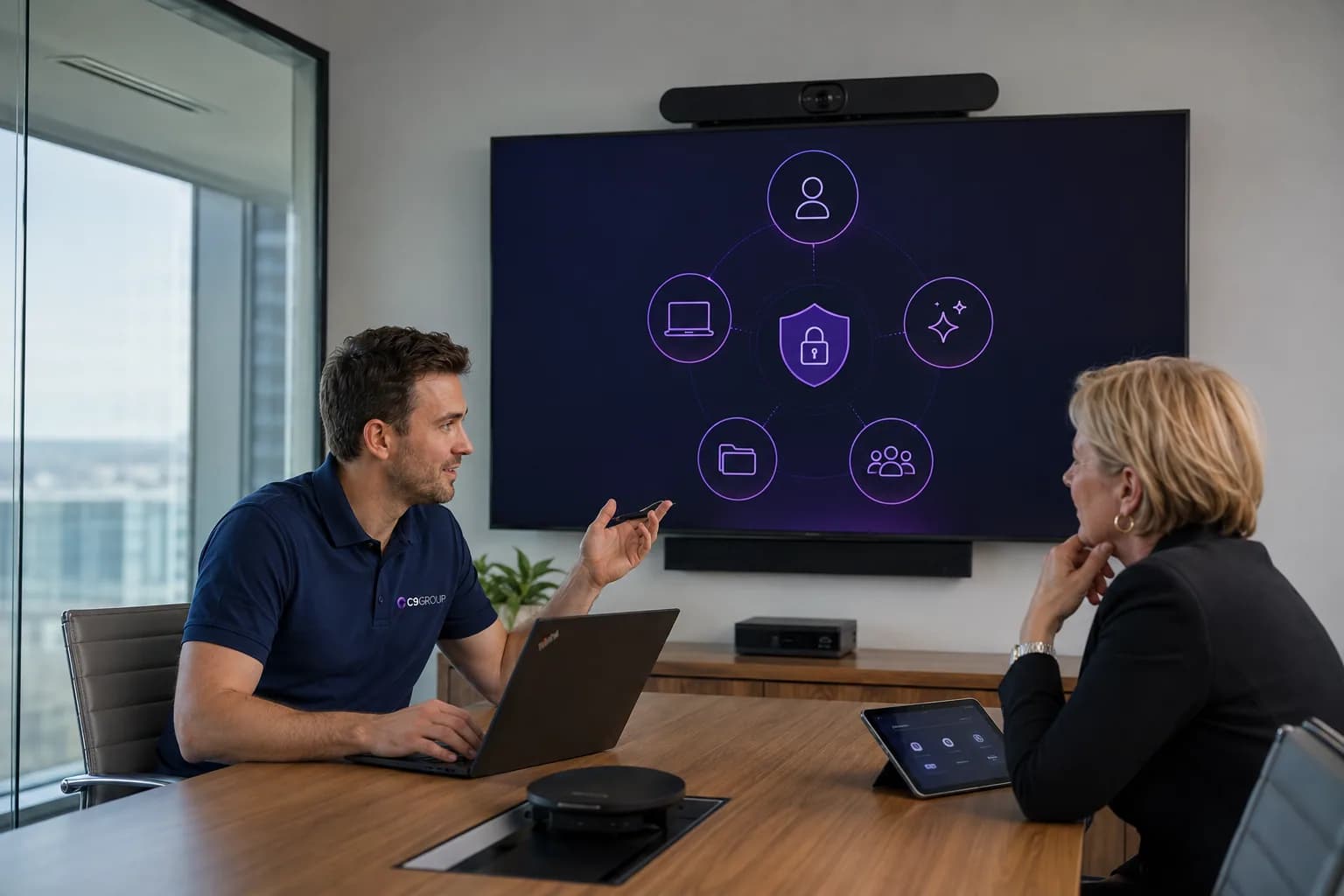
A missing laptop, old phone or overdue refresh becomes more stressful when ownership, wipe steps, replacement and support paths are unclear.
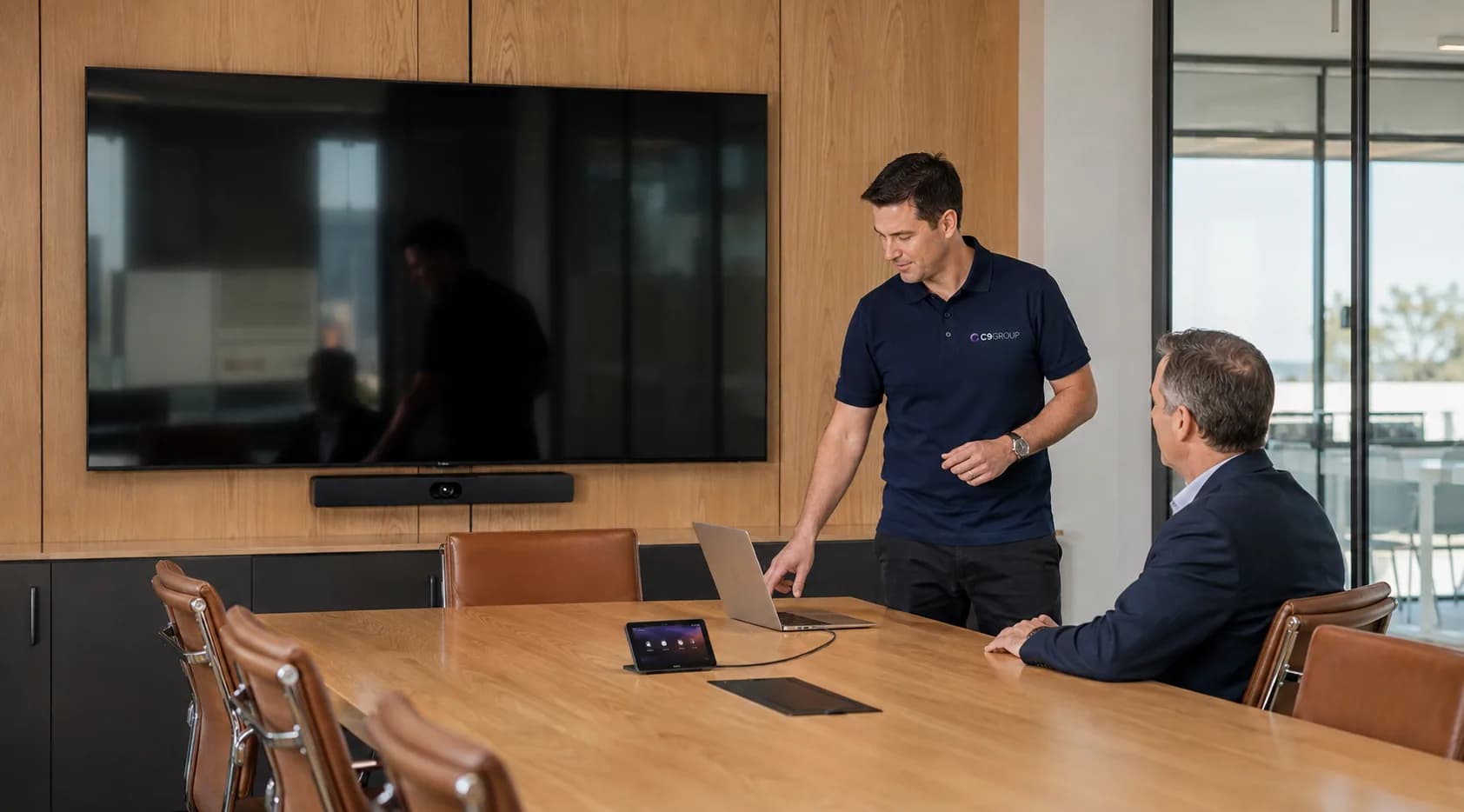
Hardware may be bought separately from the standards, enrolment, support and lifecycle planning that make devices easier to manage.
The problem is rarely that a business owns the wrong laptop.
The problem is the missing standard around setup, support, security and lifecycle.
Good endpoint management should feel ordinary to employees: the device works, the apps are there and support has context when something goes wrong.
Endpoint management connects devices, identity, applications, security policies, support and procurement. Managing it properly means thinking about the full device lifecycle, not just the day a laptop is handed over.
Device standards
Define the laptops, desktops, mobiles and accessories different teams need to work properly.
Microsoft Intune
Use Intune management to help keep enrolment, configuration, compliance and device settings more consistent.
Onboarding
Prepare devices, apps and policies so new employees can start work without waiting on a long manual checklist.
Apps and updates
Review how business apps, Microsoft apps and update behaviour are deployed and maintained across the fleet.
Compliance
Review device posture, security settings and compliance signals before company systems are accessed.
Support
Give support teams clearer information about the user, device, configuration and recent changes.
Procurement
Align procurement to role needs, standard models, budget, setup, delivery and ongoing management.
Mobiles and BYOD
Review mobile access, app protection and bring-your-own-device rules against real business requirements.
Lifecycle
Create clearer paths for replacements, returns, secure wipe, redeployment and retirement.
Devices are where the workplace becomes real for employees.
The management around them is what keeps that experience consistent as people, locations and requirements change.
Endpoint management should fit the fleet you already have: current laptops, mobiles, users, support habits, internal IT ownership, procurement pressure and the locations where people actually work.
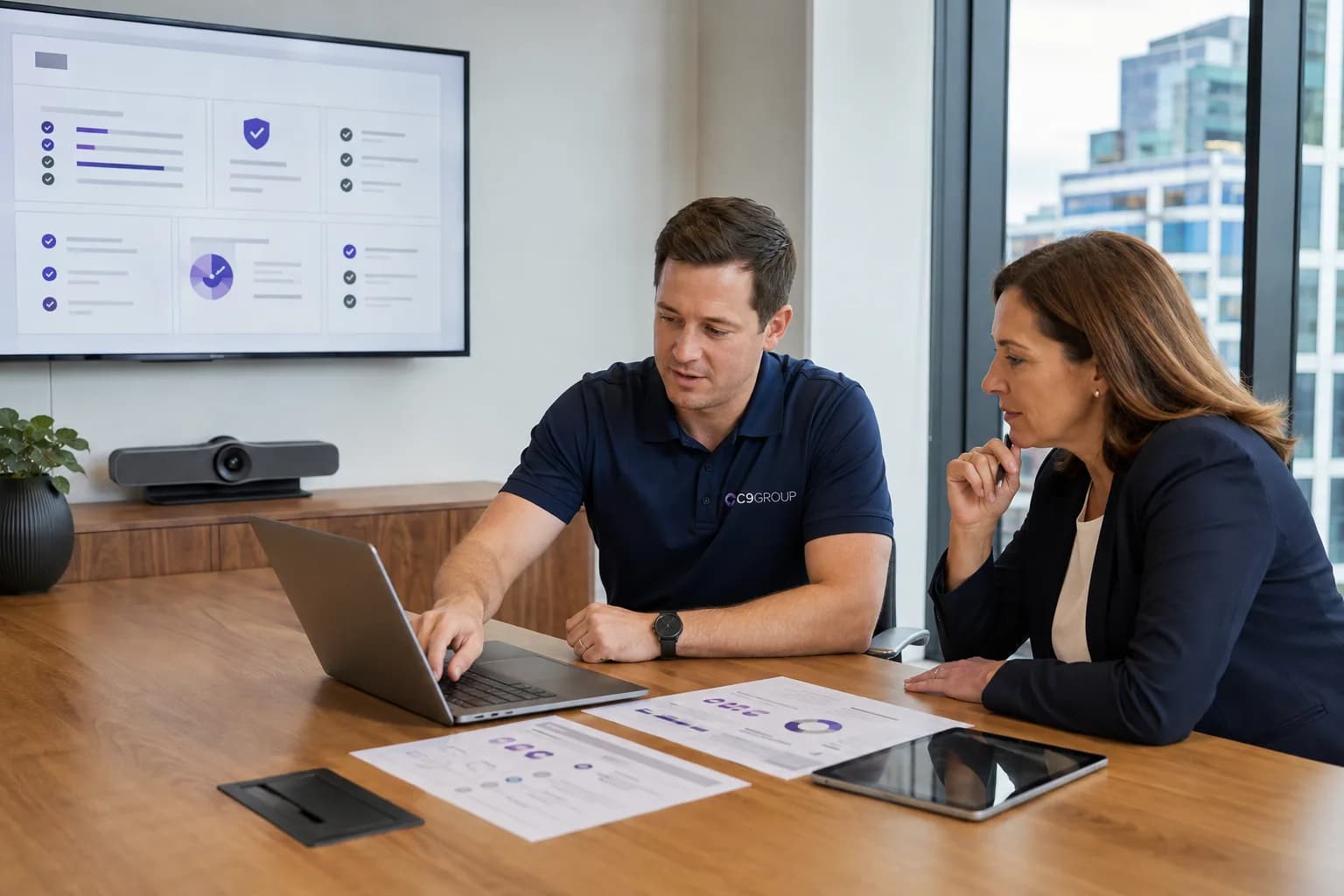
Review current devices, users, apps, management state, security posture and support pain before changing tools or buying hardware.
New starters and new locations work better when devices, apps, access and support paths are planned before the first workday.
Hybrid and multi-site teams need device standards that hold up across offices, homes, branches and client sites.
Keep your internal team close to standards and decisions while adding Intune, procurement, lifecycle or support capacity where needed.
Endpoint management is not finished after the first device is enrolled.
People join. People leave. Apps change. Hardware ages. Devices get lost. New sites open. Security requirements shift.
Ongoing management keeps those moments from becoming repeated friction for employees and support teams.
The aim is not to over-control every device. It is to make the employee experience more reliable and the fleet easier to manage.
The commercial value is practical: faster onboarding, clearer support, better fleet visibility and a stronger foundation for identity, access, security and Microsoft 365 management.
Devices, apps and policies can follow a clearer onboarding process.
Employees receive fewer surprises from different builds, missing apps or unclear setup steps.
The business has a clearer view of which devices exist, who uses them and how they are managed.
Support teams can start from the device context instead of relying only on user memory.
Procurement and replacement cycles become easier to forecast, budget and coordinate.
Endpoint management works best when it connects to identity, access, security, Teams and Microsoft 365 administration.
If devices, apps, procurement and support have grown around the business over time, start by understanding the current fleet before changing platforms or buying the next round of hardware.
Know what should stay, what should be cleaned up and what needs attention first.
Choose which optional analytics and live chat tools C9 GROUP may use. You can change this later from the footer.