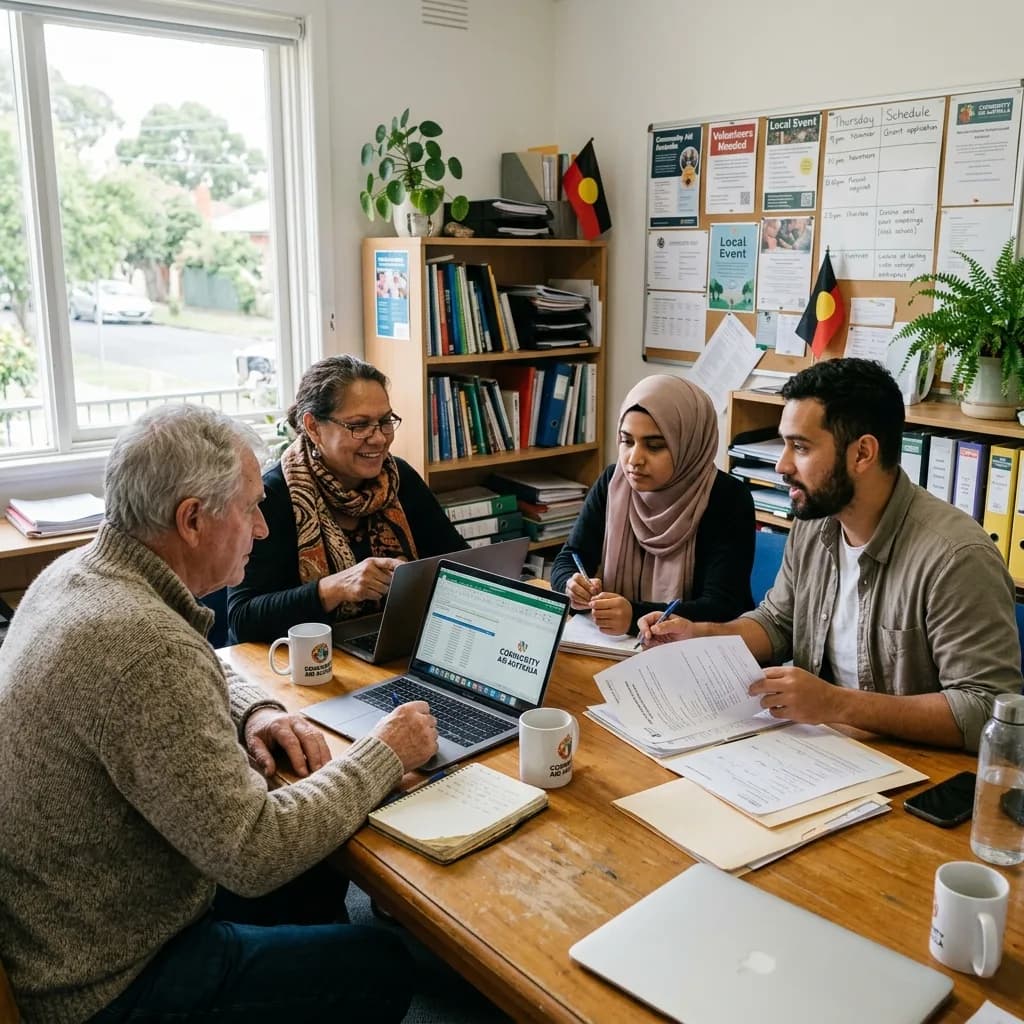
The working day
Goodwill should not have to fill the gaps in your IT.
In a small team, the person who knows the passwords often becomes the IT department as well. Add volunteers, outreach work and changing programme funding, and informal arrangements become difficult to maintain. A clearer setup helps keep knowledge and access with the organisation.
Where to focus
Start with what gets in the way.
- 01
Different people, different access
Staff, volunteers and external partners need access suited to their role, with a practical way to remove it when an engagement ends.
- 02
A budget with competing demands
Technology spending needs a reason. Understanding what can stay is as important as deciding what needs replacing.
- 03
Information spread across places
Shared inboxes, personal devices and disconnected folders can make service handovers and document ownership difficult.
Capabilities at work
Keep the organisation connected to the work it is here to do.
A volunteer joins the team
They need the right information and tools without access to everything.
How the technology contributesRole-based setup and a named approver give the person a practical starting point.
A programme is being delivered
Staff work across a centre, outreach locations and shared administration.
How the technology contributesShared information and business communication are organised around the programme’s daily hand-offs.
Funding or responsibilities change
Accounts, equipment and costs need to be reviewed.
How the technology contributesA current record of ownership and renewals helps the organisation make decisions and close access responsibly.
Solutions portfolio
The right services. A clear role for each.
Choose the services your organisation needs. The scope, responsibilities and delivery plan are agreed around your environment.
Shared information & collaboration
Organise files, email and collaboration around programmes and teams, with clear ownership and access.
What we work through with you
- Identify where programme and organisational documents live.
- Assign owners and agree who can access shared information.
- Set working conventions for email and collaboration tools.
What this contributesStaff can find and hand over work without depending on the one person who remembers where it was saved.
Staff & volunteer devices
Review equipment, shared-device use and onboarding so people have the tools they need without relying on informal arrangements.
What we work through with you
- Review existing equipment before specifying replacements.
- Define staff, volunteer and shared-device needs.
- Use a setup and return checklist for each role.
What this contributesUseful equipment is retained where suitable, while people have a clearer path to getting the tools they need.
Connectivity & business calling
Plan office and outreach communication, including shared numbers and routing when staff work across locations.
What we work through with you
- Review office and outreach communication needs.
- Keep business numbers and accounts under organisational ownership.
- Agree how calls are routed when people work across locations.
What this contributesService enquiries can reach the organisation through an agreed process rather than relying on personal phone numbers.
Security & recovery planning
Prioritise sign-in, access and recoverability around the information you hold and the resources available.
What we work through with you
- Map information access and administrative ownership.
- Prioritise sign-in and device-protection gaps.
- Confirm backup coverage and who checks recovery.
What this contributesThe organisation can direct its resources towards understood risks and responsibilities instead of buying disconnected tools.
Managed support & planning
Define a workable support scope and a staged improvement plan, with spending tied to agreed operational priorities.
What we work through with you
- Agree a support scope the organisation can sustain.
- Plan improvements around budget and staff capacity.
- Record supplier contacts, renewals and handover responsibilities.
What this contributesThe team gets a practical plan for maintaining its technology beyond the initial project or funding period.
For the people doing the work
A clearer working day, across the team.
| Your people | What the plan supports |
|---|---|
| Programme teams | Shared tools and information that support day-to-day delivery. |
| Volunteers | Clear access and equipment arrangements for their role. |
| Operations and finance | A view of costs, renewals and planned changes. |
| Leadership | Documented priorities and ownership that survive personnel changes. |
A practical example
A community team ready for its next programme.
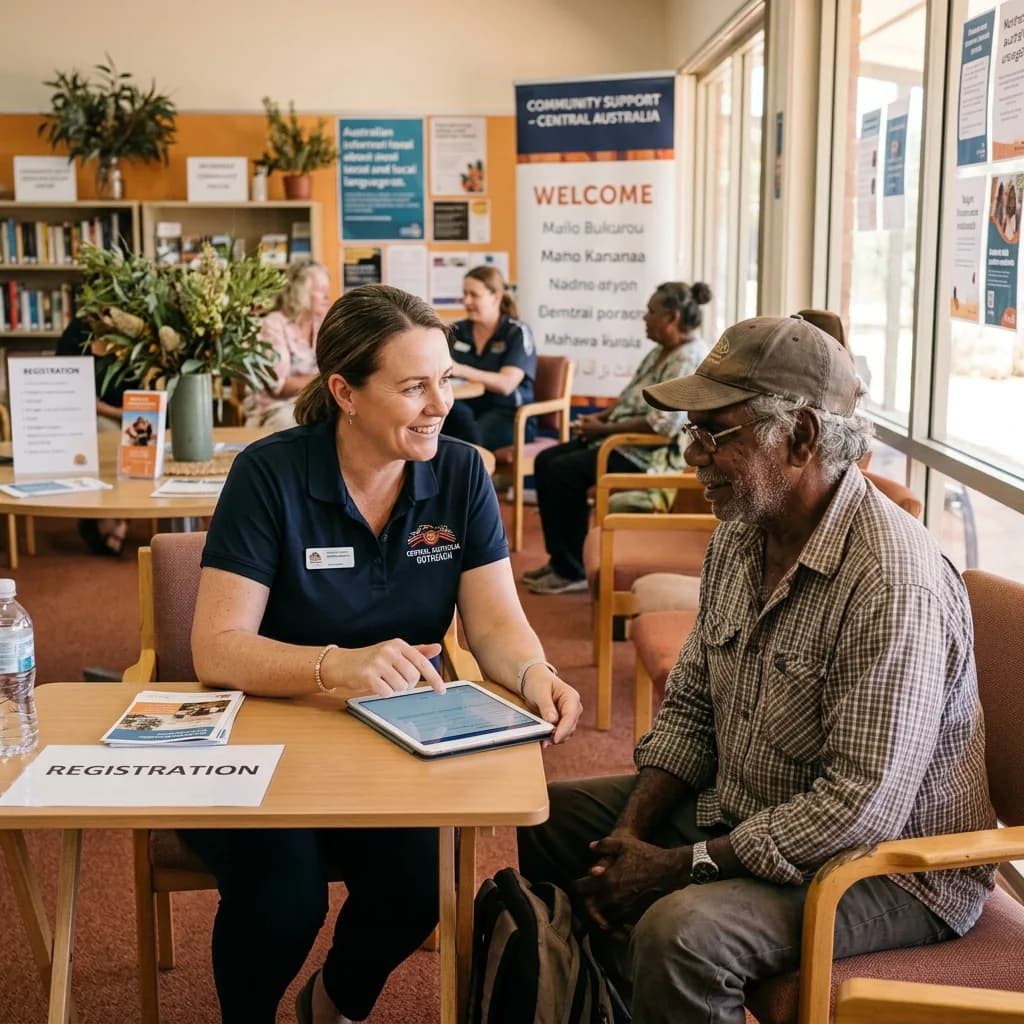
An organisation adds a funded programme and several part-time staff. Rather than buying equipment first, map the work: who needs access, where they will be based and what should happen to accounts and devices when the programme finishes.
| Decision | What it means in practice |
|---|---|
| Reuse | Suitable equipment and existing tools before committing to replacements. |
| Prioritise | Changes that address immediate service-delivery, access or recovery gaps. |
| Plan the lifecycle | Account ownership, equipment handover and costs beyond the initial setup. |
From plan to handover
Work around the business. Bring the details together.
- 01
Understand the work
Discuss programmes, locations, staff and volunteers with the people coordinating delivery.
- 02
Set realistic priorities
Separate urgent issues from improvements that can be staged around budget and capacity.
- 03
Make changes manageable
Introduce tools and access arrangements at a pace the team can absorb.
- 04
Leave a clear handover
Document accounts, equipment, responsibilities and the support process so knowledge is not held by one person.
Keeping work moving
Plan for the interruption. Not just the installation.
A smooth working day depends on preparation, clear responsibilities and a usable response when something goes wrong. These are part of the service conversation from the start.
Avoid a single-person dependency
Keep essential account ownership and supplier records accessible to authorised organisational staff.
Plan beyond setup
Consider ongoing licences, support and replacement needs before committing a programme budget to new equipment.
Close the loop on departures
Remove access, recover devices and hand over shared work when staff or volunteers finish.
Beyond handover
Keep checking the things that matter.
Agree what to review against your starting position and service scope. Useful measures should reflect the work your team is trying to do, with changes prioritised together.
- Time spent repeating access and setup tasks
- Completion of volunteer and staff handovers
- Equipment suitability and upcoming renewals
- Progress against the agreed improvement priorities
Review findings can inform the next change, a supplier conversation or a decision to leave a working system alone. The aim is a maintained environment that keeps pace with your organisation.
Before you decide
A few useful answers.
Can we use not-for-profit software offers?
Eligibility, products and terms vary by provider. We can help review your current licensing and available options before you make a purchasing decision.
Can we improve things in stages?
Yes. Start by identifying the most consequential gaps and agreeing a realistic sequence. A useful plan should show what can wait as well as what needs attention now.
For the next conversation
Bring your team into the plan.
Download the industry solutions portfolio, including capability details, practical examples and delivery considerations. Share it with your team to discuss priorities, existing suppliers and your next steps.
Download solutions PDF