Connected Content Platform
Connect The Content Your Business Already Uses.
Display menus, dashboards, announcements, schedules, promotions and live business content across your screens using connected tools and content integrations within Lumina CMS.
C9 LuminaDesigned. Installed. Managed.
Flexible Ecosystem
Popular Content Tools For Modern Signage.
Lumina CMS helps businesses bring everyday content into their screen network without making updates harder than they need to be.
Google Slides
Display presentations, announcements and branded messaging.
Setup Guide
Canva
Use branded campaign visuals, offers and promotional content across your displays.
Setup Guide
Google Sheets
Keep menus, schedules, pricing and live information easier to update.
Setup Guide
Power BI
Show dashboards, KPIs and operational reporting screens.
Setup Guide
YouTube & Video
Run promotional videos, brand loops and campaign content.
Setup Guide
Social Media Feeds
Display social content, updates and community activity.
Setup Guide
Weather & Live Info
Show useful live information for venues, hospitality and public-facing spaces.
Setup Guide
Website & Embed
Display live webpages, booking pages, notices and online information.
Setup Guide
Practical Displays
Designed Around The Content Businesses Actually Need.
Restaurant Menus
Show real-time pricing and digital specials boards.
Retail Promotions
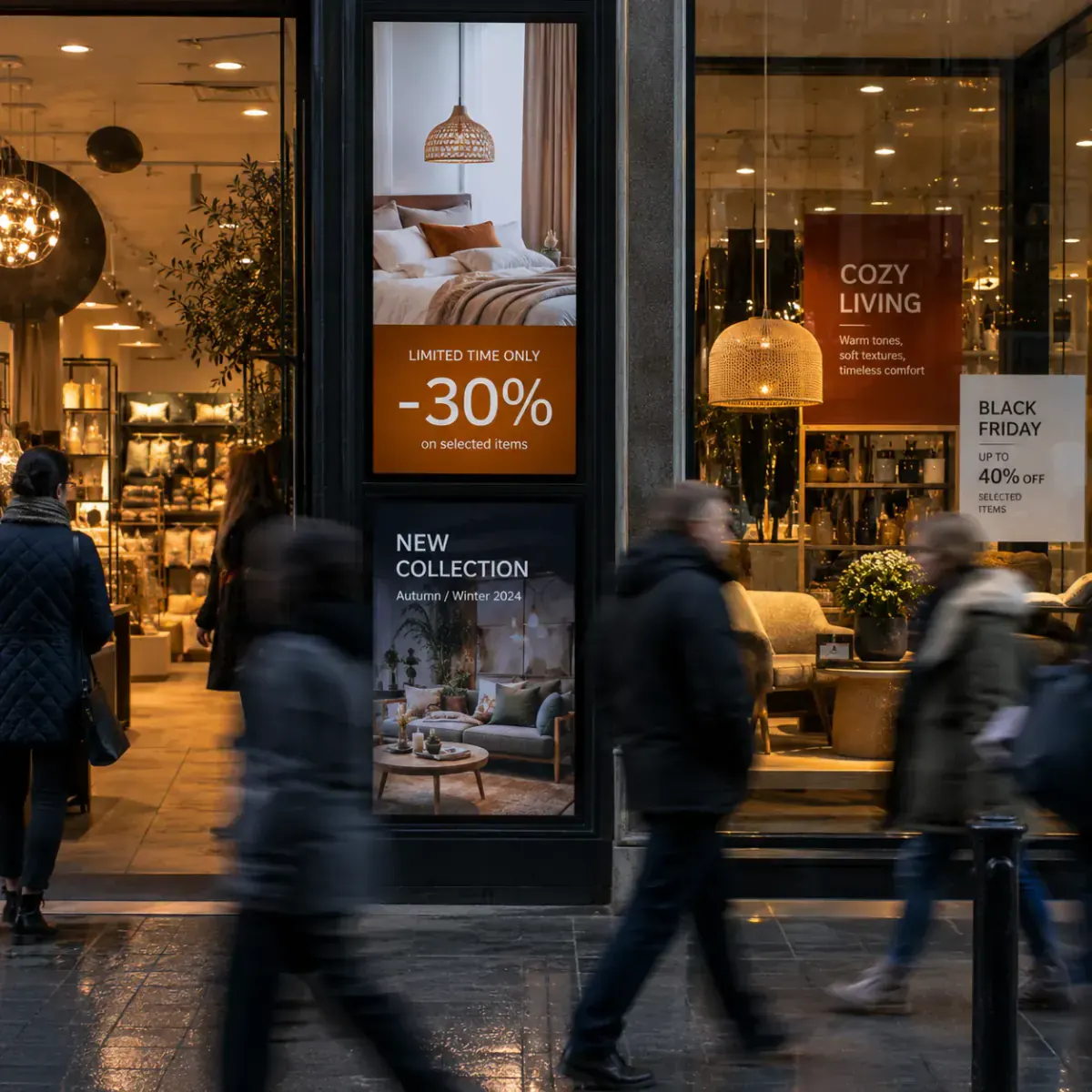
Push campaigns, sales, and catalog announcements.
Event Schedules
Display timetables, room assignments, and schedules.
Real Estate Listings
Feature high-end property windows and open houses.
KPI Dashboards
Share operations data, metrics, and team achievements.
Staff Communication
Engage employees with announcements and internal news.
Campus Announcements
Guide students and update campus bulletin boards.
Venue Promotions
Drive food, beverage, and member registration offers.
Not sure what your screens should display?
Talk to C9 Lumina and we’ll help map the right content workflow, panels, and integration strategies tailored for your business footprint.
Instant Updates
Keep Displays Updated Without Manual Rework.
Connect dynamic content sources so information can stay current across your screens without updating every display manually.
Menu updates
Price changes
Timetable updates
Live dashboards
Event schedules
Promotional campaigns
Multi-location content updates
Dynamic Live-Sync Simulator
Click Update below to simulate a live pricing change sync
Live Google Sheet
ItemPriceSync
Flat White$4.50Live
Smashed Avocado$18.50Live
Special: Acai Bowl$14.00Active
Melbourne Cafe Panel 02
Today's Specials
Flat White$4.50
Smashed Avocado$18.50
Special: Acai Bowl$14.00
Lumina CMS Sync Player v2.4100% Cached Uptime
How this works: When managers update pricing in their core Google Sheet, Lumina CMS automatically fetches, parses, and pushes the changes to media players nationwide. Display boards download the updates in the background, ensuring zero screen flicker or network interruptions.
Knowledge Base
Need Help Setting Up Content?
Browse guides for playlists, integrations, screen content, scheduling and troubleshooting.
Getting Started
Getting Started with Lumina CMS
3 min readRead Guide
Connecting Content Sources
How to Connect Google Slides to Your Screens
4 min readRead Guide
Connecting Content Sources
Setting Up Canva Auto-Publishing
5 min readRead Guide
Dynamic Content
Syncing Live Google Sheets with Price Boards
6 min readRead Guide
Playlists & Scheduling
Scheduling Playlists & Time-Of-Day Campaigns
5 min readRead Guide
Managing Screens
Creating Multi-Location Device Groups
4 min readRead Guide
Connecting Content Sources
Power BI Dashboard Calibration Checklist
7 min readRead Guide
Troubleshooting
Troubleshooting Live Webpage Rendering
4 min readRead Guide
User Permissions
Role Permissions & Access Control Models
3 min readRead Guide
Can't find what you need?
Our technical support desk is available to assist C9 Lumina contract clients 24/7.
Get Started TodayLet's Simplify Your
Let's Simplify Your
Signage Workflow.
Talk to C9 Lumina about content management, screen control and connected signage experiences for your business.
Get a Proposal
Submit a Ticket or Inquire
LUMINA CONSULTATION
Let’s Talk About Your Signage Requirements.
Tell us about your business, locations and display goals. We’ll help recommend the right Digital Signages setup for your environment.
ESTIMATED PROPOSAL ROADMAP
Target Scale:5 Screens
Support Tier:Starter Network
Territory Center:NSW (Sydney)
Telemetry SLA Support:Included (24/7/365)
SLA Response dispatch:3-4 Hour Metro Response
Estimates are finalized following site audit surveys and structural verification by a verified installer.